Improving the sound
How do I remove background noise?
Turn on the AI Noise Remover. It strips hiss, hum and room noise from the voice while leaving music and sound effects alone, and it has four settings — Off, Subtle, Medium, Strong — so you can control how hard it works.
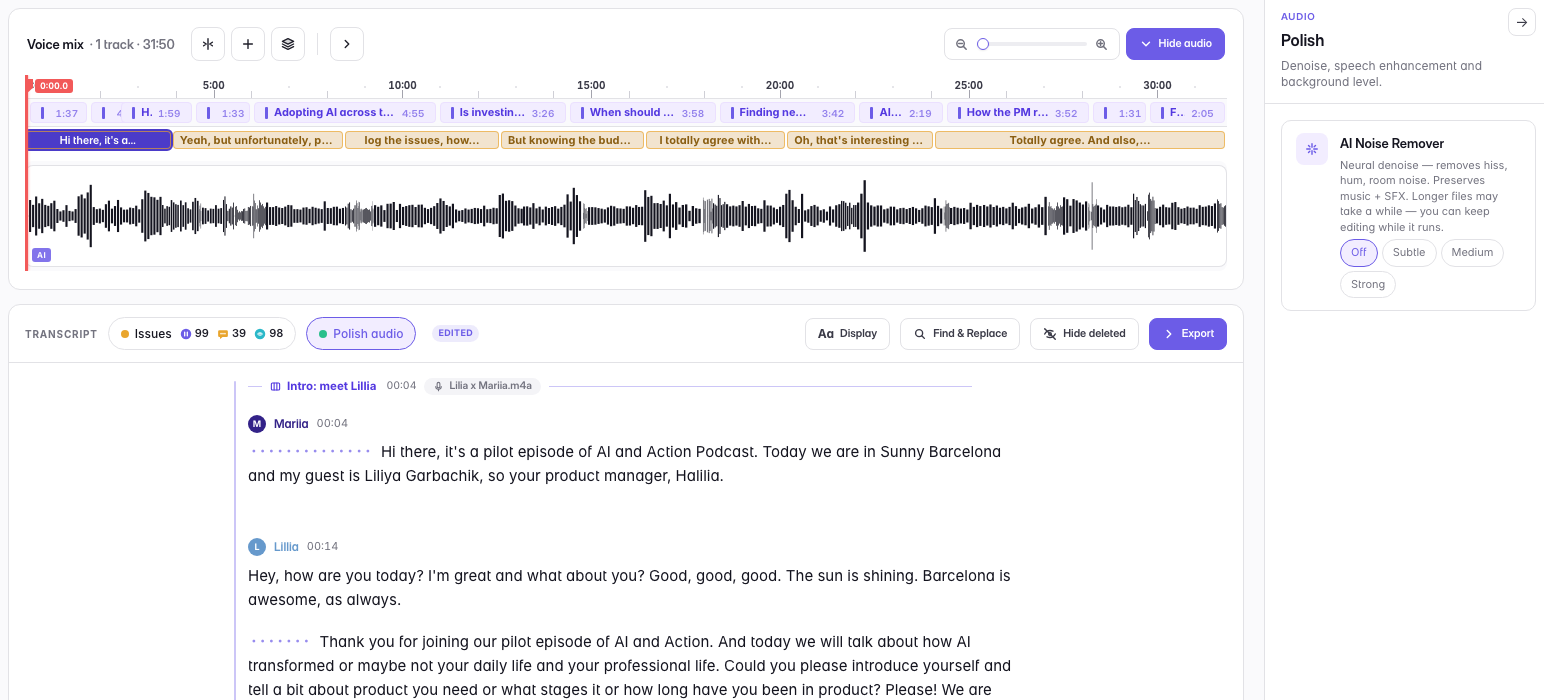
Start at Subtle and go up only if you still hear the noise. The instinct is to reach for Strong immediately; resist it. Heavy noise reduction is what makes a voice sound processed and hollow, and once you have heard that in your own recording you cannot un-hear it.
It takes seconds per file, and you can keep editing while it runs. It is one of two polish modes — the other, Enhance voice, is the deep pass — and only one can be active at a time, because they are the same cleanup at different depths.
Noise removal costs no credits, on any plan.
Last updated