Getting started
How do I get my audio into Cast?
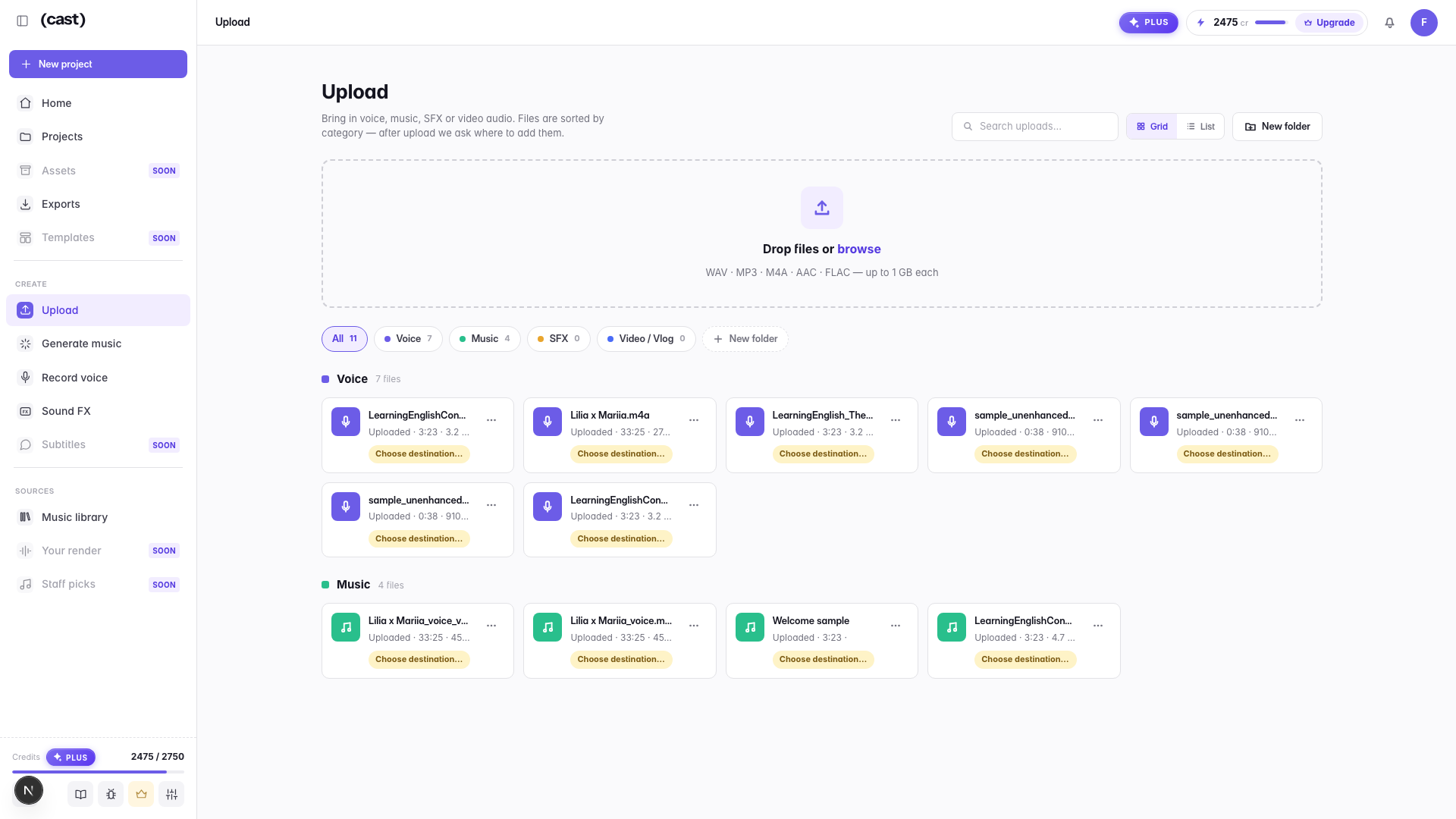
Upload a file or record straight in the browser — files up to 1 GB and 2 hours each on paid plans, 200 MB and 60 minutes on Free. Either way transcription starts automatically as soon as the audio lands, so you can begin editing by text without asking for anything.
Supported audio formats are MP3, WAV, M4A, AAC, OGG and FLAC — with one plan gate: on Free, lossless files (WAV and FLAC) are held for paid plans, so bring MP3 or M4A. Video files are rejected: Cast is audio-first on purpose — there is no video timeline to get lost in — so bring the audio track. That is what the Video category on the Upload page is for: the audio of a vlog or video, not the video itself.
The per-file caps scale with the plan — 200 MB and 60 minutes per file on Free, 1 GB and 2 hours on paid — and on top of that sits the monthly allowance below.
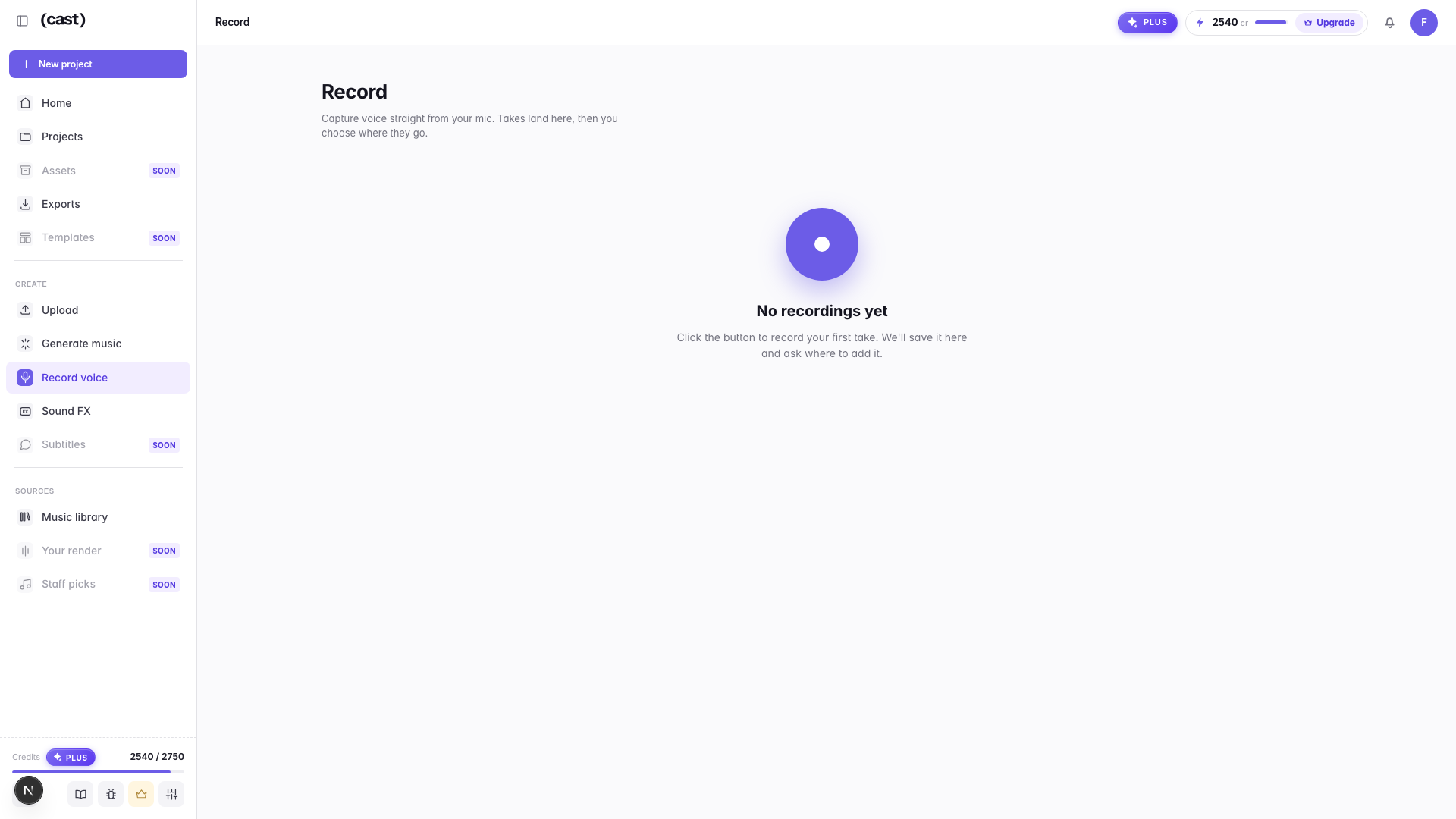
Browser recording captures one microphone at a time. Cast does not record several USB mics simultaneously — if you are recording two people, record them separately and upload both files.
Upload a file
Drop it, or bring a whole folder. WAV, MP3, M4A, AAC, FLAC (OGG works too), up to 1 GB per file on paid plans — and transcription starts on its own once it lands.
Record in the browser
One button, straight from your mic. Takes land on the Record page, then you choose where they go — or record onto the voice lane in the Studio.
Last updated