Getting started
Which editor do I use — Voice or Studio?
Use the Voice Editor for anything about what was said: filler words, pauses, wording, speakers, chapters. Use the Studio for anything about how the episode sounds: music, sound effects, ducking, effects, export.
The Voice Editor shows you words, not a waveform. The Studio shows you a timeline of clips and lanes.
Your edits carry over. Clean up the speech first, then move to the mix — every cut you made is already applied to the voice clip you find there.
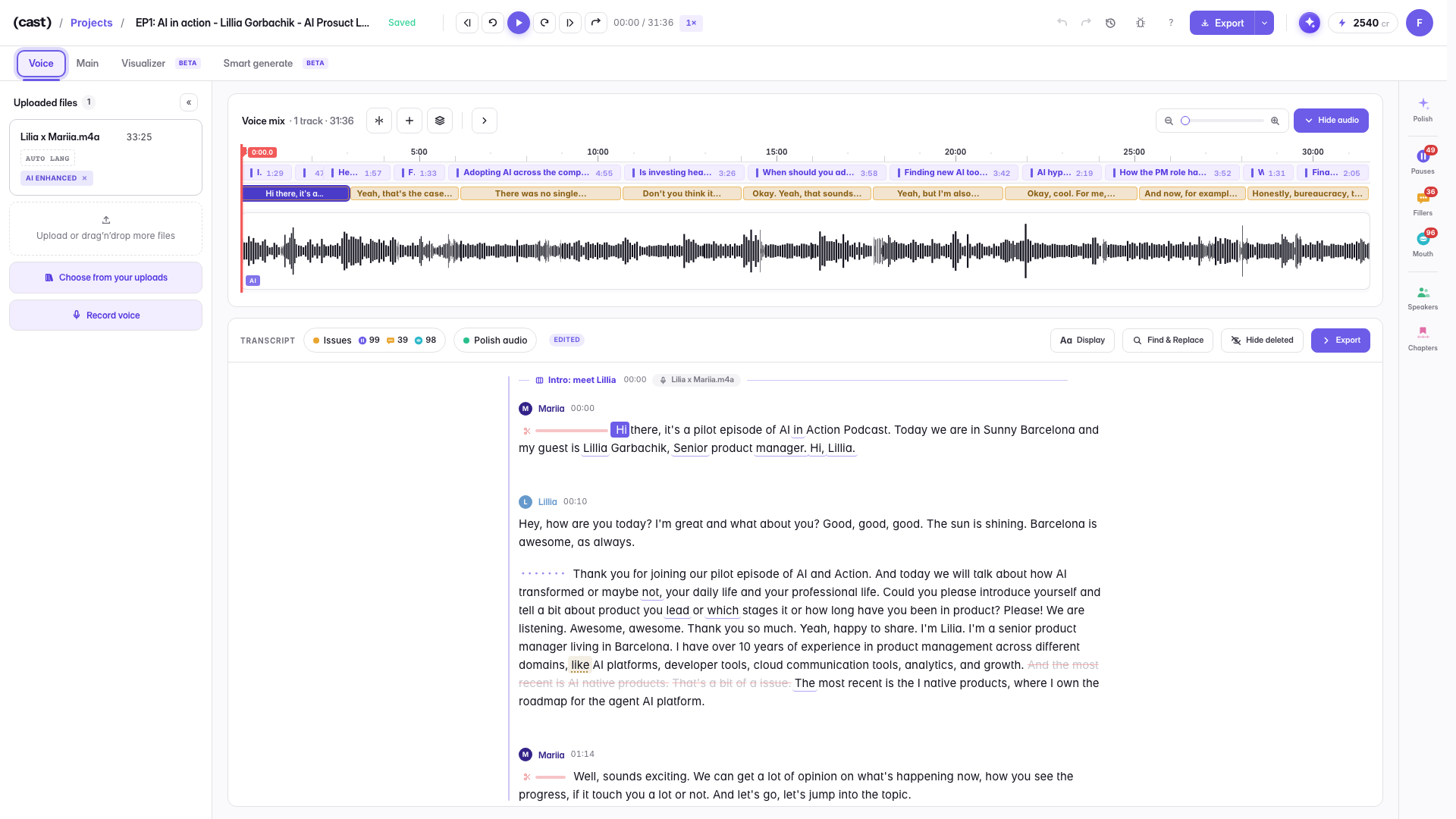
Voice Editor — what was said
The transcript is the interface: filler words, pauses, wording, speakers, chapters. The audio sits above as a thin strip you rarely touch.
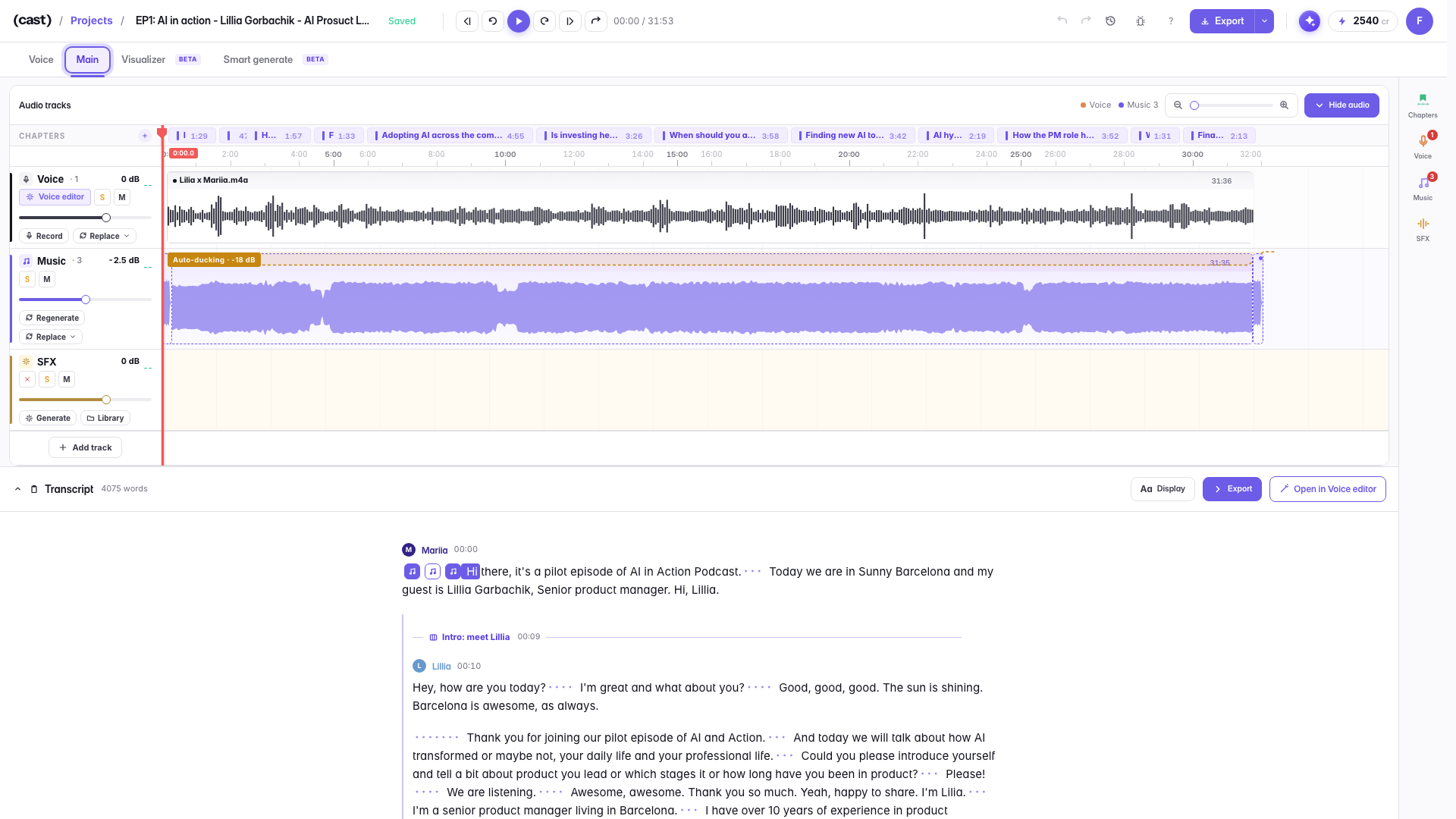
Studio — how it sounds
The same project, one tab over: lanes and clips. Voice on one lane, music ducking under it, sound effects and export — the mix.
Last updated