Exporting and publishing
How do I export stems or individual tracks?
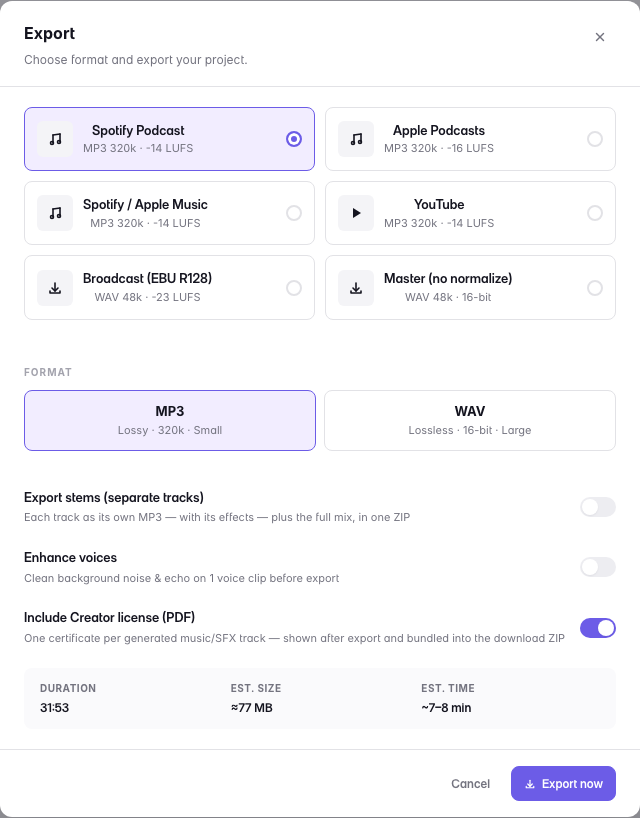
Turn on stems in the export dialog and you get a ZIP of the separate parts of the mix alongside the full episode. Available on Max.
The music arrives as stems, not a flattened bake — so an engineer or a DAW picks up exactly where you left off, and you are never locked in.
Last updated