Exporting and publishing
How do I export my episode as an MP3 or WAV?
Open Export, pick the platform you are publishing to, and choose MP3 or WAV. Cast renders the mix and normalizes it to that platform's loudness. Exporting costs no credits — on any plan, however many times you do it. Free exports are capped at 10 minutes per episode; Lite and up export full length. Beyond that, what changes with your plan is the quality you can reach, not what you can do.
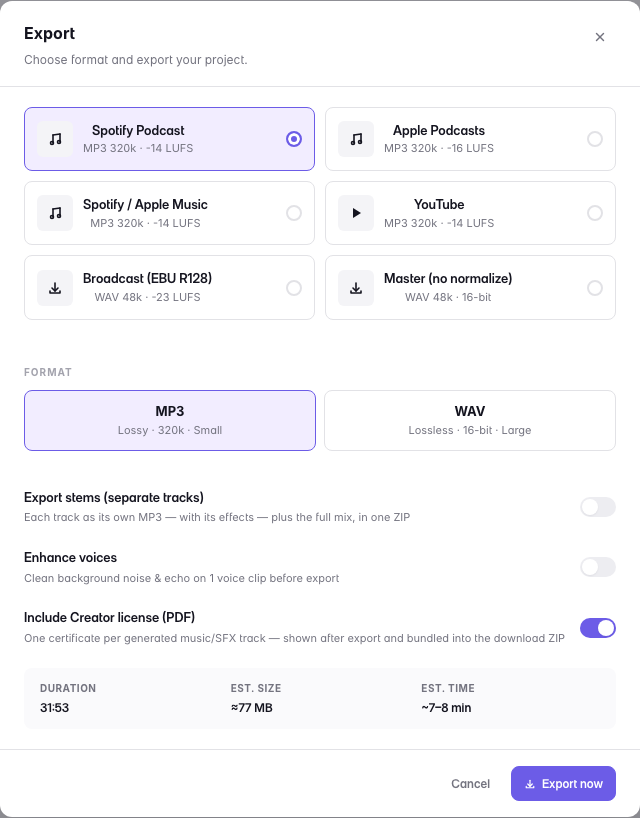
MP3 is compressed and is what you publish: it is a fraction of the size and every podcast platform re-encodes it anyway. WAV is uncompressed and is what you hand to someone else who will do more work on the audio — a mastering engineer, a video editor, an archive.
If the episode uses music you generated on a licensed plan, the export carries its license record with it — see Is the music licensed for commercial use?
Last updated