Account and limits
Where do I find the keyboard shortcuts?
Press ? in either editor and the shortcut sheet opens, showing the keys for the editor you are actually in — they differ between the Voice Editor and the Studio.
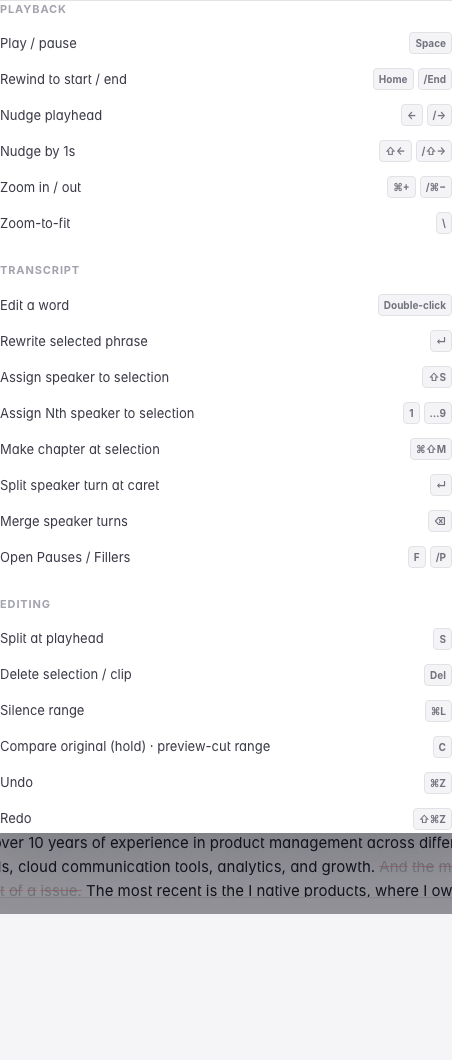
The ones worth learning first are the ones you will use on every episode: Space to play and pause, ⌘Z to undo, and in the transcript, Enter to split a paragraph and ⇧S to assign a speaker.
The Studio sheet
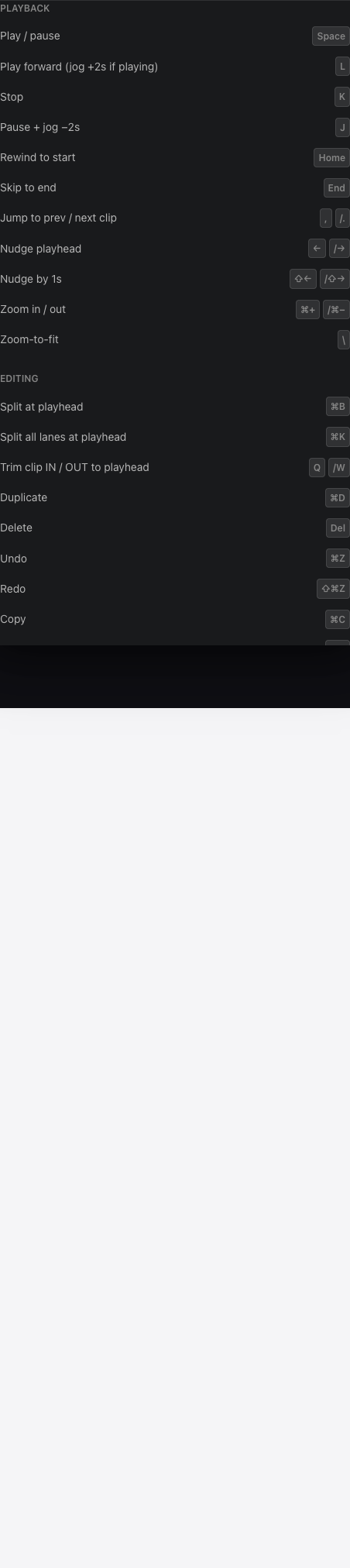
The same ? key in the Studio opens a different list — the one for lanes, clips and the playhead.
Last updated