Improving the sound
Can I change the character of a voice?
Yes. Voice presets on the voice lane (in the Studio inspector) give it a character in one click — Natural, Radio, Intimate or Interview — and apply to every clip on that lane, including recordings you add later.
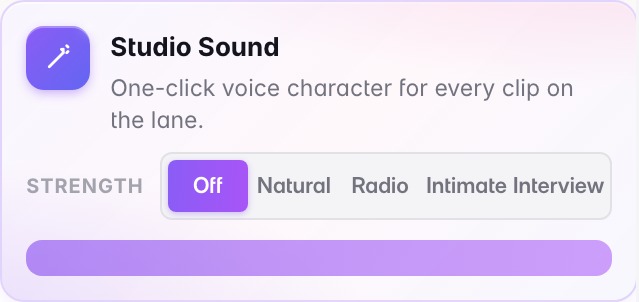
Presets are the intended way in. Use them for how the voice should sound; use the Noise Remover and Enhancer for fixing a recording that is genuinely damaged.
Last updated