Mixing
How does the timeline work?
The Studio is lane-based: voice on one lane, music and sound effects on others. Clips can be dragged, split, trimmed and replaced, and your chapters run along the top.
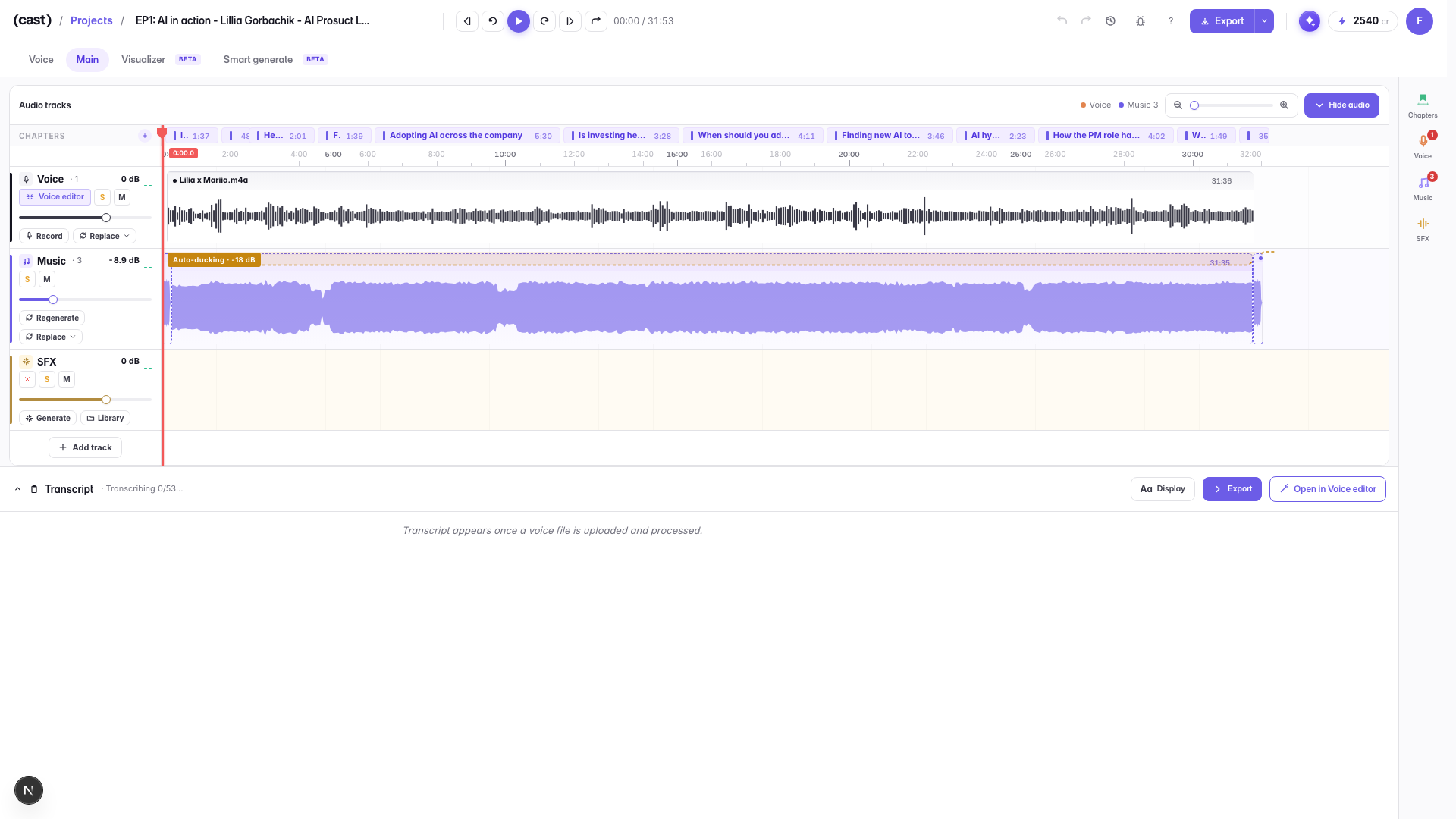
Edits from the Voice Editor are already applied here — the voice clip you see is the cleaned-up one, not the raw recording.
To swap a clip's audio without rebuilding the arrangement, use Replace on the lane head: you can replace it from the Library, from a file you upload, or by regenerating it.
Last updated