Improving the sound
How do I make my voice sound more "studio"?
Turn on Enhance voice. It separates your voice from the background, removes the noise and brings it to a consistent studio loudness — at Subtle, Medium or Strong. Budget roughly two minutes of processing per ten minutes of audio.
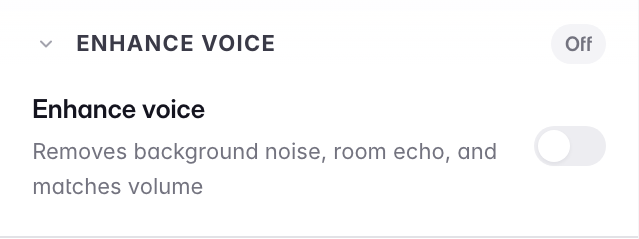
The difference from plain noise removal: the Noise Remover is fast and only takes noise away, while this rebuilds the sound — it lifts the voice away from the background first, cleans it, then fixes the level, so a voice that drifts between loud and quiet comes back even. That levelling is usually what people actually mean when they say a recording sounds amateur. It is the slower of the two for that reason: seconds, versus about two minutes for every ten minutes of audio.
You can run one polish at a time, not both. That is deliberate: Enhance voice already contains the noise removal inside it, and running the same cleanup twice is exactly what produces a robotic voice. Picking one switches the other off; nothing is lost either way, because your original recording is untouched.
The Export toggle is not a second feature: it is the same enhancement applied in bulk, and it knows what you have already done — it will tell you "already applied to 2 of 3 clips" and only clean the rest.
It is not destructive. Turn it off and you are back to your untouched recording — so it is safe to try at each strength and compare.
Last updated