Improving the sound
The AI cleanup made my voice sound robotic — how do I fix it?
Lower the strength. Robotic, hollow or underwater artifacts are the signature of noise reduction working too hard — drop from Strong to Medium or Subtle and the voice comes back. Nothing is lost by doing this: your original recording is untouched and the setting is reversible.
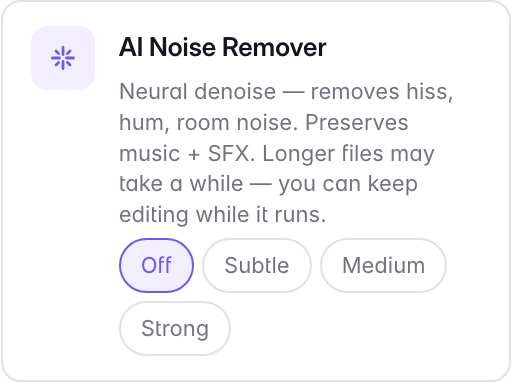
This is a real trade-off, not a bug, and it applies to AI denoising in general. Removing noise means deciding which parts of the signal are noise, and the more aggressive that decision, the more of the voice goes with it. A little audible room tone almost always sounds better than a voice with the life processed out of it.
If Subtle still sounds processed, turn the cleanup off entirely and judge the raw recording. A quiet, clean-sounding room may not need it at all.
Last updated