Getting started
Where do I start?
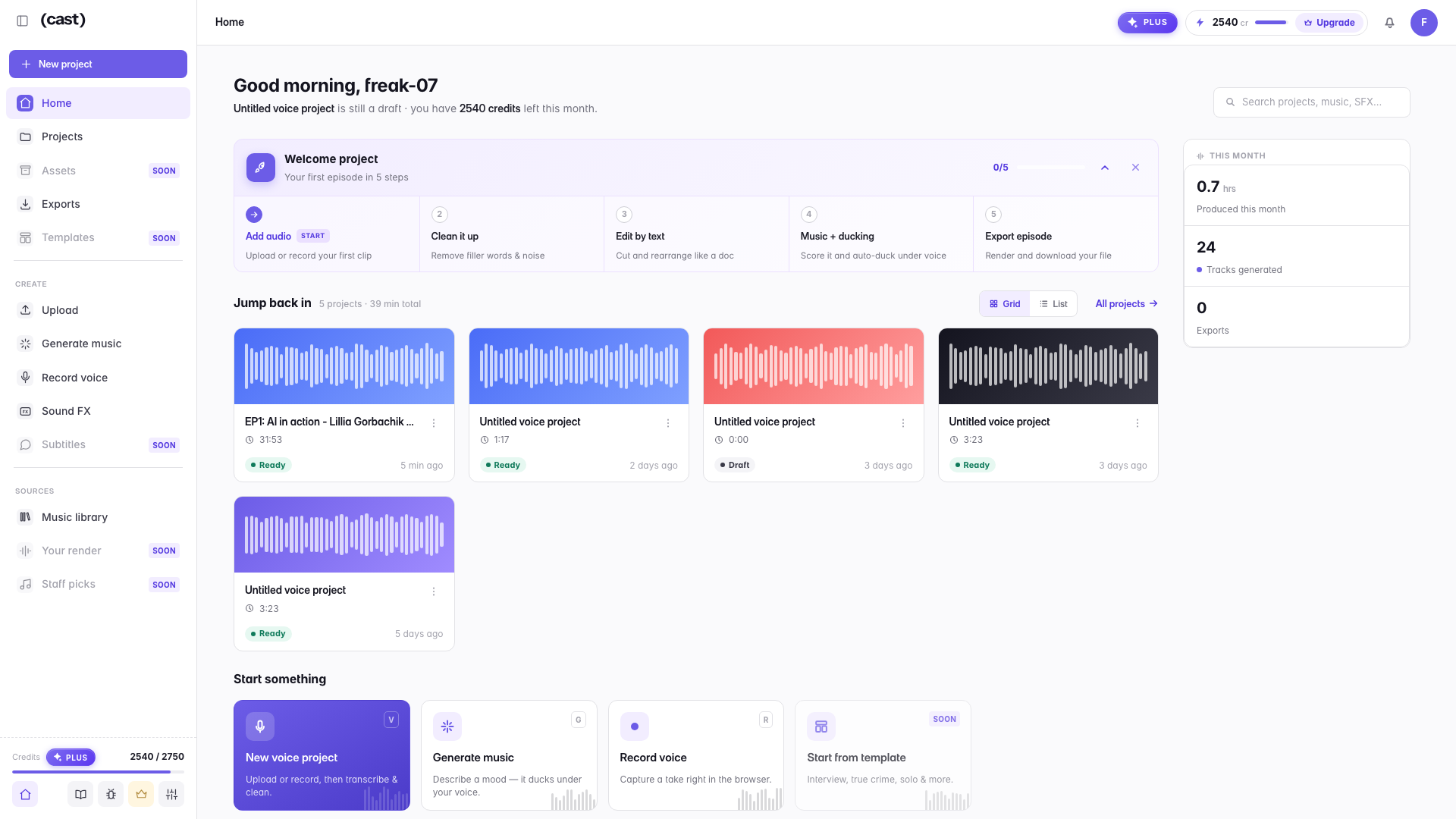
Sign-up asks one question — what you are making — and then asks for an episode: drop a file and Cast plays you 30 seconds of it finished before you ever see the editor. After that, Home walks you through the whole path in five steps on a preloaded sample episode: clean it up, edit by text, add music that ducks, export.
The order is deliberate: the result comes before the tour. You hear the first pass on your own recording, and only then decide whether to keep it, fine-tune it, or take over by hand.
The five steps are not a tutorial to read; each one is a button that takes you to the right place with the right thing highlighted. Finish them once and you have shipped a real episode.
Step by step: your first episode
The Welcome project card tracks you through the whole path: sample episode → clean it up → edit by text → music + ducking → export episode. Below it, quick-start cards open the same entrances directly: Edit voice, Mix an episode and Record voice.
Or just hit New project
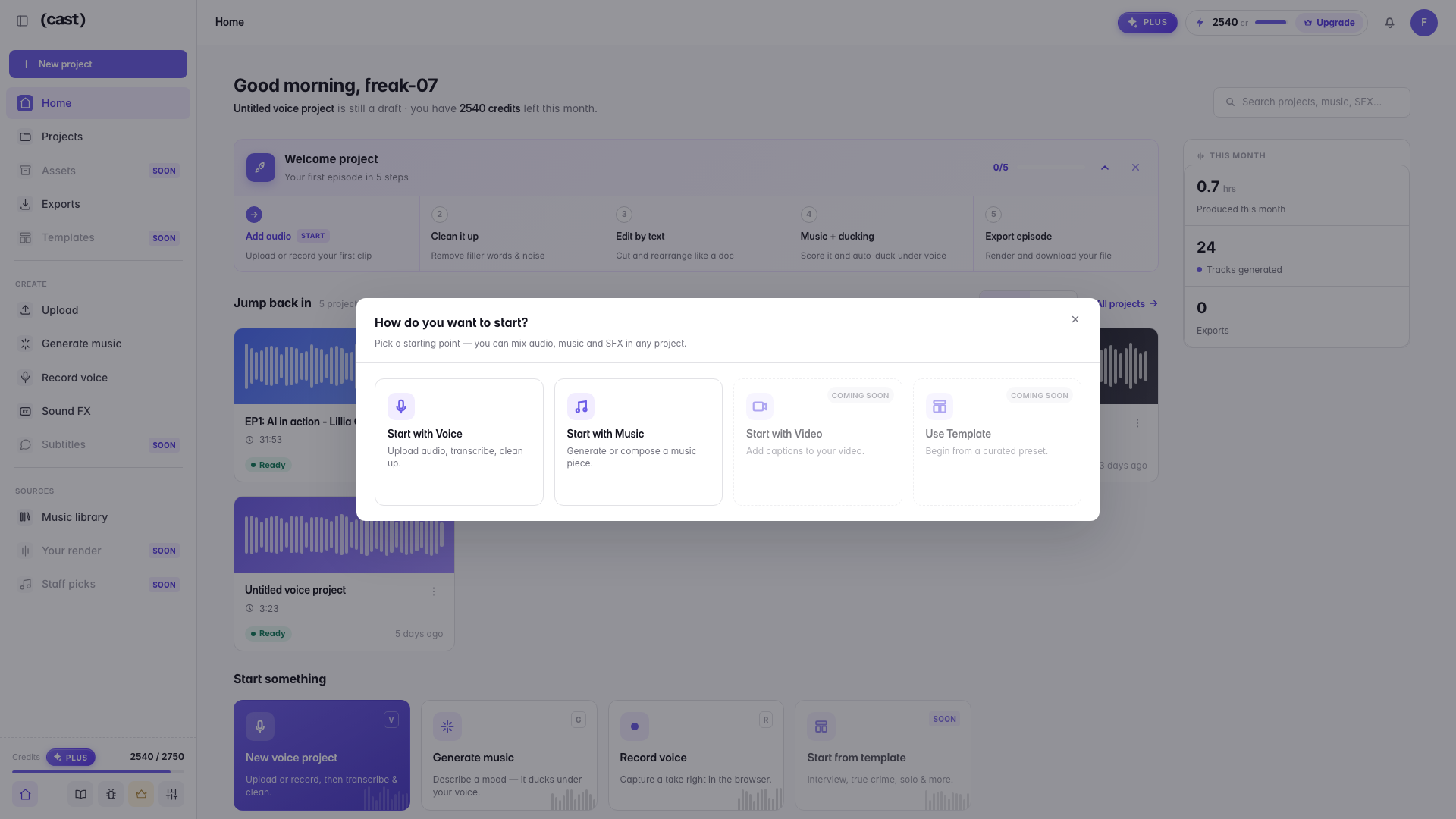
One question — how do you want to start? — and two live answers: with your voice, or with music. Video and templates are on their way.
Last updated