Improving the sound
Can I use EQ and compression?
Yes — an equaliser, compressor, reverb and de-esser can be added per lane, in the Track effects section of the inspector. The rack belongs to the lane, so it applies to every clip on it; you can open it from the lane or from any clip on that lane.
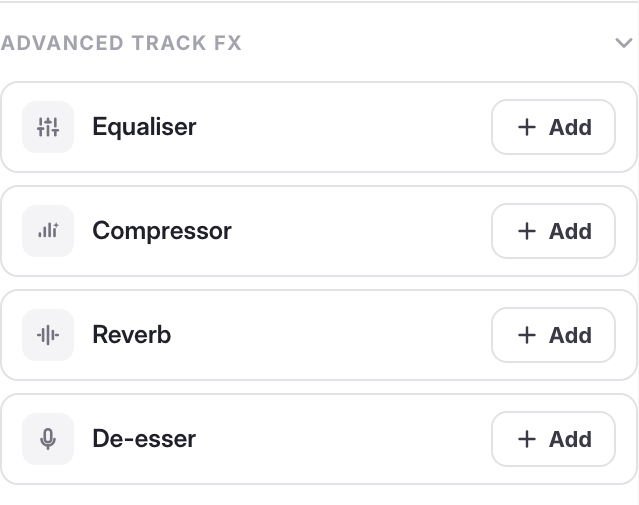
Track effects are collapsed by default on purpose: most episodes need "make this voice sound better", which is a preset, not a parametric EQ. Reach for these when you know exactly what you want to change.
What a single clip carries on its own is Enhance voice, gain and fades; voice presets and track effects are lane settings shown in the clip inspector for convenience.
For a recording with real problems — noise, uneven level — the Noise Remover and Speech Enhancer will get you further than an EQ will.
Last updated