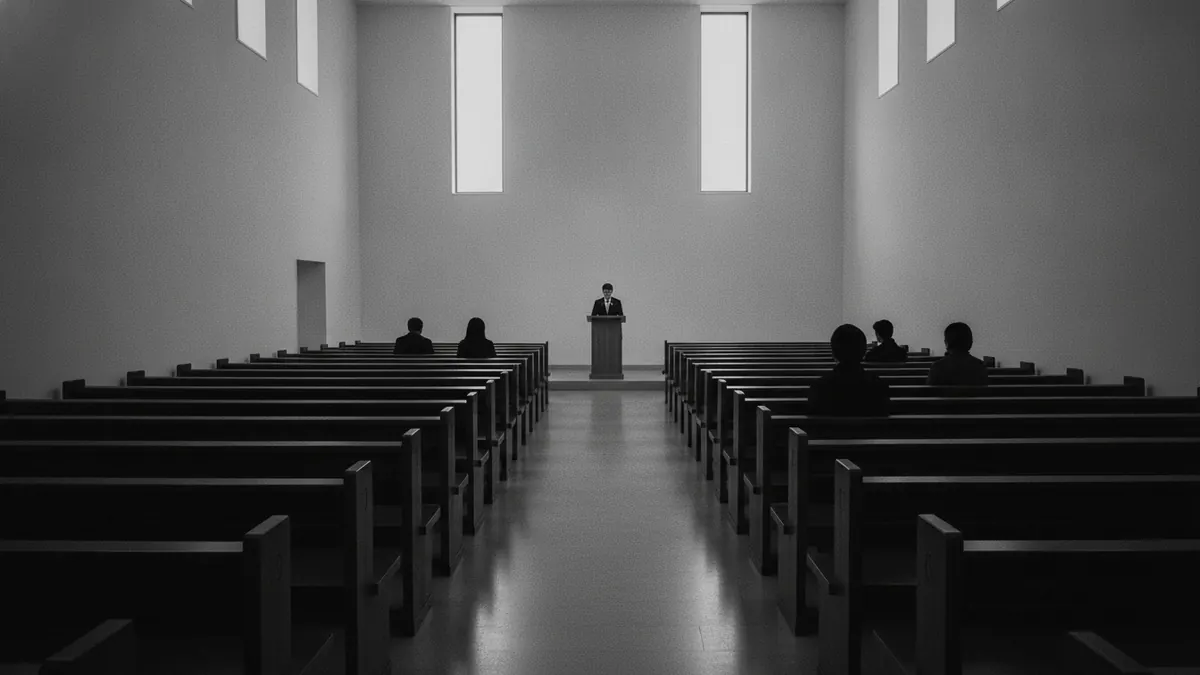
( For churches )

Sunday’s sermon, a podcast by Monday

The volunteer who edits the sermon has an hour, not a DAW. Pick the Sermon template’s Sunday service format and Cast puts music on the edges only — an intro before the first word, an outro after the last — levels a voice recorded from the pulpit, and shortens the long gaps a live room leaves.

Last updated

Hear it: Sermon · Sunday service

  • Music on the edges
  • 70 BPM
  • Levelled voice
  • Trims long pauses
Listen for

Recording: Sermon: D. L. Moody, Sowing and Reaping — read by Jeremy Sherwood for LibriVox (public domain). Source

Your first preview is free: a short piece (up to 30 s) of your episode with this template · after that {preview} credits a preview · the whole episode from Lite: {credits} credits per started {block} min + music

Four formats, one template

Sunday service: a live recording, music only on the edges, a levelled voice. Pastor’s podcast: a studio sermon with intro and outro and a radio voice. Daily devotional: a short reading over a quiet bed. Guided prayer: prayer over a soft, continuous bed with its pauses kept.

In service and studio, silence under the preaching stays silence: the intro fades under the first words and the outro starts half a second after the last. Pauses over 2 seconds are shortened, so a breath for the room does not become dead air in the earbuds.

  • Music on the edges
  • Levelled voice
  • Trims long pauses
  • Four sermon formats

What it does not do

Cast does not remove room echo — a recording made far from the pulpit mic stays roomy. It does not stream, host or publish: you export the file and upload it to your podcast host or website.

Free: hear 30 seconds of it. Lite and up: the whole message.

On Free, upload the recording and First Pass plays 30 seconds of it finished with the format you picked — music, voice sound and pauses handled. Enough to hear it on your own pastor’s voice before anyone pays.

From Lite ($9.99 a month), First Pass applies the format to the whole recording and composes its music. Every setting is an ordinary editor setting you can change. The commercial music licence comes with Plus and Max; a church that publishes on its own channels should check it covers their use.

FAQ

01How do I start from a template?

Open Templates in the sidebar and pick Guided meditation, Sleep story, Sermon, Solo podcast or Affirmations. One window walks you through it: hear an episode made with the template, choose Full episode or Music only with the price on each, drop your recording in the same window and press OK. Cast transcribes it, composes the template’s music and cleans the voice while you wait — then shows what changed and where to keep working: Voice, Studio or Visualizer.

Read more →
02Can Cast publish the podcast for us?

Cast finishes the episode; your host distributes it. Cast is deliberately host-agnostic — no RSS, no lock-in — and the file it hands you is already normalized to the target platform's loudness, so it drops into any podcast host without a re-master.

Read more →
03Can we use the music commercially?

Yes — music you generate in Cast comes with a commercial license on Plus and Max, and every export made on those plans carries its own license record. Free music is only free until a platform, a client or a rights holder asks where it came from; here you have a license record on file to show where the music came from. (Free and Lite have no commercial license, and music you upload yourself is yours to clear.)

Read more →