



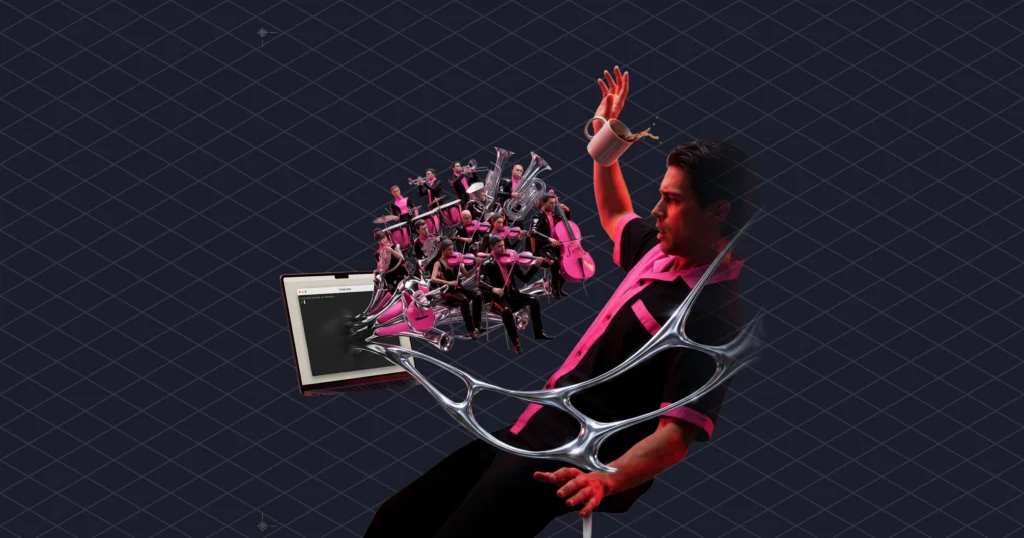
Claude music generation runs through a Model Context Protocol server. You add one URL to Claude Code, Cursor or Claude Desktop, and the agent can generate, edit and stream licensed tracks through 21 tools. Here that server is the Mubert MCP server, and nine of its tools spend no quota at all. This post is for developers and product teams who want Claude to generate music for a demo, a prototype or a build pipeline before anyone writes an integration. It covers setup for each client, the order of calls that keeps quota from leaking, and the parts that will annoy you.
First, what MCP is. It’s the open standard Anthropic announced in November 2024 for connecting AI tools to outside systems. A server exposes tools, and a client (Claude, Cursor, an IDE agent) calls them. Claude handles the request, and the server handles the actual music generation. Nobody, at any point, asks the language model to hum.
Some of you got here by searching for a Suno MCP or a Suno API for Claude. While writing this we went through Suno’s own pages and found no public, documented API reference you could wire up, so we can’t give you setup steps for it. For Claude music generation today, the route in this post is the one with documentation. If you use Suno the normal way, our breakdown of what its paid plans let you sell is the one to read. Anyway.
Claude music generation starts with one URL and a browser tab
In Claude Code, connecting takes one command. Other clients need a few lines of JSON. Here is the Claude Code version, from the MCP server page:
claude mcp add --transport http mubert-music https://mcp.mubert.com/mcpThen run /mcp inside Claude Code and follow the browser login. Claude Code’s docs say this is how it handles OAuth for remote servers, and they recommend HTTP as the transport for them. The page that opens is ours. You can paste the company id and license token from your confirmation email. Or you can pick a plan and pay first, and the credentials arrive by email for you to paste on the same page.
After that, the client holds its own token. Every later music generation request from Claude rides on that token, while your license token stays on the server, which is where you want anything that can spend your quota.
Claude Desktop, Cursor and any other client that takes a JSON config get this:
{
  "mcpServers": {
    "mubert-music": {
      "type": "http",
      "url": "https://mcp.mubert.com/mcp"
    }
  }
}
Cursor’s MCP docs say this goes in .cursor/mcp.json for one project or ~/.cursor/mcp.json for all of them. Cursor also runs the OAuth sign-in with PKCE on its own. In Claude Code, --scope project writes a .mcp.json your team can commit, and Claude Code asks each person to approve a project server before using it.
“Streamable HTTP” is just the current MCP transport: one endpoint that accepts POST and GET. It replaced the older HTTP+SSE setup. You don’t have to do anything about it.
Headless setups send the licence as two headers
CI jobs, backends and anything else without a browser skip OAuth and send the credentials as headers:
claude mcp add --transport http mubert-music https://mcp.mubert.com/mcp \
  --header "Authorization: Bearer LICENSE_TOKEN" \
  --header "X-Mubert-Company-Id: COMPANY_ID"
This matters more than it looks. Claude Code cannot run the OAuth flow in claude -p or Agent SDK runs. So any pipeline that runs Claude music generation without a person watching needs the header version. The server then provisions its own end-user customer, and there is nothing else to get. If the config lives in a committed .mcp.json, Claude Code expands ${VAR} in headers, so the token can stay in your secrets store and out of git.
One optional header bites:
--header "X-Mubert-Client-Key: YOUR_STABLE_ID"The client key decides which customer the installation runs under. Every new value provisions a customer and uses a seat. Generate a fresh UUID on every container start and you will learn what a seat is the slow, itemised way. So pick one stable value per environment and put a comment above it, in capitals if your linter allows.
Nine free tools come before any paid call
Nine of the 21 tools only read and spend nothing. The four generation tools cost one track per call, and the four streaming tools spend streaming seconds, according to the API docs. So a cheap Claude music generation session reads first and spends last.
Start with get_capabilities. It reports what your license allows (bitrates, formats, modes, max duration) and how much quota is left. Those values are set per license, so neither you nor Claude can guess them.
Next comes search_library, which is free. Only then does Claude move on to music generation.
When you do generate, use a playlist_index rather than a text prompt where you can. The index is a channel address in category.group.channel form. In the docs’ example, 3.0.0 is Calm, Ambient, Meditation, and each channel lists the BPM range and keys it supports. Drop the trailing digits and several channels get blended together. You can read the whole map from the playlists resource or call list_playlists.
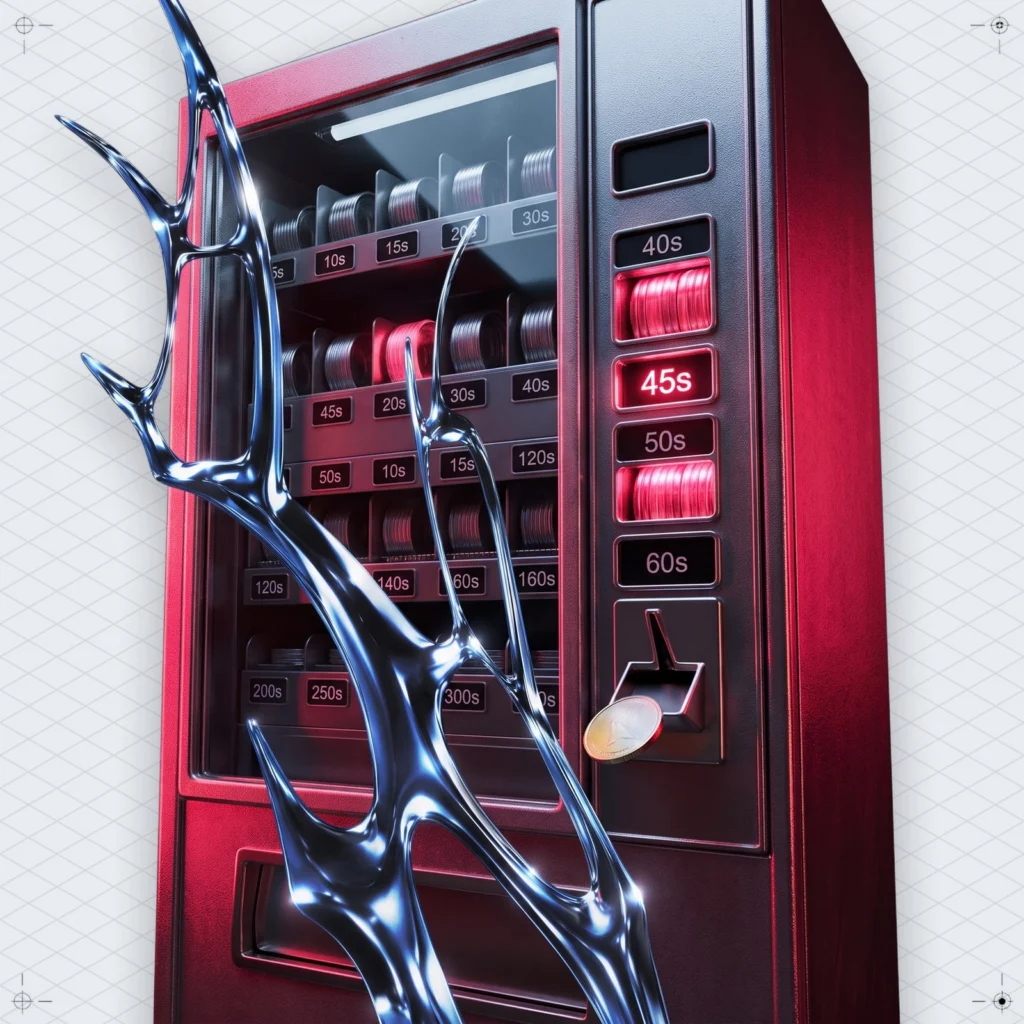
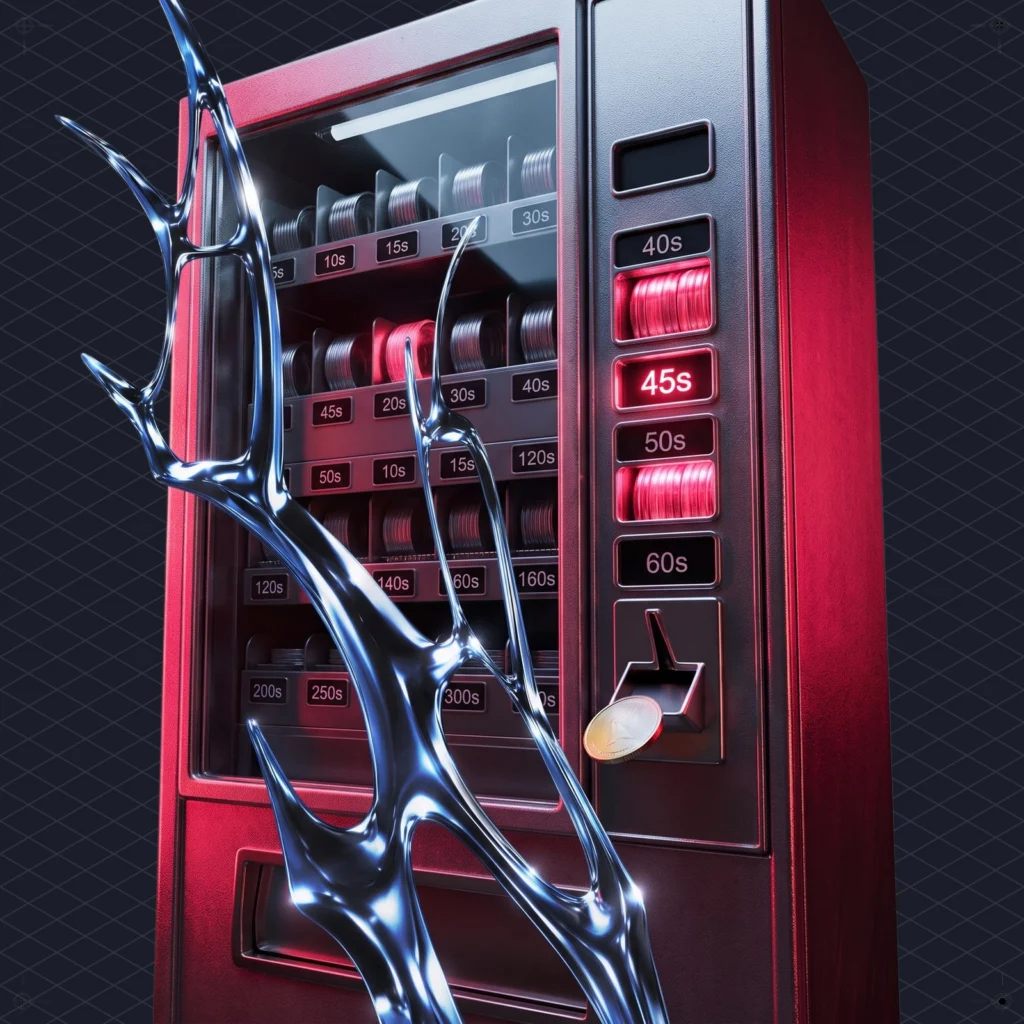
The server also checks your license before every request. If your plan can’t cover a request, the server refuses it and sends back the allowed values and the remaining quota. An agent working through it never burns quota on requests that were never going to work. Think of a vending machine that gives your coin back along with a list of what’s actually in stock.
Stocked durations make Claude music generation instant
The stocked lengths are 5, 6, 8, 10, 15, 20, 30, 40, 60, 180, 240 and 300 seconds. A channel track at one of those lengths can come out of a pre-rendered store in one request through generate_track_instant, which either returns a track or fails fast. Any other length renders from scratch. If you use Claude music generation in a video workflow, that list is the one to memorise.
We learned this the slow way. We asked for 45 seconds because the clip was 45 seconds, then waited while 40 and 60 sat in the store, ready. (Trimming 60 seconds in the editor would have been faster than the wait.)
Length isn’t a niche worry. On our Render generator, about one in four generated tracks (23.5%) gets re-cut to another duration (Mubert’s own data, last 28 days). People rarely know the final length when they first ask.
Editing a track from Claude makes a new file every time
edit_track re-rolls or removes parts of an existing track: swap the bass, drop a layer. The docs are clear that an edit creates a new track, leaves the previous one untouched and costs one track from the quota. Its cousin regenerate_similar makes a variation on an existing track, and it counts as a generation call too.
In practice this is version control by accident, which is the nicest kind. Track one is still there when you decide the original bass was fine after all. But five rounds of “a bit darker” cost five tracks. Give Claude the whole music brief in one message before generation starts, instead of handing out adjectives one at a time.
For that loop, the docs suggest this prompt: “Make a 60-second lo-fi track for studying. After I listen, I will tell you what to change.” The server also ships an MCP prompt called refine-a-track for the generate-then-adjust flow. The others are score-a-video (music for a clip of known length), make-a-loop-pack (loops for a game or app) and pick-a-plan.
Claude music generation parameters, and the URL that expires
Unless you say otherwise, Claude picks the music generation parameters itself, so it helps to know them. Modes are track (intro, drops, breaks, outro), loop, jingle (short finished pieces up to 40 seconds) and mix (tracks that blend into each other, like a DJ set). Intensity is low, medium or high, which means fewer or more instruments playing at once. Formats are mp3 or wav. Text prompts are in English, 200 characters at most, and generate_track also accepts an image.
Track URLs expire. get_track shows the expiry date, and the docs put the rule in nine words: save the file you need to keep. Tell the agent to download each finished track into your repo or a bucket and log the track id next to it. Otherwise next Tuesday’s build will play silence.
Streaming generated music into an app prototype
start_stream opens an endless, non-repeating music stream and returns its URL. Three tools steer it while it plays. set_stream_intensity changes the energy without interrupting playback, set_stream_loop loops a section or stops looping, and restart_stream jumps to fresh music from the same playlist.
This is the part of the Mubert API built for apps rather than videos. Music in a fitness or meditation prototype can follow the session. During development you can steer it in plain English (“drop it to low, the user is cooling down”) without wiring up an endpoint. Claude does no music generation here either. It just turns the knobs. Try the docs’ own line: “Start an ambient stream for a meditation app at low intensity.”
Two rules come with it.
First, a stream URL is a credential. It carries an access token, so pass it to the player and nowhere else: not a screenshot, not a Slack thread, not an issue titled “audio broken??”. Second, each client gets one stream, and starting a second one replaces the first. Two test devices on one client key will take turns playing music, and that looks like a bug for about an hour.
MCP server, skill or REST: pick by who writes the code
The docs split this three ways, and the split is useful.
Use the MCP server for Claude music generation right now: you ask in Claude or Cursor, and you get a link back. A skill fits when an agent should write the integration for your own product, because it produces code that calls the REST API. If you’re writing that integration by hand, go straight to REST.
Both kinds of skill live in one repo on GitHub and install with one line:
npx skills add MubertAI/skills
# installs mubert-music-mcp (strategy for the MCP tools)
# plus the raw-API skills: mubert-generate, mubert-library, ...
Inside, the MCP skill holds the strategy for the tools: the call order that keeps a session cheap, how to refine a track step by step, and what to do on each error. Code that calls the API directly is what the raw-API skills are for. Tools on the server enforce the rules, and the skill supplies the judgement.
A sensible path looks like this. Prototype through MCP for an afternoon, until you know which playlist_index and intensity suit your product. Then let the skill write the REST integration with those values pinned. Customers come in at that stage too. provision_customer creates credentials for one of your product’s users, and each new customer takes a seat, the same rule as the client key above.
We wrote about the same pattern for podcasts: Cast’s MCP tools ask before they spend. Agents with a wallet need manners, and the good servers build those manners in.
What Claude music generation through MCP still leaves to you
The server is careful, but it doesn’t make every decision. A few trade-offs are worth knowing before you put it in a pipeline.
Quota is the first wall Claude music generation runs into. Every generation, edit and variation costs one track, and streams cost seconds. The usage resource shows the counters against their limits and when the daily and monthly ones reset. Have the agent read it before a batch job, not after.
Licence scope depends on the plan. Music generated this way is cleared for commercial use under the platform licence, but the exact scope varies by plan, so read yours instead of assuming. The samples behind it come from musicians who uploaded them and get paid. That supply chain is why the tracks can be licensed in the first place.
Billing stays with a person. list_plans and create_checkout_link let Claude compare plans and hand you a Stripe link, but the billing tools never charge anything. Someone has to open the link. For current prices, check the live pricing page rather than asking a model to remember them.
So does taste. Claude can steer music generation toward a brief like “warmer, less hi-hat”, but it can’t hear the result. You listen, then you tell it.
A checklist for Claude music generation this week
- Run the one-line
claude mcp addcommand above and sign in through/mcp. - Ask Claude to call
get_capabilitiesand paste the limits into your project notes. - Install the strategy skill with
npx skills add MubertAI/skills. - Write “search_library before generate_track” into your CLAUDE.md or Cursor rules.
- Round every duration in your briefs to 5, 6, 8, 10, 15, 20, 30, 40, 60, 180, 240 or 300 seconds.
- Save every finished track to the repo or a bucket before its URL expires.
- Set one fixed client-key header per CI environment and comment why.
- Keep stream URLs out of logs, screenshots and issue trackers.
Claude still won’t hum. It will check the quota before it plays anything, though, which is more than most of us do.




 Who we are


