

YouTube Replace Song, the Studio tool that swaps a claimed song out of your video, now writes 4 AI instrumental tracks of 3 minutes each to use in its place. Since November 3, 2026 it works for creators in most countries outside the European Economic Area (the EU plus Norway, Iceland and Liechtenstein), according to a TeamYouTube post reported by PPC Land. If you have a video with an audio claim on it, this post covers what the button does, what it can’t do, and the two catches you can’t undo.
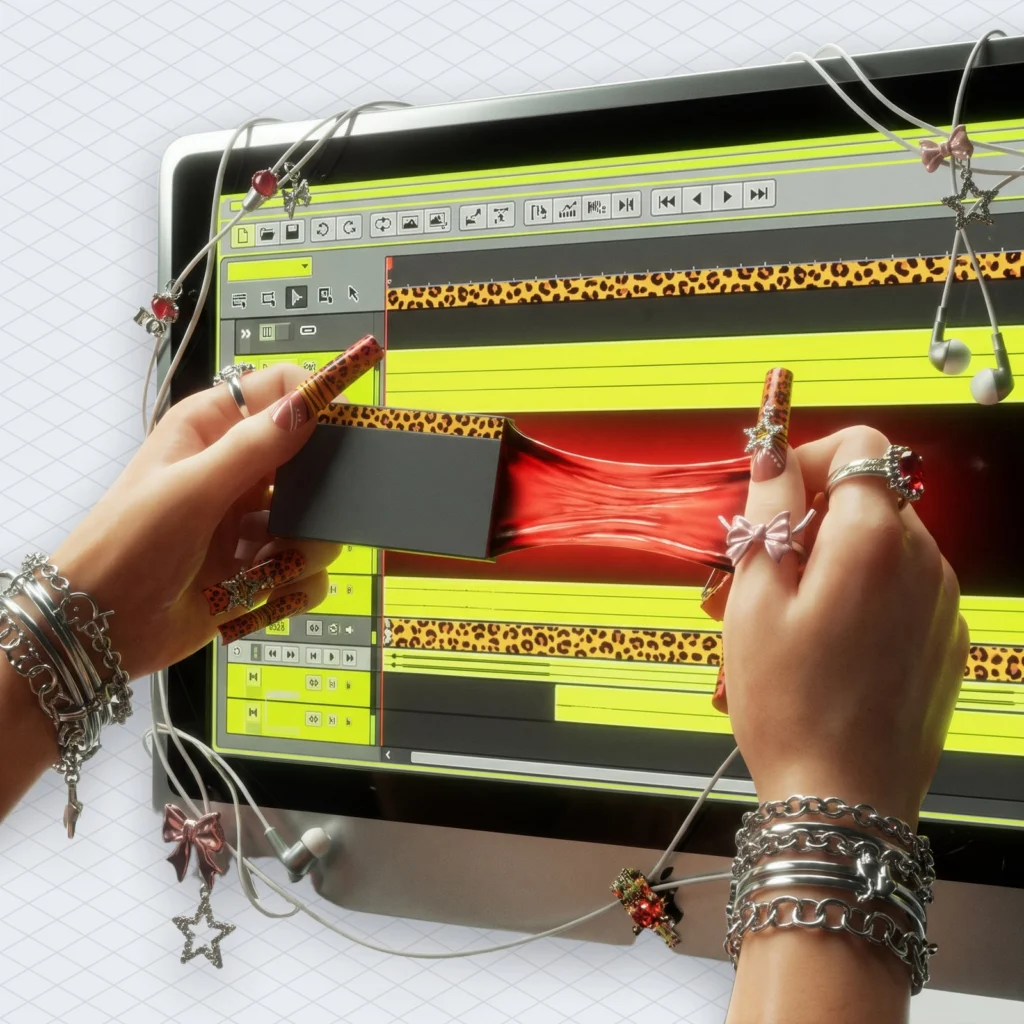
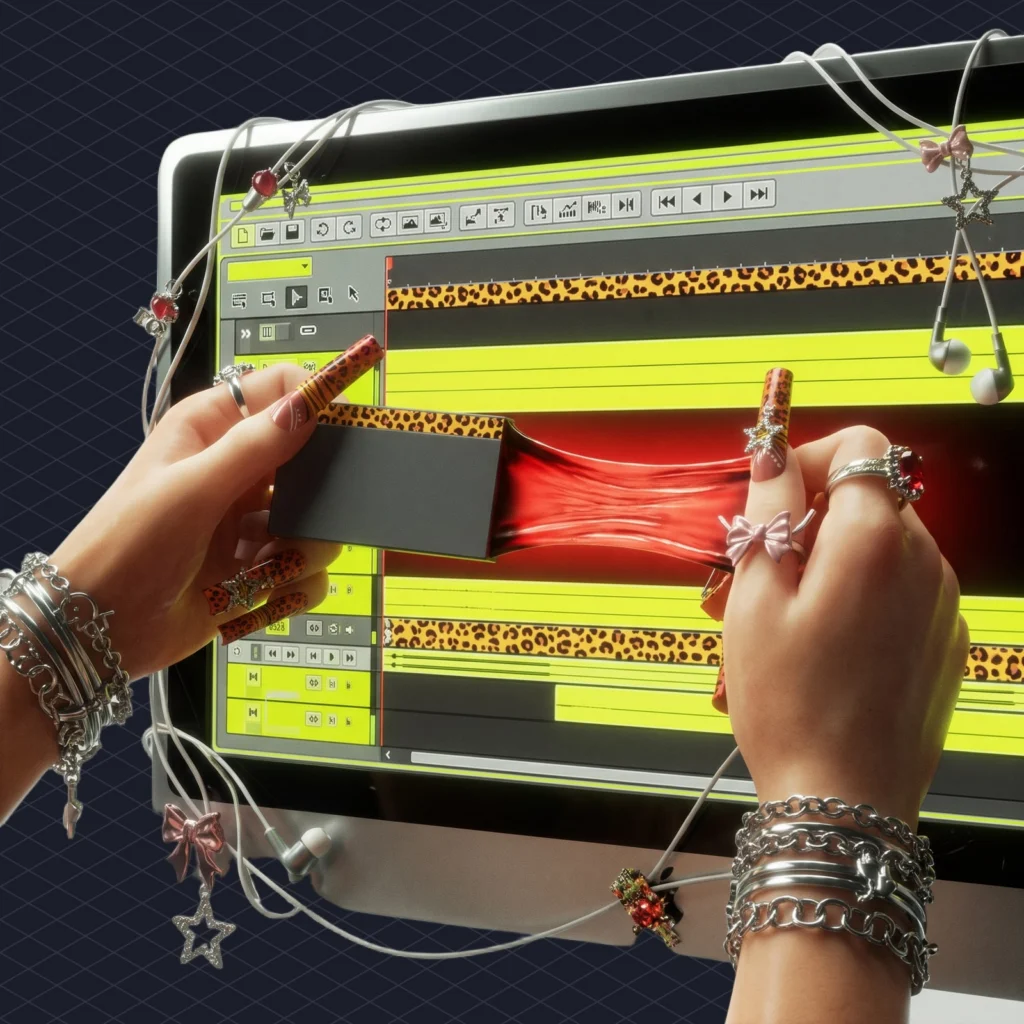
YouTube Replace Song now writes four AI tracks on demand
What’s new is where it works. The tool itself already existed. “Earlier this year, we rolled out our new music creation feature within the ‘Replace song’ tool to creators in the U.S., and now we’re excited to make it available to creators in more countries,” the TeamYouTube post says, per PPC Land. It names no new countries and gives no reason for leaving out the EEA.
A quick bit of vocabulary. A Content ID claim happens when a rights holder’s system matches their song in your video. The claim can limit where your video plays or send its ad money to someone else. Until now YouTube gave you three ways out: erase the song, trim the segment, or replace the song with a track from the YouTube Audio Library.
Now there’s a fourth way, and it composes. YouTube’s help page says Replace song “lets you swap claimed audio with other audio from the YouTube Audio Library or an instrumental track generated by AI.” The forum announcement, oddly, never uses the word “AI” at all. It calls it a “music creation feature”, which is like calling a dishwasher a “plate wetness reduction programme”.
What happened so far
Here’s the timeline, pieced together from YouTube’s own pages and the trade press.
- April 2025: YouTube launches Music Assistant, a separate tool that makes instrumentals from text prompts for Partner Program members, built on Google DeepMind’s Lyria model, per Digital Music News.
- June 2025: saved edits in the YouTube Studio editor can no longer be reverted, according to YouTube Help.
- May 1, 2026: YouTube’s Rene Ritchie announces the Create button on the Creator Insider channel. It’s US-only and desktop-only, with “four royalty-free instrumental tracks” per click, Music Business Worldwide reported.
- May 6, 2026: Resident Advisor reports a broader rollout expected later in the year.
- November 3, 2026: TeamYouTube expands the generator to most countries outside the EEA.
- February 1, 2027: getting into the YouTube Partner Program gets harder. New applicants will need 8,000 watch hours or 20 million Shorts views, per PPC Land.
YouTube still hasn’t said which model makes the music. MBW and Digital Music News both note it hasn’t confirmed whether it’s Lyria.
How the YouTube Replace song Create button clears a claim
You get four tracks and no say in them. On the YouTube Replace song screen for the claimed video, open the Suggestions tab and click Create. “As of now, there is no option to use your own prompt to generate a track,” the help page says. If you hate all four, refresh the page and click Create again. The output is instrumental only, so no vocals.
Each YouTube Replace song track runs three minutes, according to PPC Land. You can loop a track or change its volume on the timeline, which helps when the claimed stretch runs longer than three minutes. You can also download the tracks as MP3 files.
The real work is in a toggle called “Mute all sounds in the claimed segment”. With it off (the default), YouTube strips only the music from your original soundtrack across the whole claim and keeps your voice and sound effects. With it on, YouTube removes music only where the new track plays. If the new song doesn’t cover the whole claimed segment, it “will become red and the copyright claim won’t be released.”
We’ve lost more than one afternoon to that red block. Anyway, check the edges.
The edit takes time to process. You can’t make other changes until it finishes, and the claim disappears “once all claimed audio is fully replaced.” It also isn’t in the mobile Studio app yet. YouTube’s FAQ answer is “Not yet, but stay tuned.”
YouTube Replace song edits can’t be undone, and big videos may be locked
Two older rules matter more than the generator. First, saved edits are final. “Starting in June 2025, once you save your edited video, you will not be able to revert the changes,” says YouTube Help, which suggests downloading the video or using Google Takeout before you edit. So once you replace a song in YouTube Studio, the original mix is gone from YouTube for good.
Second, size. “If your channel is not in the YouTube Partner Program (YPP), you may not be able to save changes if your video has over 100,000 views,” the same page says. So the videos most worth fixing are the ones a non-partner channel might not be able to fix. Our breakdown of YouTube’s monetization requirements for 2026 explains why joining the program gets harder from February.
Licence: YouTube only, and nobody says who owns the track
The whole licence is one sentence. “Music generated by this feature is intended solely for use in videos and other content that you create on YouTube,” the FAQ says, and use is “subject to the YouTube Terms of Service.” Neither the post nor the help page says who owns the generated track, PPC Land notes.
In practice, the MP3 you download from YouTube Replace song can’t be reused wherever you like. Don’t put it in a TikTok repost, a client ad or a podcast intro. “Royalty-free” here means free inside YouTube’s walls, and the walls come with the track.
Why YouTube putting AI songs into Replace song matters
Generated music now sits inside the claim workflow, at the moment a creator is most willing to accept anything. Before, AI music on YouTube was something you went looking for. Now Replace song puts it on screen unasked, right next to the red warning. Resident Advisor noted the tool is “designed specifically for videos already flagged by Content ID.” MBW pointed out what that means for anyone selling licensed alternatives.
Claims happen often enough for this to matter. In Mubert’s own data from the last 28 days, about one in four copyright checks run on our checker found a rights holder’s claim on the uploaded track (25.5%, barely down from 26%). That’s a lot of videos that would happily take a free three-minute instrumental.
Our view: this is a good fix for an old vlog with a radio song in the background. It’s a poor plan for a channel. Four random tracks, no prompt, a fixed length and a YouTube-only licence make it a fire extinguisher. Nobody decorates with one. Music training is also a live legal question for Google, as the Alphabet shareholder suit over Lyria shows. An unnamed model gives creators little to go on, so music that has to live off YouTube is better cleared before you upload.
What to do before you press Create
Do these steps in order, because the last one can’t be undone.
- Download the original video, or export it with Google Takeout.
- Check if the video has passed 100,000 views and if your channel is in YPP.
- Leave “Mute all sounds” off if the video has dialogue you want to keep.
- Stretch or loop the new track until no red is left on the timeline.
- Hover over the track title and read the licensing note before you save.
- Keep the generated MP3 out of anything that isn’t on YouTube.
In YouTube Replace song the robot writes the song, but you still have to drag the grey box to the end.
 Who we are


