


You can get free sound effects for video from four kinds of source, and each one has a licence that decides what you may do with them. The BBC archive alone has about 33,000 clips. None of them is cleared for a commercial video unless you pay. This post is for editors, YouTubers and anyone with a folder of whooshes they can’t trace. It covers the main libraries, what each licence allows, how to credit a sound and where the catches are.
Start with the folder. Every editor has one. Ours had a file called whoosh_final_FINAL.wav with no source, no date and no licence. We used it in eleven videos before anyone asked where it came from. Nobody knew. We still don’t.
Free sound effects come under four kinds of licence
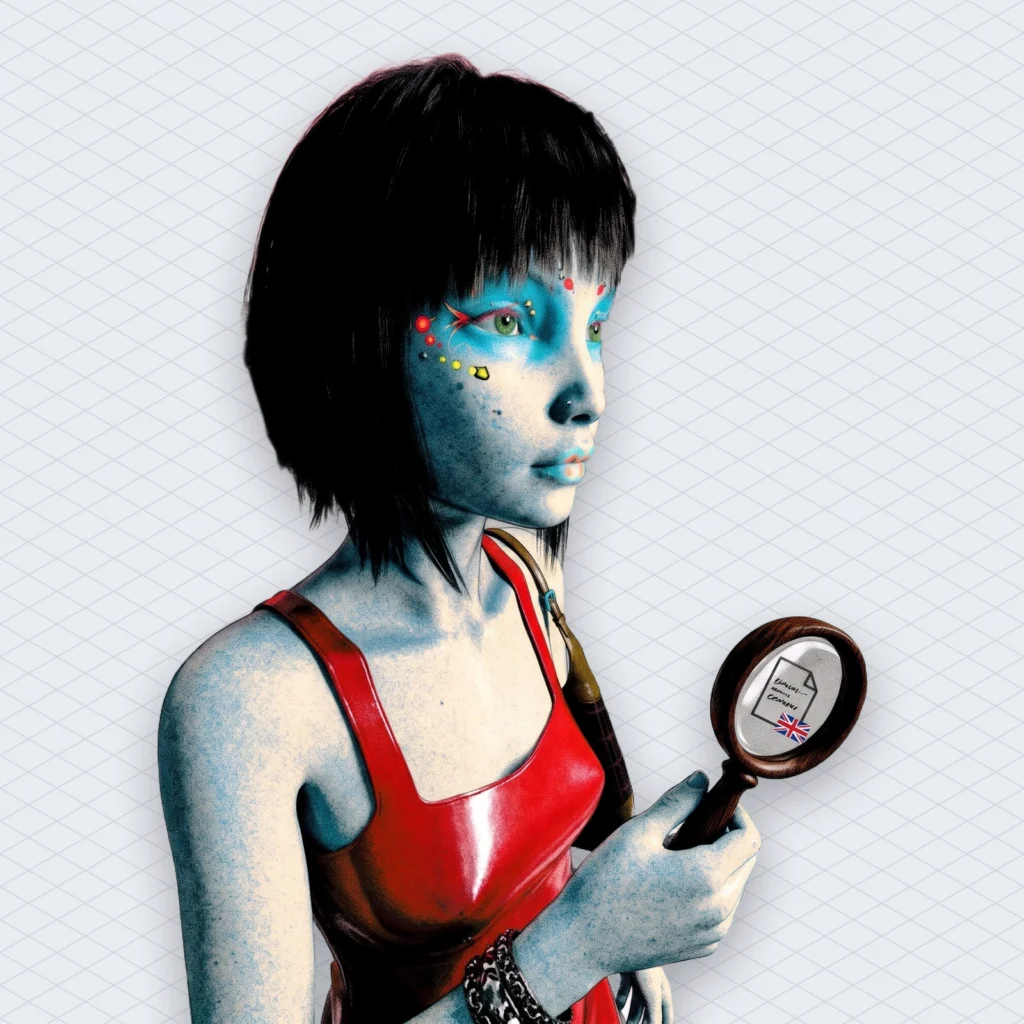
Nearly every library of free sound effects uses one of four kinds of licence. They are public domain (CC0), attribution (CC BY), non-commercial (CC BY-NC) and house licences. Each one splits on two questions. Can you make money from the video? Do you have to name the person who recorded the sound?
The Creative Commons licences read the same everywhere, which makes them the easy part. Here they are in plain words:
- CC0 means the creator has waived copyright. Under the CC0 deed you can copy, modify and use the sound commercially without asking. Nobody needs a credit.
- CC BY lets you use the sound commercially, but you have to credit the creator every time.
- CC BY-NC asks for credit and also rules out commercial use. The licence deed defines commercial use as use “primarily intended for commercial advantage or monetary compensation.”
- A house licence is one the library wrote itself, and it says whatever the library decided. You have to read each one.
CC0 has a catch of its own. The deed warns that others may still hold publicity or privacy rights over a voice in the recording. Trademarks aren’t affected either. So a CC0 clip of a crowd chanting a brand name is not a free pass to use that brand. The waiver covers the recording. It doesn’t cover everything the recording contains.
Freesound mixes three licences on the same search page
Freesound is a community library of field recordings, foley and odd noises. Its free sound effects each carry one of three licences, CC0, CC BY or CC BY-NC, and the uploader picks which. So two door slams side by side in one search can come with different rules. One may be fine in a sponsored video. The one next to it may not be.
The site moved to these three licences with its 2.0 relaunch. Creative Commons used that moment to retire the Sampling+ licence, which Freesound had used for every sound before. Older uploads can still carry Sampling+ if the uploader never changed it. Archaeology, basically. So the archive keeps a layer of sounds under a licence nobody recommends any more.
The practical answer is to filter a search for free sound effects by licence before you start, not afterwards. If the video is monetised, sponsored or for a client, set the filter to CC0 and CC BY only. Then every result can go in a commercial video. Only some of them need a credit.
Freesound also keeps a list of everything you’ve downloaded, with each file’s licence, on your account’s attribution page. That page fixes the mystery folder problem, as long as you open it before the project ends rather than eighteen months later.
The BBC archive’s 33,000 free sound effects stop being free when the video sells
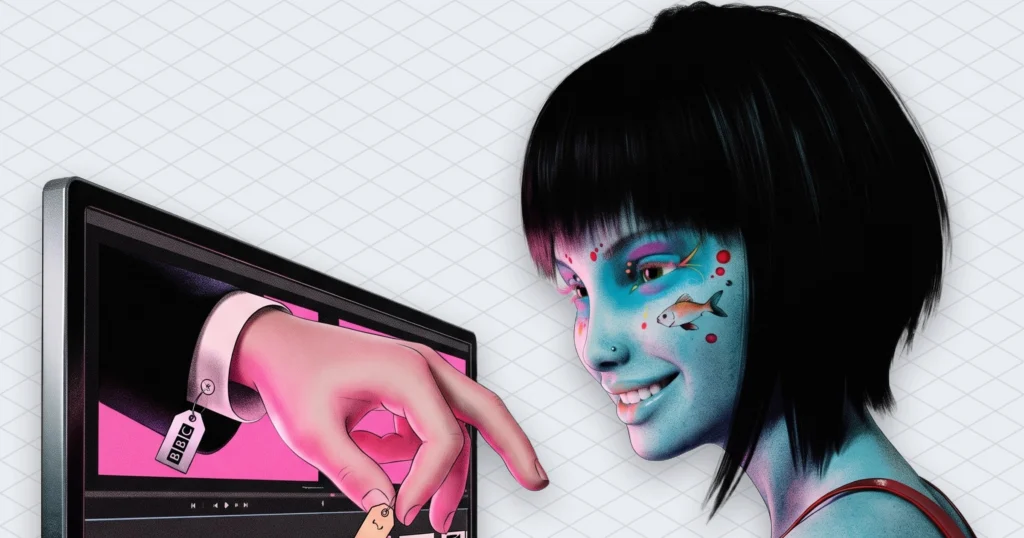
The BBC Sound Effects archive offers about 33,000 clips. That is more than double what it had when it first opened to the public in 2018. It’s a gift for school projects and a trap for client work. The clips come under the RemArc licence. Mixmag reports that they “can only be used for research educational or personal projects.” Music made for sale can’t include them either, though you can buy a licence for commercial use.
NPR’s summary is shorter: these free sound effects are fine “for school projects, research or fun,” and “commercial uses require a small fee.” So a monetised channel, a brand video or a paid edit sits on the paid side of that line. A birthday video for your gran is fine.
The archive itself is wonderful, which is why the trap works. NPR counted 716 clock sounds, 263 “noises of destruction” and 373 comedic effects such as a slide whistle and a vibrating spring. There’s a steam engine from the 1880s. You also get David Attenborough walking up to mountain gorillas in 1978. We lost an afternoon to the clocks alone. Most of them are slightly different ways of saying that time is passing, which was very much the case that afternoon.
Anyway. If you want a BBC sound in a commercial video, buy the licence. The clip sounds exactly as good after you pay.
Sonniss GDC bundles allow commercial use without credit, but not AI training
Sonniss, a sound effects marketplace, gives away a bundle of game audio every year for GDC, the Game Developers Conference. Its licence is the most generous of the lot. The bundle page says “all of the sounds are royalty free and commercially usable,” with no attribution required. You can use them “on an unlimited number of projects for the rest of your lifetime.” Of all the free sound effects in this post, these come with the fewest strings.
Size is the first surprise. The page lists the 2024 bundle at 9 parts and 23.5 GB, and older years add tens of gigabytes more. These are professional recordings from vendors who sell on the site. They are not phone recordings of someone’s fridge (though we have nothing against a good fridge recording).
There are two limits, and the page states them plainly. You can sell a finished game, film or app with the sounds inside it. Selling the sounds themselves as a library or sample pack is off the table. And “use for AI/ML training is strictly prohibited.” So if your project trains a model, these free sound effects stay out of the dataset. They’re still fine in your trailer.
The real cost of Sonniss is storage. You download tens of gigabytes to find the four sounds you needed. Then the drive is full of explosions.
YouTube Audio Library effects are cleared on YouTube, and YouTube stops there
The YouTube Audio Library in YouTube Studio includes sound effects as well as music. YouTube’s help page says Partner Program members “can monetize videos with music and sound effects from the Audio Library.” It also says downloaded items “won’t be claimed by a rights holder through the Content ID system.” Content ID is YouTube’s automatic matching system. It spots copyrighted audio and hands the ad money from a video to whoever owns it.
That makes these free sound effects the safest choice for a video that lives only on YouTube. You download the file, drop it in the edit and upload. Nobody matches it.
The help page is careful about everything outside YouTube, though. It says YouTube “can’t give legal guidance, including guidance on issues with music that can occur off the platform.” Nothing on the page covers the same cut going to TikTok, Instagram or a client’s website. So for a video going out on several platforms, read the licence shown next to each file before you assume it travels. Free sound effects that are safe on YouTube can still need a check somewhere else. The tidy promise covers one platform. Your posting schedule probably covers five.
NASA sounds are mostly public domain, with an endorsement rule attached
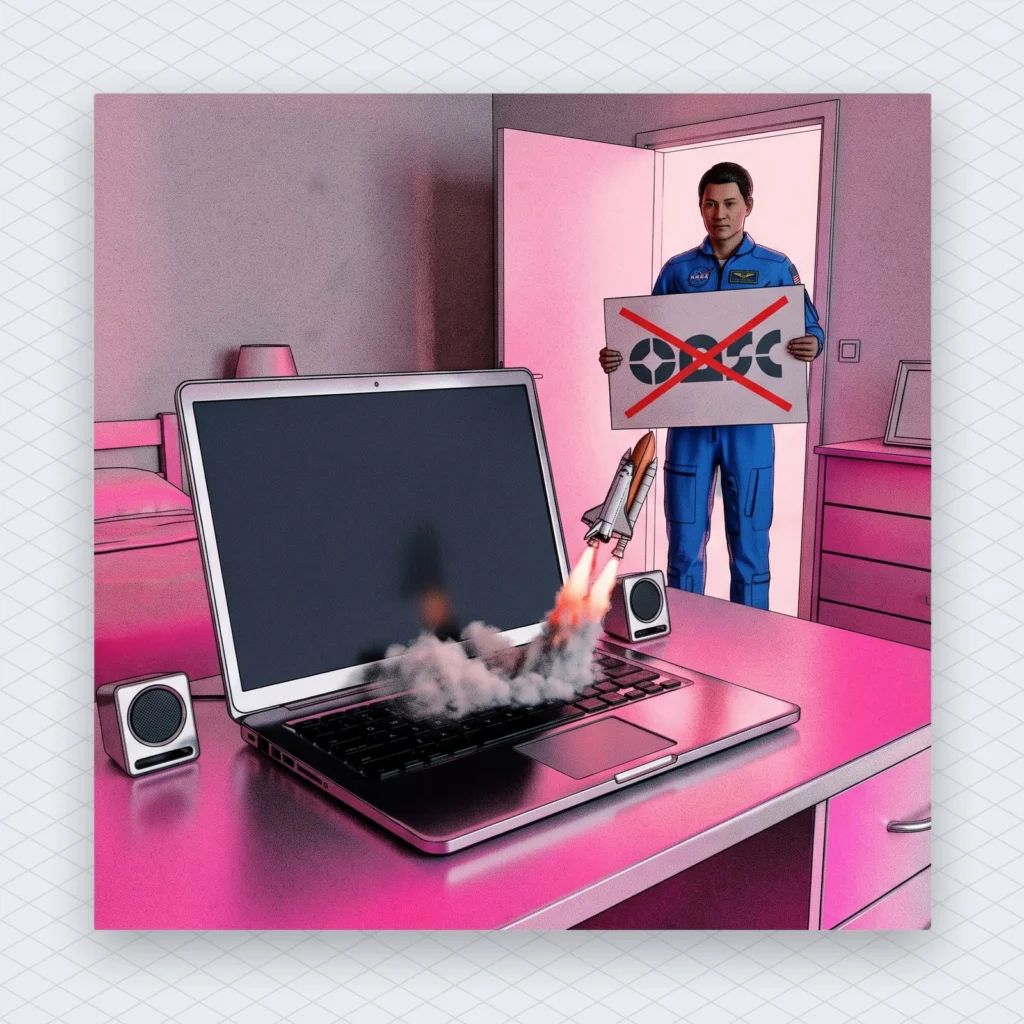
NASA publishes mission audio, including the roar of a space shuttle launch and Apollo 13’s “Houston, we’ve had a problem.” Its audio page helpfully suggests that one as a sound for computer errors. NASA’s media usage guidelines say its content “generally [is] not subject to copyright in the United States.” They also ask you to credit NASA as the source. That makes NASA one of the few places where free sound effects come straight from a government.
The limits are about endorsement, not copyright. Commercial uses “must not explicitly or implicitly convey NASA’s endorsement of commercial goods or services.” The NASA insignia and logotype “are not in the public domain.” NASA marks third-party material as copyrighted, and for that you deal with the rights holder instead.
So a launch roar under your rocket-science explainer is fine. The same roar under a sponsor read for an energy drink, with a NASA logo in the corner, is a very different video. The sound didn’t change. What it implies did.
Free sound effects you record yourself have the shortest licence
The cheapest free sound effects are the ones you record yourself. You made the recording, so there is no licence to read. A phone in a quiet wardrobe gets you a decent door, a zip or footsteps on a hallway floor. We once spent an evening snapping celery for a bone crunch. It worked. The kitchen smelled of soup for two days.
The catch is what else the microphone hears. Record a street and you may catch a shop’s radio, and that song still belongs to its label. A café recording can pick up a conversation too, and voices bring back the privacy question the CC0 deed warned about. So record somewhere quiet. Listen back on headphones and cut anything that sounds like a chorus.
Then name the file with the date and “own recording” before it joins the mystery folder.
Crediting free sound effects properly takes one line per sound
A CC BY or CC BY-NC sound needs credit every time you use it, and the licence spells out what counts. The deed says to “give appropriate credit, provide a link to the license, and indicate if changes were made.” The credit also can’t suggest the creator endorses you. In practice that means the title, the creator’s name, a link to the sound, the licence with a link, and “edited” if you changed it.
A YouTube description line looks like this: “Door slam by [username] (link), licensed under CC BY 4.0 (link), pitched down.” That’s one line. It takes less time than finding the next sound.
For a video with forty sounds, Freesound suggests linking to a full credits page on your own site instead. That works if the page exists before the video goes up and stays up afterwards. A credits page that 404s in two years is the mystery folder again, just public this time.
We’d also credit CC0 sounds, even though nobody requires it. It costs nothing, the recordist sees it, and it gives you a record of where the file came from. Honestly, the record matters more to you than the courtesy does to them. Free sound effects without a source line are how mystery folders start.
Monetised video counts as commercial, so treat it that way
A video that earns ad revenue, carries a sponsor or promotes a business is, in our reading, commercial use. So a CC BY-NC sound doesn’t belong in it. Creative Commons defines commercial use as use “primarily intended for commercial advantage or monetary compensation.” A monetised upload quite literally exists for monetary compensation. People argue about edge cases. We’ve never seen anyone win that argument cheaply. Non-commercial free sound effects belong in school videos, not sponsored ones.
The tricky case is a channel that starts unmonetised and joins the Partner Program later. Then the old videos earn money too, with the same non-commercial door slam inside. So pick the licence for the channel you plan to have, not the one you have today.
The same reasoning applies to client work. If someone pays you to edit, the video is commercial whatever the client does with it later. You don’t need a lawyer to see that “they paid me” and “non-commercial” sit awkwardly together.
Sound effects licences don’t cover the music bed
Every licence above covers effects: whooshes, hits, ambience, the slide whistle. None of them says anything about the music under the voice-over. A cleared door slam doesn’t help if the background track belongs to a label.
Music trips people up more often than you’d think. About one in four tracks run through our copyright checker came back with a rights holder’s claim (23.7%, down from 26.9%), according to Mubert’s own data, last 28 days. Those were music tracks people were about to use, not effects. Free sound effects with a perfect licence can’t rescue a video whose song has a claim on it.
For the music, the same sorting works: who made it, which licence covers it and if your use is commercial. Our post on what creators mean by no copyright music goes through the five places it really comes from. If you’d rather have a track nobody else is using, Mubert Render writes an original one to the exact length of the edit. It builds from samples that musicians uploaded and get paid for. The licence scope depends on the plan, so check which plan covers your use before you publish.
The beat side has its own fine print too. This guide to free beats and their licences explains why “free” so often means “for practice.”
A checklist for using free sound effects this week
- Set the Freesound licence filter to CC0 and CC BY before searching for anything commercial.
- Open your Freesound attribution page and save the list for the project you’re editing now.
- Write one credit line per CC BY sound: title, creator, link, licence and any edits.
- Move BBC archive clips out of monetised or client projects, or buy the commercial licence.
- Keep Sonniss files out of any folder that feeds an AI training set.
- Check the Audio Library licence label before posting the same cut on another platform.
- Remove NASA logos from anything that also carries a sponsor.
- Rename every file in your effects folder with its source and licence.
Free sound effects stay free for as long as you can say where each one came from. whoosh_final_FINAL.wav can’t, so it goes in the bin.
 Who we are


