




How to get views on YouTube comes down to two doors. In 2018 YouTube said the bigger one, its own recommendations, drove 70% of all watch time. The other door is search, where people type a question and expect your video to answer it. This post is for anyone who uploads, refreshes the view counter like it owes them money, and wants to know which knob moves the number: titles, thumbnails, the first 24 hours, and what 1,000 views pay once they arrive.
Most advice on how to get views on YouTube treats these as one problem. They aren’t. A title that wins search can lose on the Home feed, and a thumbnail that stops a scroll might never rank for anything a person types.


How to get views on YouTube: search and browse are different doors
YouTube Studio sorts your views by where they came from, and three sources do most of the work: YouTube search, browse features and suggested videos. YouTube’s reach help page says browse covers Home, Subscriptions, Watch Later and Trending/Explore. Suggested is “traffic from suggestions that appear next to or after other videos, and from links in video descriptions.” Search is the results page, and the Reach tab even lists the terms people typed.
The two doors want different things. A search viewer already has a question, so your title has to look like the answer. A browse viewer had no plan at all. Your thumbnail has to interrupt them, and then the video has to be worth the interruption.
So before you change anything, open the Reach tab and check which door your last ten videos actually used. Your answer to how to get views on YouTube depends on that split. If search is a rounding error, keyword stuffing won’t help. When browse is the rounding error, a louder thumbnail won’t save a video nobody gets recommended. Our explainer on how Home, Suggested, Search and Shorts pick videos has the full machine in YouTube’s own words.
Search traffic follows titles that match what people type
YouTube search ranks on three things: relevance, engagement and quality. That comes from YouTube’s own search page. Relevance is “how well the title, tags, description, and video content match your search query.” Engagement includes “the watch time of a particular video for a particular query.” Quality means signals that “demonstrate expertise, authoritativeness, and trustworthiness on a given topic.”
View count isn’t on the list. A small channel with the right title can outrank a big one with a vague title, as long as people stay to watch.
For search, how to get views on YouTube is mostly a matching exercise. “My chaotic Tuesday” ranks for nobody. “How to fix a squeaky bike brake” ranks for the person with a squeaky bike brake, who is a real, slightly desperate audience and will happily watch eight minutes of you and a spanner.
You have room. YouTube’s upload help caps titles at 100 characters and descriptions at 5,000. Put the search phrase near the start of the title, because nobody knows how much of a long title a phone will show. Then restate the question in the first line of the description as a normal sentence, since relevance reads the description too.
The engagement part is where search videos lose. Watch time is measured “for a particular query”, so a viewer who searched for brake fixes and got a three-minute intro about your weekend is a bad signal for that query. Answer the title in the first 30 seconds, then explain.
How to get views on YouTube from Home and Suggested: earn the click, keep the viewer
Browse and suggested traffic run on what viewers do after the click, not just the click. YouTube’s recommendations page lists “viewing behaviour, likes, dislikes, subscriptions and feedback”, including feedback “from satisfaction surveys.” The thumbnail gets the click. Then the survey asks whether the click was worth it.
On Home, how to get views on YouTube is a two-step problem, and bait only solves the first step. A thumbnail that promises a shark and delivers a goldfish wins the impression, and then collects the very feedback the system says it reads. It works like a shop window that films everyone walking back out.
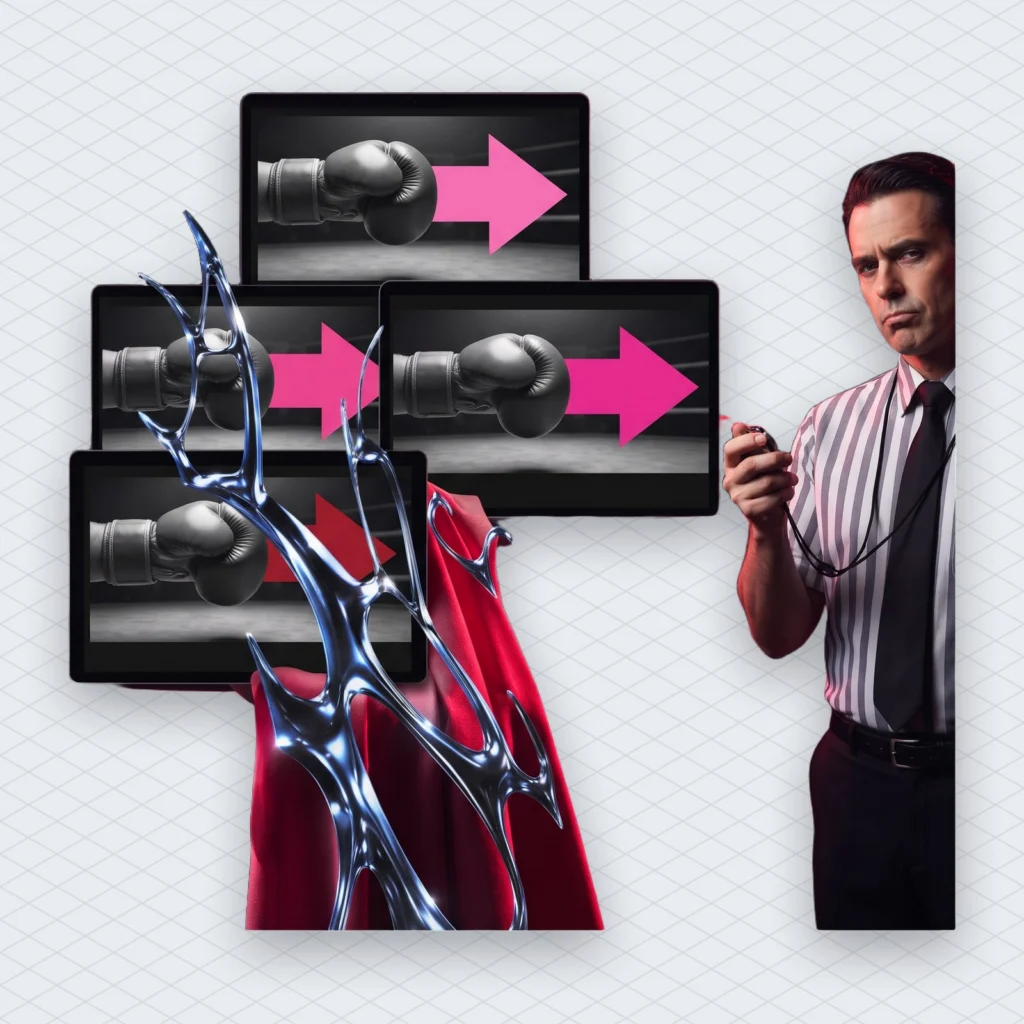
YouTube now runs the experiment for you. Test & compare lets you test up to three titles, three thumbnails, or title-and-thumbnail pairs. When the test ends, the option with the highest watch time goes to every viewer. The winner is chosen by watch time, not by click-through rate.
Read that twice if you design thumbnails for a living. The tool doesn’t reward the image people click most. It rewards the image whose viewers watch longest, which is a different and much less flattering job.
If no option wins, YouTube keeps the first one you uploaded. Results come back as “Winner”, “Performed Same” or “Inconclusive.” We have made thumbnails that differed only by the colour of an arrow. The help page warns that very similar options make tests run longer, which is the politest way of saying nobody noticed the arrow.
The opening 30 seconds serve both doors
The first half-minute is the one part of a video that search and recommendations both grade, because both read watch time. Search measures it per query. Test & compare picks winners by it. Recommendations add the satisfaction survey on top, which is watch time with a feelings section.
We once opened a tutorial with a logo animation and a song we were very proud of. Nobody stayed for the song. Logo stings are a holdover from television, where a channel had to remind you which channel you were watching. On YouTube your name is printed right under the video already. Anyway.
The fix is boring and it works on both doors. Say the title back in your first sentence, so the search viewer knows they’re in the right place. Show the result before the method, so the browse viewer knows the click was worth it. Cut anything that sounds like throat-clearing, including “before we start” (you have, in fact, started).
None of this needs new gear. It needs an editor willing to delete your favourite ten seconds, and that edit teaches more about how to get views on YouTube than any thumbnail course.
Thumbnail specs and the testing rules that quietly end a test
Custom thumbnails need a verified account and a 16:9 image at least 640 pixels wide. YouTube’s thumbnail page recommends 3840 x 2160 and accepts JPG or PNG. The size cap is 2 MB from the mobile app and 50 MB from a desktop. There is also a daily upload limit, and if you hit it the page says to try again in 24 hours.
The test itself has more rules than a board game, and a few of them end tests without much warning:
- It runs only in YouTube Studio on a desktop, with advanced features turned on.
- Changing the title or thumbnail while it runs stops the test, and you have to restart it.
- A test can take from a few days to two weeks, depending on impressions.
- If any thumbnail is below 1280 x 720, all of them get downscaled to 854 x 480.
- Shorts, scheduled live streams, made-for-kids videos, mature videos and private videos can’t be tested. Premieres can be tested once they turn into normal videos.
YouTube’s own tip is to test older videos first, so a bad option doesn’t drag down your newest upload. That’s sensible, and it also means your back catalogue becomes a free lab. An old video with steady search traffic is the cheapest place to learn how to get views on YouTube from your own audience.
The policy side is short. Thumbnails with nudity, hate speech, violence or dangerous content can be rejected and earn a strike, and repeat offences can cost you custom thumbnails for 30 days. A clever thumbnail that breaks a rule isn’t clever.
How to get views on YouTube in the first 24 hours, without the folklore
The first 24 hours are something YouTube reports, not a deadline. Studio has had a “First 24 hours” option in the analytics date picker since January 2021. It shows views, watch time and estimated revenue for day one. Advanced Mode can overlay two videos so you can compare their first days. It works for videos uploaded from 2019 onwards and not for live streams.
The most popular myth about how to get views on YouTube lives here. Upload a video, leave it private for 24 to 48 hours, then publish it so the algorithm is “primed.” In November 2025, YouTube’s Creator Liaison Rene Ritchie addressed exactly this. “The recommendation system is largely based on audience behavior,” he said. A video has no audience behaviour until it is public. “Waiting 24 to 48 hours is no different than waiting 24 to 48 seconds or weeks or months.” His summary: “All you’re doing is waiting.”
He did say uploading early is reasonable for one reason: so copyright and monetization checks can finish before release. That’s a practical step, not a ritual.
Use day one to diagnose, not to panic. Compare the video with your typical uploads and read the traffic sources. If search is zero, the title doesn’t match anything people type. When impressions are healthy but few people click, look at the thumbnail. And when they click and leave, the opening is the problem. Posting time matters less than people think, and we covered the competing studies in our piece on the best time to post.
Day one is a blood test, not an autopsy. It tells you how to get views on YouTube next time, while older videos keep getting found through search for years.
Music in the video can redirect the money, not the views
A copyright claim on your soundtrack usually leaves the views alone but changes who gets the money. Under Content ID, the rights holder can block the video, track its statistics, or monetize it. If they monetize, ads run and the owner “may” share revenue with you, which is not a promise.
Claims are not strikes and usually don’t touch your channel. But a Short between one and three minutes long with an active claim is blocked whatever the claimant’s policy says. So a 90-second Short with the wrong song gets no views at all, which is a quick lesson in how not to get views on YouTube.
This is common. Mubert’s own data, last 28 days: about one in four results from our copyright checker (24.9%, down from 26.2%) found a rights holder’s claim on the uploaded track. Check the music before you publish, because once a claim lands, the first 24 hours are over.
If a claim has already hit, YouTube’s tools can swap the track; we covered how Replace Song now writes AI tracks for that. If you’d rather start with a track written for the video, Mubert Render makes an original one at the exact length you need from samples that real artists uploaded and get paid for. What the licence covers depends on your plan, so read it before you upload.
What 1,000 YouTube views pay in 2026
A typical long-form channel earns about $2.30 per 1,000 views after YouTube’s cut. That median comes from AIR Media-Tech’s analytics for 300 channels, May 2025 to May 2026. It’s a median. Half the channels in the sample earned less.
Knowing how to get views on YouTube is half the job, and knowing what they pay is the other half. On long-form videos creators keep 55% of ad revenue, and on Shorts 45%, according to YouTube’s own explainer. The per-1,000 number you see in Studio is RPM. YouTube defines it as earnings per 1,000 views after the revenue share, counting ads, Premium, memberships, Super Chat and Super Stickers.
Niche moves the number more than effort does. In AIR’s data, Education and Science had a median of $10.22 per 1,000 views, Music $2.28, Gaming $2.05 and Kids and Teens $0.33. That’s roughly a 31-fold gap between the top and bottom of the list for the same 1,000 people pressing play. We break it down further in RPM by niche and country and in what YouTube pays per million views.
None of this pays until you’re in the Partner Program. For the ad share, YouTube’s eligibility page currently asks for 1,000 subscribers and either 4,000 public long-form watch hours in the last 12 months or 10 million Shorts views in the last 90 days. Reaching the bar doesn’t guarantee approval, because the channel still gets a policy review. The full set of tiers is in our monetization requirements guide.
Shorts views count differently and pay a different share
For YouTube’s tools, a Short is a video up to three minutes long that is square or vertical, and many of the levers above don’t apply to it. Test & compare doesn’t work on Shorts at all. Custom Shorts thumbnails can only be added in Studio on a computer.
So for Shorts, how to get views on YouTube starts with the video itself, since half the levers are switched off. Pay works differently too. Revenue from Shorts is pooled and creators get 45% of it, and Shorts RPM is counted per 1,000 engaged views rather than all views. We explained the gap between the views you see and the views that pay in how Shorts views count.
One thumbnail detail catches people out. If you upload a vertical video with a 16:9 custom thumbnail, YouTube replaces it on Home, Explore and Subscriptions with an auto-generated 4:5 crop. Your carefully placed face may end up as a forehead.
Treat Shorts as a way to get discovered and long-form as the thing that earns. Plenty of channels do both. Just don’t plan your rent on the first one.
A checklist for how to get views on YouTube this week
- Open the Reach tab and write down your split between search, browse and suggested.
- Rewrite one old title so it matches a phrase a stranger would type.
- Restate that phrase in the first line of the description as a plain sentence.
- Cut the intro of your next video so the title gets answered in 30 seconds.
- Run Test & compare on an older video with three clearly different thumbnails.
- Publish when the video is ready instead of leaving it private for two days.
- Check the soundtrack for copyright claims before release, not after.
- Look up your niche’s RPM before you multiply your views by a dream.
Then stop refreshing the counter. It doesn’t owe you money, and at $2.30 per 1,000 views it barely owes anyone.



 Who we are


