


The YouTube algorithm isn’t one formula. It’s a set of recommendation systems that, by YouTube’s own count, learn from more than 80 billion signals and reward satisfied viewers over mere clicks. This post is for creators who want to know how Home, Suggested, Search and Shorts each pick videos in 2026. Every rule comes from YouTube itself: help pages, its engineering blog, its search documentation and the October 2026 Shorts update.
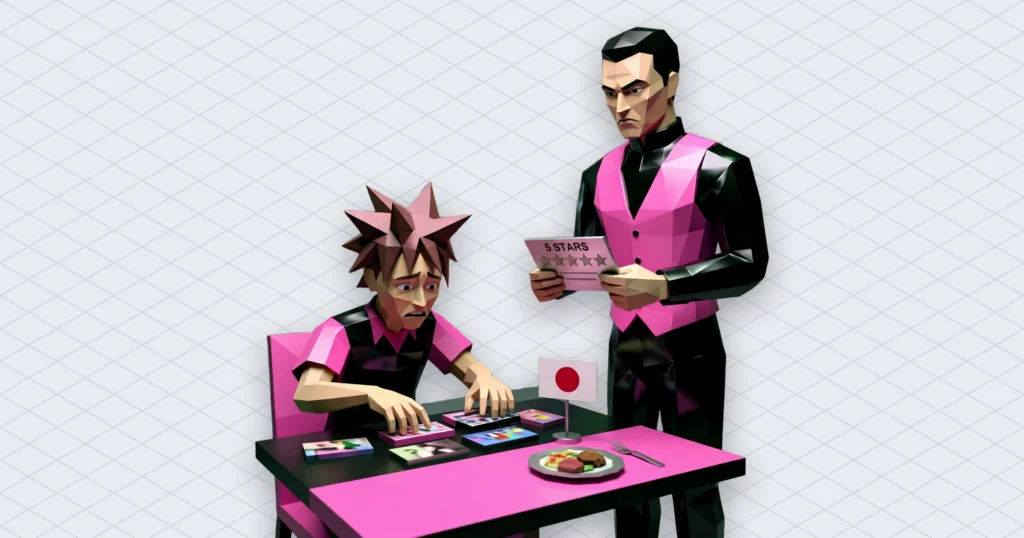
Creators talk about the YouTube algorithm the way sailors talk about the sea. YouTube talks about it like a waiter who keeps asking if you enjoyed the soup. Only the waiter’s version comes with documentation. So we read it. All of it, including the Test & compare help page (which, judging by the questions we get, nobody opens).
The YouTube algorithm is a set of systems fed by 80 billion signals
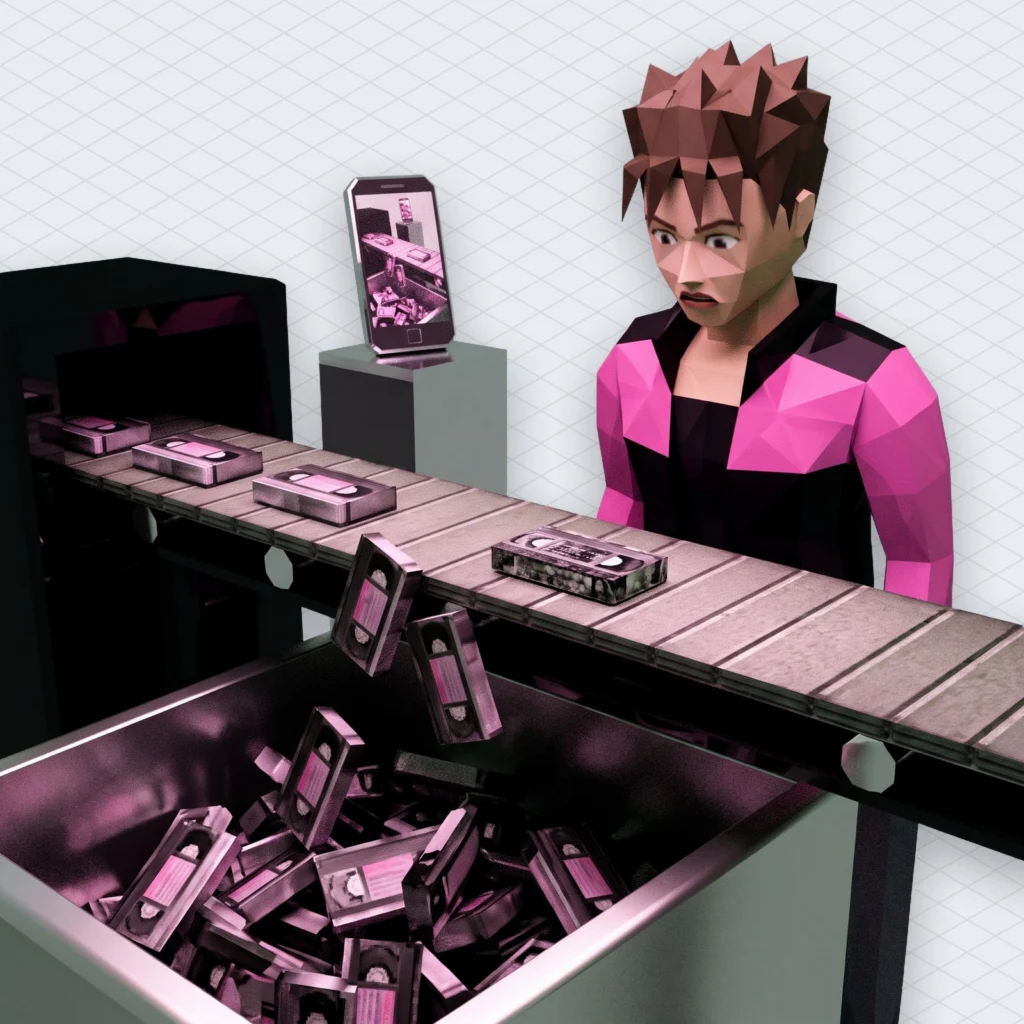
The YouTube algorithm, according to YouTube’s help page on recommendations, learns from “over 80 billion pieces of information we call signals”. It also compares your viewing habits with those of people whose habits look like yours. So the machine doesn’t read your video and decide it’s good. It watches what people like your viewers do next.
The primary signals YouTube names are watch history, search history, channel subscriptions, likes, dislikes, “Not interested” clicks, “Don’t recommend channel” clicks and satisfaction surveys. That’s the whole public list. There’s no secret ninth item called “posted at 3:07 p.m. on a Thursday”.
Read the list again, because the strange part is what isn’t on it. You don’t set any of these in YouTube Studio. Every one of them is something a viewer does. Upload frequency, video length and hashtag count aren’t named as recommendation signals anywhere on that page. The YouTube algorithm grades your audience, not your effort.
The same page lists where recommendations show up: Home, the Up Next panel next to the video you’re watching, the Shorts feed, destination pages such as Music or Movies & TV, and some shelves on channel pages. YouTube’s own pages mostly say “recommendation system” rather than “algorithm”. That’s the difference between a tax office and the word “taxes”. Same thing. Nicer stationery.
Watch time replaced clicks in 2012, and views dropped 20%
Watch time became a ranking signal in 2012. Views fell 20% straight away. Every piece of thumbnail advice still runs into that change to the YouTube algorithm. In a 2021 post on the official blog, VP of Engineering Cristos Goodrow laid out the timeline. Around 2008 the system ranked videos mostly by popularity, which produced one big “Trending” page. By 2011 YouTube decided clicks weren’t reliable. In Goodrow’s words, “clicking on a video doesn’t mean you actually watched it.”
So in 2012 it added watch time. According to the same post, “we saw an immediate 20% drop in views.” YouTube accepted fewer views to get more honest ones, which is a sentence no creator has ever said about their own channel.
A short detour. The 2008 version had one Trending page for everyone, so a cat on a piano and a news clip competed for the same slot in front of the same audience. That’s roughly how a town square works, and roughly why nobody builds town squares anymore. Anyway.
The practical lesson is old and still ignored. A thumbnail that promises more than the video delivers gets a click, then an early exit. The YouTube algorithm stopped trusting that click fourteen years ago.
Satisfaction surveys teach the YouTube algorithm the difference between watching and liking it
Watch time alone isn’t what the YouTube algorithm is after either. YouTube adds satisfaction surveys that ask viewers to rate a video from one to five stars. Goodrow’s post says only four- and five-star videos count as “valued watchtime”. The help page adds that the surveys let the system weigh satisfaction rather than watch time alone.
That changes what “retention” means. An hour of video someone sat through out of spite isn’t the same as an hour they’d recommend to a friend, and YouTube has built a way to tell them apart. The weights stay private. Goodrow writes that the importance of each signal varies by user. So nobody outside can reverse-engineer one YouTube algorithm score (and that includes the course seller in your feed).
There’s also a layer your fans don’t vote on. YouTube’s How YouTube Works page says channel reputation and quality affect how, when and to whom content is surfaced. For news, personal finance, medical and scientific topics it gives more weight to high-quality sources. It also uses external evaluators to judge how an average viewer would perceive a video.
The 2021 post puts numbers on the strictest part. After YouTube started demoting “borderline” content in 2019 (videos that come close to breaking the rules without quite doing it), watch time on non-subscribed, recommended borderline content in the U.S. fell 70%. The stated goal is to keep views of borderline content from recommendations below 0.5% of all views. Precise. If your growth plan depends on being almost against the rules, YouTube has published a target for exactly how little it wants to show you.
Home and Suggested start from different places
Home and Suggested look like the same feed with different furniture, but the YouTube algorithm starts them from different questions. YouTube’s help page says Home relies mainly on your watch history. Up Next (the panel that powers “Suggested videos” in your analytics) relies mainly on the video you’re watching right now.
Home answers “who is this person?” It mixes personalised recommendations, subscriptions and news, according to the How YouTube Works page. Up Next answers “what is this person doing at this moment?” The same page says the watch-next suggestions draw on watch history, broader viewer trends and the topic of the current video.
So the YouTube algorithm rewards different things on each surface. A video does well on Home when it suits a viewer’s long-term taste. It does well in Suggested when it’s the obvious next step after something they’re already watching. If your traffic report is mostly Suggested, your video is living next to other people’s videos. Its topic and title have to make sense in that company.
One detail shows how much Home depends on history. If a viewer turns watch history off and has little history left, the help page says the homepage shows only the search bar and the left-side menu. No recommendations at all. It’s the most honest page on the internet, and it has nothing to say.
YouTube search ranks on relevance, engagement and quality
Search is the most documented corner of the YouTube algorithm. YouTube’s search help page ranks results on three elements: relevance, engagement and quality. The weighting shifts with the type of search.
Relevance means how well the title, tags, description and video content match the query. Engagement is aggregate viewer behaviour, such as watch time for a particular video on a particular query. Quality means signals that a channel shows expertise, authoritativeness and trustworthiness on the topic. Personalisation sits on top. Results also lean on each person’s search and watch history, which is why two people typing the same words see different lists.
Two lines on that page are worth quoting to anyone selling “YouTube SEO packages”. YouTube “doesn’t accept payment for better placement within organic search results”, and it says it doesn’t favour Google-owned content over other creators. You can buy ads. You can’t buy rank.
Search is also changing shape. On October 12, 2026, YouTube expanded Ask YouTube, its conversational search, to U.S. viewers on mobile alongside web and TV. People ask a long question, refine it with follow-ups and get an interactive answer instead of a list of links. YouTube also says viewers will soon be able to use it while watching Shorts and live streams. When people ask full questions, a title that plainly says what the video answers gives the YouTube algorithm more to match than a title that only says “WOW”.
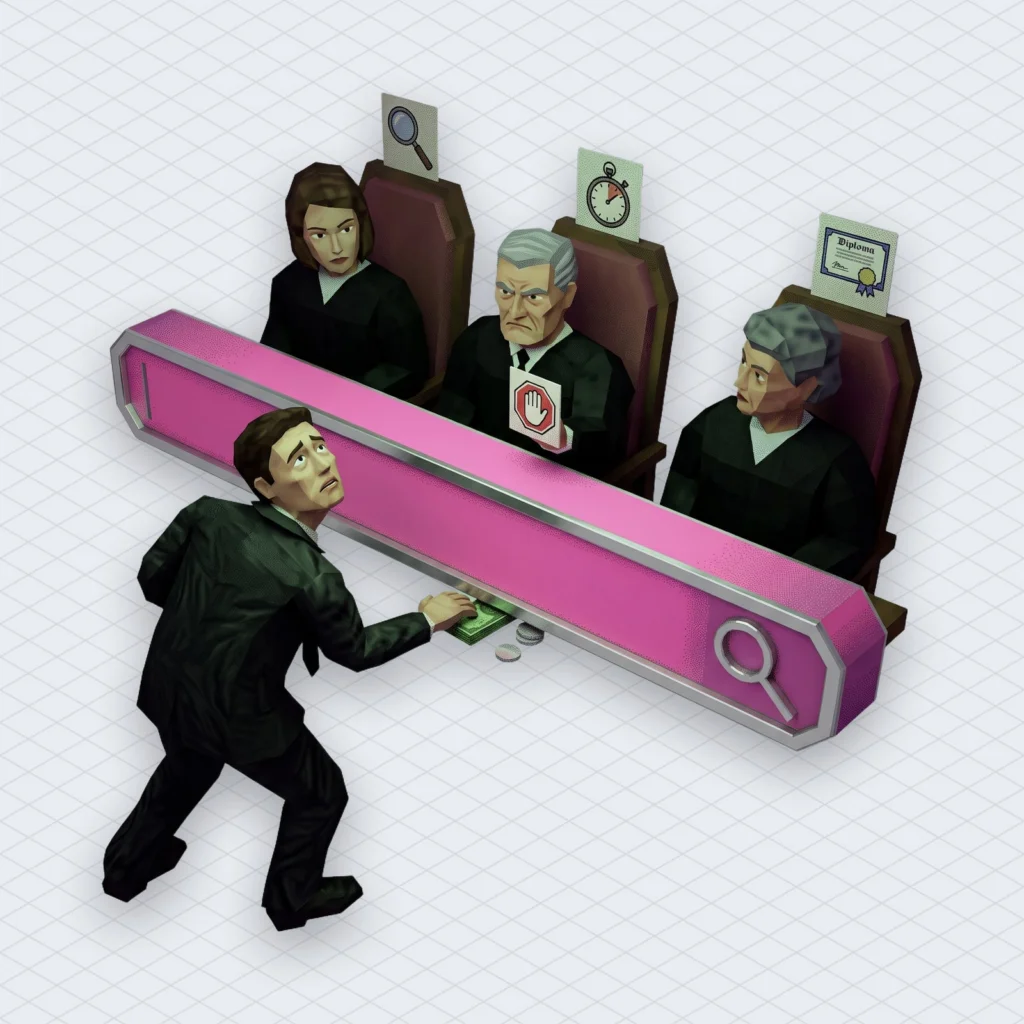
Shorts run on their own YouTube algorithm, and YouTube says re-uploads will lose reach
Shorts get their own YouTube algorithm, and on October 1, 2026 YouTube said it will favour original work over re-uploaded clips there. In a Creator Insider Q&A, reported by Search Engine Journal, YouTube said that “viewers watching Shorts aren’t always the same viewers watching longer-form content” and that “we separate Shorts and long-form content from watch history.” A Short that blows up doesn’t automatically push your long videos to the same people.
What counts as a Short is defined too. YouTube’s Test & compare help page classifies uploads of up to three minutes that are square or taller as Shorts. Upload a 2:59 vertical video and you’ve entered the other system. Meant it or not.
The October change came as a post in the YouTube Help Community, “Prioritizing original content on Shorts”. As Digital Music News quoted it, YouTube said its systems “are designed to connect viewers with videos they find genuinely valuable.” The post says it will “reduce the reach of content re-uploaded from other creators without adding anything of your own.” Channels “primarily aggregating or re-uploading other creators’ videos” will “likely see less distribution within the Shorts feed”, Social Media Today reported.
There are open questions. 9to5Google noted that the post gives no rollout date and leaves unclear how some formats, such as AI remixes, will be treated. The direction is clear, though. Commentary, your own voice and real edits count. Reposting a clip with a new caption is now the slow lane. If you’re also confused about why a Short’s view count and its payout disagree, we covered how Shorts count views and which ones get paid.
What the YouTube algorithm doesn’t list: AI-made videos, music claims and lucky hours
Several creator fears never appear in the YouTube algorithm documentation. Its recommendations help page says plainly that videos made with AI can be recommended as broadly as videos made without it. The rule that does apply is disclosure. The How YouTube Works page says creators must disclose realistic altered or synthetic content, and a label then appears on the video.
Music claims aren’t a recommendation signal either, but that’s cold comfort. A copyright claim can send the ad money to a rights holder or block the video in some countries. No ranking system fixes a video people can’t watch. YouTube’s own fix is getting more automated, as we wrote when Replace Song started generating AI tracks to clear claims. In Mubert’s own data from the last 28 days, about one in four results from our copyright checker found a rights holder’s claim on the uploaded track (25.2%, down slightly from 26.4%). That’s a lot of soundtracks one upload away from a bad week.
This is the part where we mention ourselves once. Mubert Render writes an original track to the exact length of your video, generated from samples that human artists uploaded and are paid for, so the music isn’t shared with a thousand other uploads. Check the licence scope for your plan. Licence terms are a legal question, not a slogan.
Posting time isn’t on the list either. It can still matter for who’s awake to watch first, and we compared two studies that disagree about it in the best time to post on YouTube. Still, a timestamp has never once rated a video five stars.
Test & compare shows which signal YouTube trusts most
The clearest look at what the YouTube algorithm values is a tool in YouTube Studio. On its Test & compare help page, YouTube says you can test up to three titles, thumbnails or combinations of both. It picks the winner by watch time share, not click-through rate. Watch time share is the portion of total watch time each version earned during the test.
The rest of the fine print is useful. A test can take from a few days to two weeks, depending on impressions. A “Winner” result means one option clearly outperformed and the result is statistically significant. If there’s no clear winner, YouTube keeps the first title or thumbnail you uploaded. Tests run on desktop in Studio only, and they aren’t available for Shorts, videos made for kids or private videos.
The detail that bit us is this one. Changing the title or thumbnail during a test stops it, and you have to start over. We once swapped a thumbnail four times in an afternoon because the first hour “looked slow”. Had a test been running, we’d have killed it three times. We learned exactly as much as we would have anyway, which was nothing.
Put this next to the 2012 story and the pattern is plain. YouTube had a tool that could crown the most-clicked thumbnail, and it built it to crown the one that kept people watching instead. Same decision as the 20% hit in views. Made again, this time in a settings menu.
A checklist for the YouTube algorithm this week
None of these steps involve guessing what the YouTube algorithm had for breakfast.
- Open Studio, find your top three videos by traffic source, and note whether each one lives on Home, Suggested, Search or the Shorts feed.
- Rewrite one title so it plainly says what the video answers, in the words a viewer would type or ask.
- Run Test & compare on your next long-form upload and don’t touch the title or thumbnail until it finishes.
- Cut one thumbnail that promises something the first minute doesn’t deliver.
- Audit your Shorts for re-uploaded clips and add your own commentary, edits or story to anything you keep.
- Check the soundtrack of your next upload for claims before you publish, not after.
- Add the synthetic-content disclosure to any realistic AI-altered footage you post.
Then wait for the waiter. Somewhere a viewer is about to rate your video from one to five stars, and only the fours and fives count. Make the kind of soup people rate on purpose.
 Who we are


