
KICKs on Kick are tips that viewers pay for up front. They cost roughly a cent each on the website, and the streamer keeps 95% of their value. A Kick sub costs a flat $5, so 50 subs pay a streamer $237.50 a month. This post is for streamers who want the maths without a calculator site (and for viewers who want to know where their money goes). It covers what KICKs are, what they cost, what 50 subs earn, how many KICKs match that, how Kick’s split compares with Twitch’s, and when the money shows up.
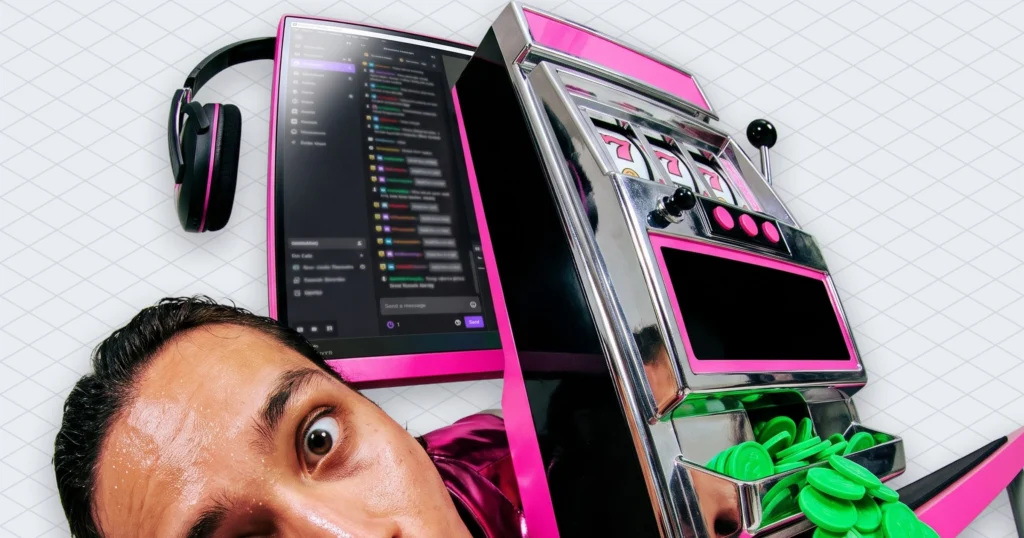
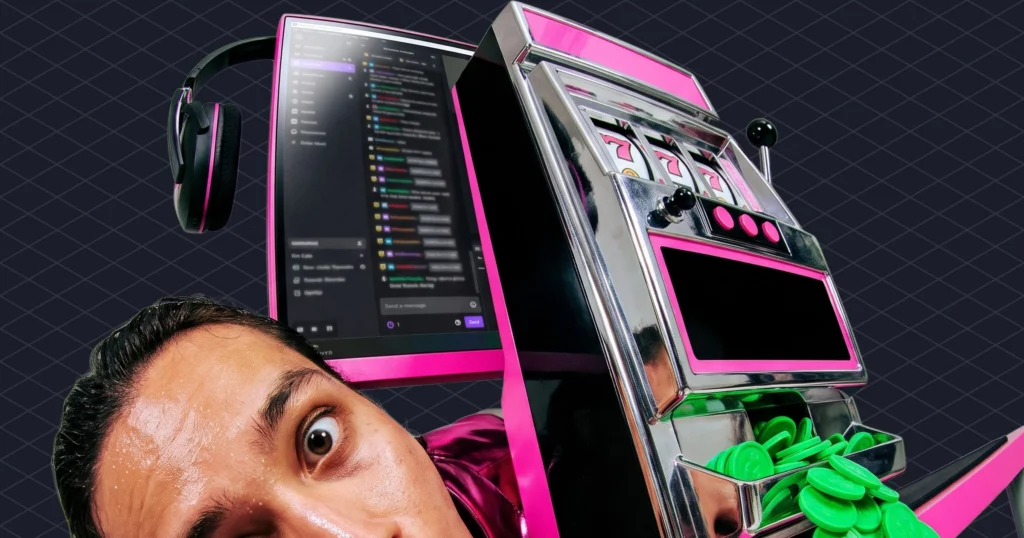
Think of KICKs as arcade tokens for a chat window. You swap real money for tokens, feed them into somebody’s chat, and the machine pins your message to the top. The difference from an arcade is that the person on the other side of the glass gets most of the money.
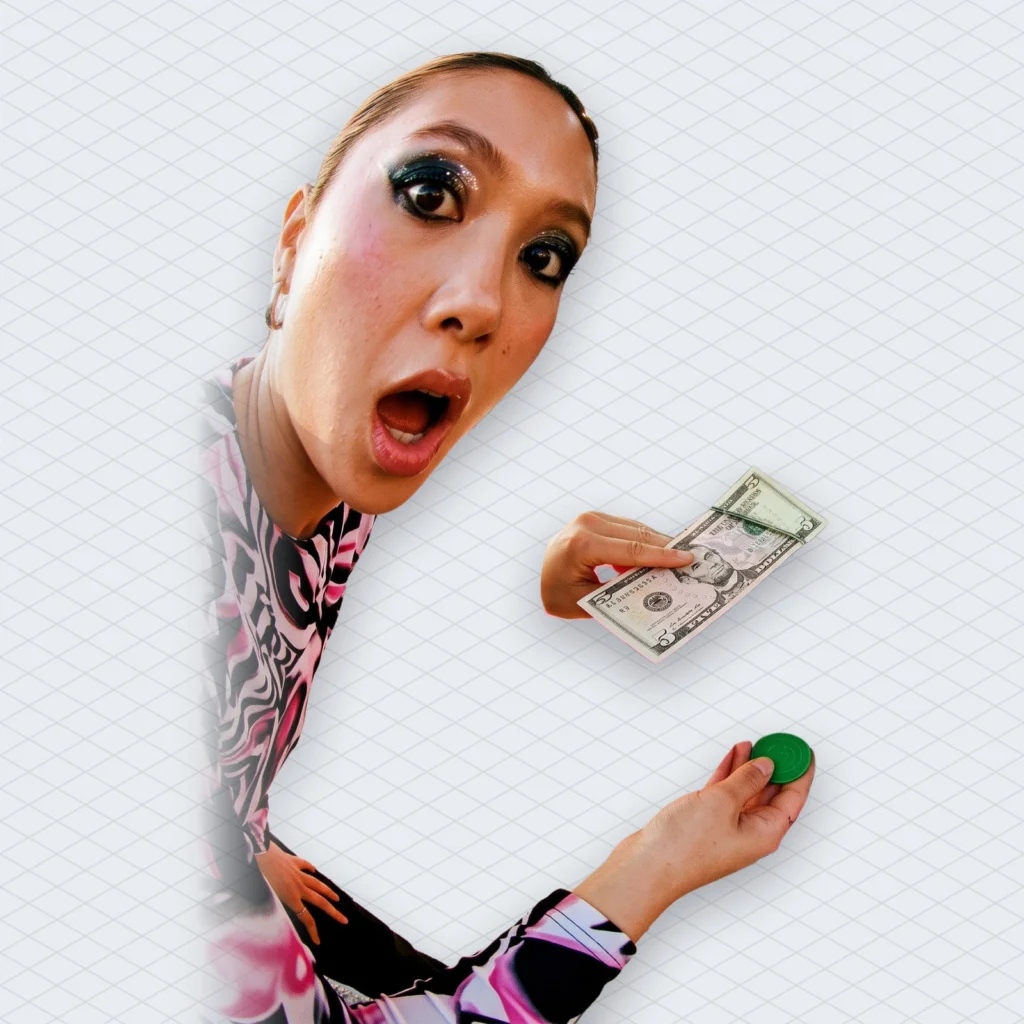
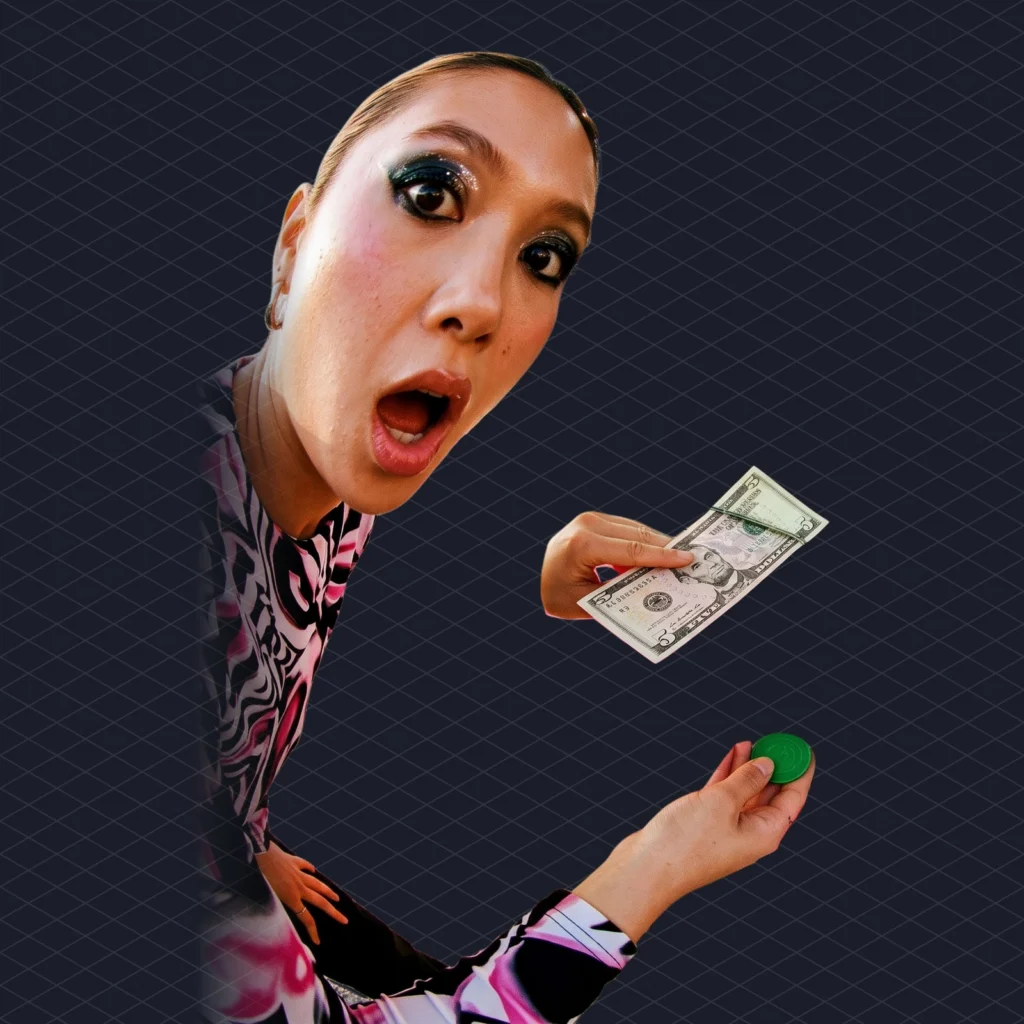
KICKs on Kick are prepaid tips that pin your message
KICKs are Kick’s tipping tokens. A viewer buys a pack, then sends anywhere from 1 to 50,000 of them in a streamer’s chat. Kick’s own tipping guide calls them “virtual goods that you can use to interact with Streamers and the community”. That is the polite version of “a tip with a pinned message attached”.
You don’t type in the amount. You pick it from a slider with fixed steps: 1, 10, 50, 100, 500, 1,000, 2,000, 5,000, 10,000 and 50,000. The bigger the send, the longer your message stays pinned in the chat carousel. Kick sorts that carousel by value and recency, so “higher-value and more recent messages appear closer to the front.” A moderator can still delete your pinned message, and if they do, you don’t get the KICKs back. Every KICKs transaction is final.
The usage policy is blunter than the guide. It says KICKs are “limited, revocable, non-transferable, non-sublicensable digital goods” and adds that they are not currency and have “no cash or redemption value.” So a viewer can’t cash them out, sell them or move them anywhere else. The policy also says only adults can buy them; minors need a parent’s or guardian’s consent where that is allowed. The streamer is the only one who sees real money, because what the streamer receives is a share of the payment, not the tokens.
A short warning for anyone searching for prices. Type “KICK price” into a search bar and you get crypto charts for an unrelated token that happens to share the name. It has nothing to do with chat tips, and nobody pins your message for buying it.
Anyway.
What KICKs on Kick cost a viewer: about a cent each
On the website, KICKs cost a viewer roughly one cent each, and bigger packs work out a little cheaper. Kick’s help center doesn’t print a price per KICK. Instead, the buy window shows each pack’s price when you click “Get KICKs” next to your avatar or in an eligible channel. When win.gg checked the store in November 2025, 100 KICKs cost $1.09 and 10,000 cost $105.79. That is about 1.09 cents per KICK in the small pack and about 1.06 cents in the big one.
Prices can change, so read the number in the buy window before you quote it to anyone. On mobile you can only buy from inside an eligible channel, using your KICKs balance or the Get KICKs button, according to Kick’s guide.
Then there are badges, which is where tipping turns into a hobby. Since a Kick Support announcement in November 2026, sending 5,000 KICKs in one channel earns the viewer that channel’s KICKs badge. The badge has 17 levels and the top one sits at 7,000,000 KICKs. At the 2025 bulk price, that is more than $70,000 of tips to a single streamer, for a small icon next to your name. Somebody will do it. Somebody probably already has.
The badge only counts KICKs sent in that one channel, and it is off by default. Viewers switch it on under Chat Settings > Identity > Channel badges. That detail is worth a line in your stream panel, because a regular who has spent $50 and can’t see the badge will tell you about it, live, in chat.
Streamers keep 95% of every tip and every sub
Kick splits its main revenue 95/5: the streamer keeps 95%, and 5% goes to processing costs. The revenue split page, dated October 26, 2026, applies this to subscriptions and KICKs. For a sub, the viewer pays $5, the streamer receives $4.75 and the processing fee is $0.25. For KICKs, the page says “you receive 95% of the value.” Bounties, Kick’s paid brand campaigns, have their own rates, listed in each Bounty post.
The sub price is simpler than you’d expect. Kick’s viewer guide says subscriptions are “a flat $5 USD per month, in every country we support.” There are no tiers and no regional discounts. Every subscriber pays the same amount, so every subscriber is worth the same $4.75.
KICKs are less tidy, because Kick never says what “value” means in dollars. If it means what the viewer paid, 1,000 KICKs bought at the 2025 bulk price (about $10.58) leave roughly $10.05 for the streamer. If Kick values each KICK at a flat cent, the streamer gets $9.50. Either way it is close to a cent per KICK, so that is the number we use below. We tried to find an official per-KICK rate in the help center. There isn’t one.
A small confession. The first time we did this maths, we multiplied 50 subs by $5 and stopped there, happy with $250. The 5% is easy to forget because the split is so generous. It is still there, though, and the $12.50 it takes out of 50 subs is about the price of a decent lunch.
50 subs pay a streamer $237.50 a month
Fifty Kick subs pay the streamer $237.50 a month: 50 × $4.75. Viewers pay $250 in total and Kick keeps $12.50 for processing. That is before income tax, which depends on where you live. US-based streamers may receive 1099 forms, according to the revenue split page.
The same maths works at any size:
- 10 subs: $47.50 a month
- 25 subs: $118.75 a month
- 50 subs: $237.50 a month
- 100 subs: $475 a month
- 50 subs held for a full year: $2,850
Gifted subs fit into the same table. Kick describes them as subscriptions “someone else pays for on your behalf,” with the same perks, usually for one month. So a viewer who gifts 50 subs in one go spends $250. On the 95/5 split Kick lists for subscriptions, the streamer gets the same $237.50 as if fifty people had subscribed on their own.
The difference shows up the following month. Regular subs renew automatically unless the viewer unsubscribes. A gifted sub covers its period and then ends. Fifty gifted subs in October are a good October, not a promise for November. If you plan around that $237.50, count the subs that renew, not the ones that arrived in a gift bomb.
Fifty subs also matter beyond the money. Kick’s Partner Program lists 25 active subscriptions in the past 30 days as one of its entry requirements, so 50 subs puts you at twice that line.
How many KICKs on Kick equal 50 subs
Fifty subs earn a streamer as much as roughly 23,000 to 25,000 KICKs sent once. The range comes from that missing definition of “value”. If a KICK pays the streamer 95% of the 1.09-cent small-pack price, $237.50 takes about 23,000 KICKs. If it pays 95% of a flat cent, it takes 25,000.
On the slider, that is two 10,000 sends and one 5,000 send. By coincidence, 25,000 KICKs is also exactly the level-5 badge threshold. So one viewer who reaches level 5 in your channel has tipped you about a month of 50 subs.
Smaller nights add up faster than they feel. Say ten viewers each send 1,000 KICKs during one stream. That is 10,000 KICKs, or roughly $95 to $100 for you, depending on how Kick counts the value. In sub terms, it is about 20 subs for one month. Nice evening. It still won’t happen again just because you wrote it in a spreadsheet.
Subs pay the rent and KICKs pay for the good nights
A sub is worth more than a KICK of the same dollar value, because it repeats. A sub is a recurring payment that counts toward the Partner Program and gets the viewer a sub badge and perks. KICKs are a one-off: the money arrives once, and KICKs don’t appear anywhere on the Partner checklist. Subs pay the rent. KICKs pay for the night someone in chat gets excited.
So plan with subs and celebrate with KICKs. If your monthly costs (internet, a new mic arm, the coffee) need covering, set them against the subs that renewed last month. Treat tips as the bonus. A month without them should still balance.
KICKs also tend to arrive with a message attached, and the message is the product. If you read KICKs messages out loud, people send KICKs to be read out loud. If you ignore them, the carousel becomes a very expensive wall of text that nobody reads.


Who can receive tips and subs, and when the money arrives
To receive KICKs, a streamer needs Streamer status in their Achievements and a finished Stripe Connect setup, according to Kick’s guide. Subs need more. The revenue split page says you must be a KICK Affiliate or KICK Partner to earn from subscriptions and Kick’s other monetisation tools.
Partner is the higher tier, and the bar is public. In the past 30 days a channel needs an average of 75 concurrent viewers (people watching at the same moment), 30 hours streamed, 25 active subs, 250 unique chatters, 3 VODs and at least 250 followers. It also has to be verified before applying. Kick notes these numbers “may change”, and meeting them only lets you apply. It doesn’t guarantee a place.
The money moves through Stripe. Kick sets no minimum payout. Non-verified streamers are paid monthly, while verified streamers can ask support for weekly or monthly payouts. Some countries set the schedule by law. In Brazil, it’s daily. If $47.50 from ten subs feels too small to bother with, Kick will still pay it.
Do the Stripe part on a day off, not ten minutes before going live. Payment setups like this ask for personal and bank details, and nobody wants to dig out a bank card while chat watches. Finish it once, check the payout settings, then forget about it until the first transfer lands.
Kick and Twitch split the same tip very differently
On paper, a Kick sub pays the streamer close to twice what a standard Twitch Tier 1 sub does, while KICKs and Twitch Bits pay about the same cent. Twitch’s Creator Camp says streamers receive $0.01 for each Bit used in their chat. That is roughly where a KICK lands after Kick’s 5%.
The gap is in subscriptions. In a 2022 letter, Twitch’s president said the standard Partner share on Tier 1 subs is 50%. Its Plus Program raises that to 60/40 or 70/30 for channels that hit monthly Plus Points targets, and in January 2024 Twitch removed the cap and opened the programme to Affiliates. Kick’s 95% has no points and no levels. It is the same for everyone who can earn.
A percentage is not an audience, though. Fifty subs at 95% beat fifty subs at 50%. They don’t beat two hundred subs at 50%, and the chat that sends them is the part no split can give you. Pick a platform for the people, then enjoy the percentage.
The music in your stream can cost more than 50 subs
A copyright strike can wipe out more than a month of subs, and the music in the background is the usual cause. Kick’s DMCA strike system has three steps. The first strike brings a notice, the second puts the account under enhanced monitoring, and the third reads “Account banned due to repeat infringement.” Kick removes infringing content at every step. Strikes expire after a period if no new violations follow, but the page doesn’t say how long that period is.
None of the $237.50 comes back once the channel is gone. And a song you think is fine often isn’t: about one in four tracks run through our copyright checker came back with a rights holder’s claim (24.1%, down slightly from 25.7%; Mubert’s own data, last 28 days). Those are tracks people uploaded because they weren’t sure. Roughly a quarter of the time, they had good reason to wonder.
We covered how this plays out on stream recordings in what gets muted in a Twitch VOD hours later, and most of it applies to Kick VODs too. One option is music made for your stream. Mubert Render writes an original track to the length you need from a mood, genre or tempo. It builds that track from samples uploaded by real artists, who get paid. Its commercial-use clearance depends on the plan, so read the licence for yours. Then you can read out KICKs messages over music you’re actually allowed to play.
A checklist for earning KICKs on Kick this week
- Check your Achievements page for Streamer status before asking anyone for KICKs.
- Finish Stripe Connect setup so tips and subs have somewhere to land.
- Put “$5 sub, $4.75 to me” on your channel panel so viewers know where their money goes.
- Tell regulars the KICKs badge starts at 5,000 and sits under Chat Settings > Identity > Channel badges.
- Count only renewing subs against Partner’s 25-sub line, not last week’s gift bomb.
- Ask support for weekly payouts once your channel is verified.
- Check the pack prices in the buy window before quoting KICKs prices on stream.
- Replace any chart songs in your stream with music you have a licence for.
The viewer’s KICKs never turn back into money. Yours do, at 95 cents on the dollar, and no arcade has ever paid out like that.




 Who we are