
Free music for Instagram Reels comes from two places: a licensed library of chart songs and Meta’s Sound Collection of over 14,000 tracks. Your account type decides which one you see. A personal account gets the licensed library, which Instagram says is for personal, non-commercial use. A business profile may lose that library and keep only the Sound Collection, whose tracks Instagram says can go into ads. This post covers both, plus why reels go silent and what keeps playing, for anyone posting Reels from a holiday account or from a bakery.
So the music tab is a menu that changes depending on who is ordering. Same app, same search box, different kitchen.

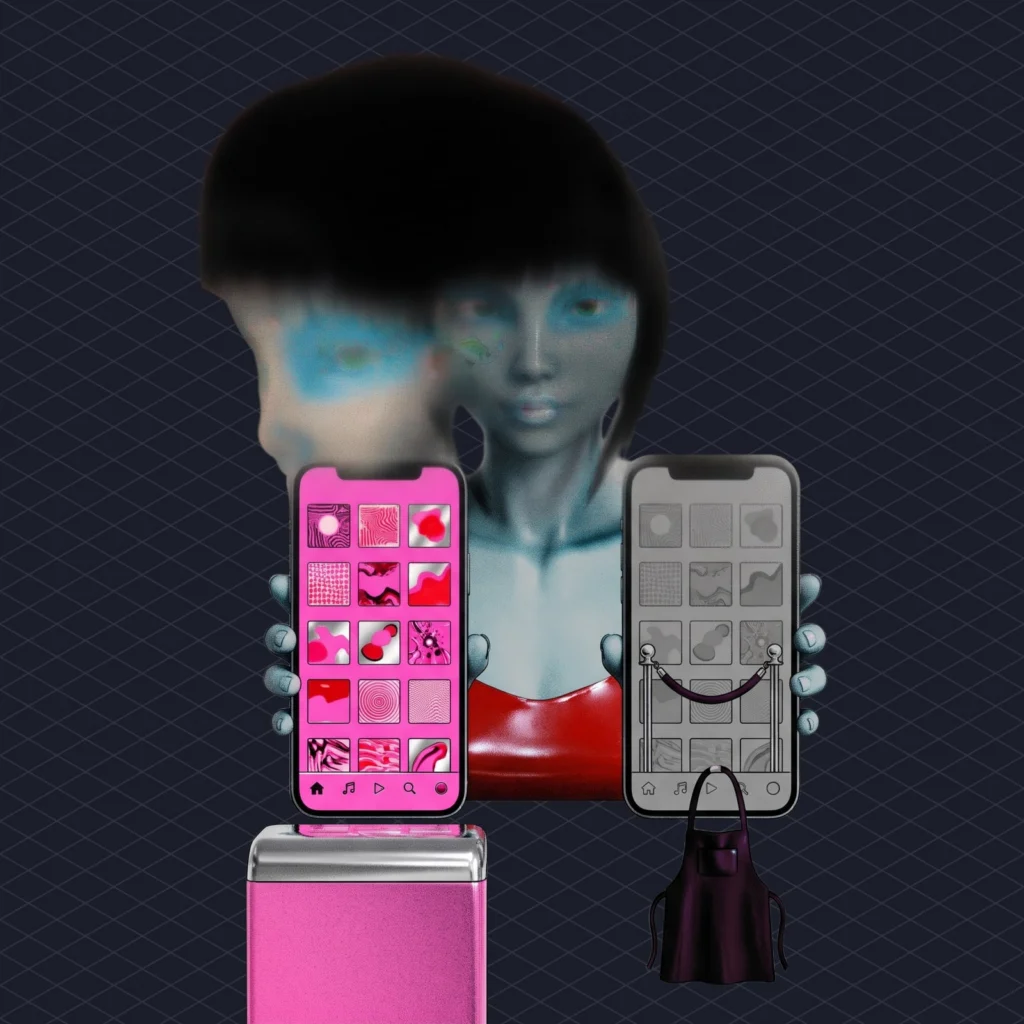
Free music for Instagram Reels comes from two libraries
Instagram has two music sources, and only one of them was built for business. The first is the licensed library. Instagram’s help page on what audio you can use in a reel describes licensed audio as copyrighted material. That means music, but also clips from films, TV shows and sound effects. Instagram licenses it from rights holders and lets you put it under a video.
The second is Meta’s Sound Collection, a set of royalty-free tracks and sounds for Reels and Stories. “Royalty-free” means you pay nothing per use. It does not mean nobody owns the track. The help page on access to the licensed music library says the collection holds “over 14,000 songs and sounds”. In May 2020, Instagram’s music guidelines for video said “thousands of tracks”, so it has grown.
There is also a third source that people forget because it doesn’t sit in a menu: your own audio. Your voice, your guitar, your band rehearsing in a garage. Instagram calls it original audio, and it is the only kind where you are the rights holder.
Every piece of free music on Instagram gets into a reel through one of these three doors. But “free” means something different behind each one. In the licensed library, the song costs nothing to pick, and the licence covers a person posting for fun. In the Sound Collection, the licence reaches as far as an ad. With original audio, nobody else’s licence is involved at all.
A personal account gets the licensed library, for personal use
A personal account sees the full licensed library, and Instagram states the limit in one sentence: the music “is intended for personal, non-commercial use”. So the dog video, the wedding recap and the hiking reel are exactly what it was built for. A promo for your candle shop is not, even from a personal profile, because the account type was never the real test.
Purpose beats badge. A florist posting her kid’s school play is fine. The same florist posting Valentine’s prices over a pop hit is not, whichever account she happens to post from.
Licensed songs are free to add to a reel on Instagram, but the music still belongs to the label. The app adds the artist and track name for you, and your reel lands on that song’s audio page. Uploading a chart track as “original audio” doesn’t work either. Instagram’s help page says that when it detects licensed audio, it changes the label to the artist and song title.
(Someone at Meta clearly sat through a lot of reels called “my sound, trust me”.)
Meta’s music guidelines for Facebook and Instagram set the outer edges. They prohibit using music “for commercial or non-personal purposes” without the right licences, and they rule out “a music listening experience”, live video included. Videos with more music are more likely to be limited. Also: “There should always be a visual component to your content.”
So a reel that is a black screen and a full chorus is a radio station with extra steps. Region matters too. Licensed music “may also not be available in certain countries or regions”, so a song you see at home may vanish on holiday.
Business profiles lose the licensed library, on purpose
Some business accounts get no licensed library at all, and Instagram says why. To keep licensed music from commercial use, “certain business accounts and certain types of posts do not have access to the library.” Instagram doesn’t publish which ones. So the only reliable test is to open the Audio tool on your own profile and look.
For a shop, a salon or a hotel, then, the free music Instagram offers in the Reels editor is a shorter list. The logic follows the money. A brand that puts a hit song under a product video is doing what labels normally charge for, and they charge a lot. The platform hides the button so the button can’t end up as evidence.
The best-known example is a hotel chain. In May 2024, Sony Music sued Marriott over 931 alleged unlicensed uses of music in promotional videos on TikTok and Instagram. The posts came from Marriott’s accounts, its hotels and influencer partners. Digital Music News noted that platform music deals cover “the non-commercial use of music on the part of individuals”. A hotel chain is not an individual, however warm the lobby lighting.
Sony dismissed the case with prejudice in October 2024, which means it can’t be filed again, and nobody disclosed the terms. The lesson still stands. A song sitting in Instagram’s free music menu for Reels does not give a company a licence to use it in marketing.
A confession: we have also caught ourselves thinking “it’s in the app, so it’s fine”. It feels like a rule. It is actually a guess, and the label’s lawyers make a different one.
Meta’s Sound Collection is the free Instagram Reels music a business can use
If the account sells something, the Sound Collection is the free option Instagram itself points to. Its over 14,000 songs and sounds are, says the help page, “entirely royalty free and safe to use in Reels and Instagram Stories”. They “can be used for commercial purposes like ads”. It is the only free music on Instagram whose licence names ads, and it sits in the same Reels editor.
In the Reels camera, tap Audio. In Stories, pick the Music sticker. If your business profile has no licensed library, what you see there is the Sound Collection.
The catches are ordinary ones. It is a stock library, so any account can pick your track, including the café across the street. This week’s number one isn’t in it. And Instagram’s page talks about Reels and Stories, so read the Sound Collection terms before you assume the licence travels to YouTube or TikTok.
A short tangent. Sound Collection tracks have names like furniture from a store you once got lost in, and some are genuinely good. Nobody remembers the names. Anyway.
For a business that posts one video on several platforms, the cleaner route is a track whose licence names all of them, and our breakdown of what copyright-free downloads actually license covers the clauses that decide it. TikTok splits it too. Its commercial music library draws the same line with its own wording.
Switching to a creator account changes the menu, not the licence
Instagram lets you switch a business profile to a creator account in a few taps. Its steps for switching account type go profile, menu, Business tools and controls, Switch account type. Plenty of guides sell this as the way to get chart songs back. Read the small print. Instagram’s own page doesn’t promise that, since it only says “certain business accounts” lose access and never mentions creator accounts.
Even if the menu fills up again, the licence stays the same. The library is still “intended for personal, non-commercial use”, whatever label the profile carries. A bakery on a creator account still sells bread. Switching does not turn the free music on Instagram into music a brand can put in a reel.
There are real cases where a creator account and the licensed library fit. A personal vlog with a short song clip is the intended use. A musician filming their own gig is fine too, because the 2020 guidelines allow “traditional live music performances”. Trouble starts when the reel exists to sell something.
So the honest version of the switch-back trick goes like this: switch if you want creator tools, then keep choosing free music for Instagram Reels as if you were still a business.
Pick the free music for Instagram Reels by what the reel is for
The safest way to choose is to ask what the reel is for before you open the Audio tool. Account type comes second. A holiday clip, a birthday montage or a cat refusing a bath is personal use, so the licensed library fits, as long as the song sits over real footage and stays a clip rather than the whole album. A reel that shows your menu, your rates or your discount code is an ad. Treat it like one. Free music for Instagram Reels is only free for the use it was licensed for.
The grey zone is the paid partnership. If a brand sends you a product and you film it, the reel is marketing, even when it looks like your usual vlog. Marriott’s case named influencer partners among the posters, which tells you how labels read those videos. So use the Sound Collection, a track licensed for commercial use, or your own audio.
Then there is the reel you post once and boost later. A boosted post is a paid ad, and the song you picked for fun comes along for the ride. Pick for the most commercial version the reel might become.
(Future you, staring at the Boost button, will be grateful.)
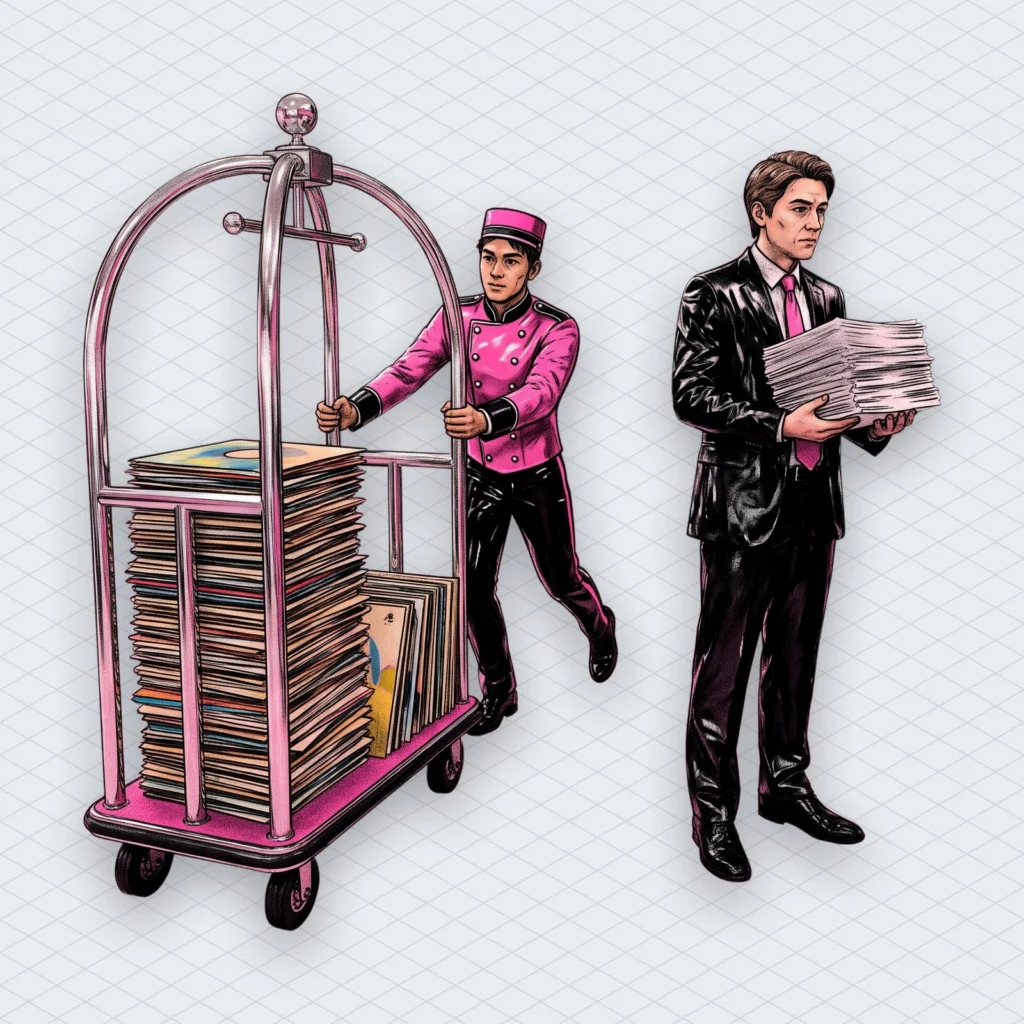
A muted reel stays up and loses its sound
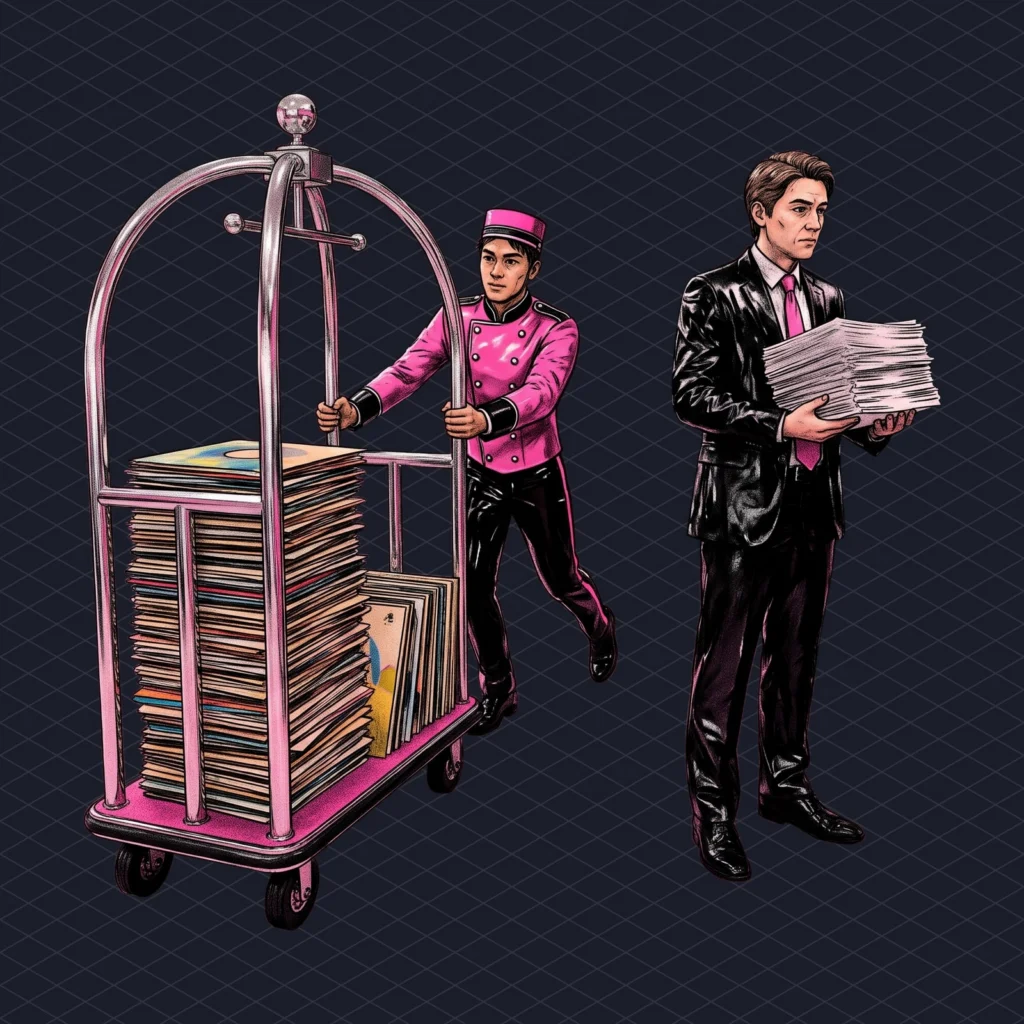
When Instagram mutes a reel, the video stays up and plays in silence. Picture, no sound. The help page says audio “can become muted” when Instagram’s agreements with rights holders change, and “your post can still be viewed”. So a reel can lose its sound months later without you doing anything. Free music on Instagram is rented, and a reel is only as loud as the lease.
Meta’s music guidelines say a rights owner can review content with unlicensed music and have it blocked, muted or removed. Instagram’s page on using music in your videos says that after a mute or block, “we’ll make clear what actions you can take”. For a muted reel, the main option is Replace audio, which swaps in another track from the library.
If you own or licensed the music, the guidelines describe a dispute route: through the rights holder, an automatic restore or a review by Meta’s operations teams. Dispute only with paperwork. “I liked the song” is not a defence.
Claims are common, which is a good reason to check a track first. In Mubert’s own data for the last 28 days, about one in four results from our copyright checker found a rights holder’s claim on the uploaded track (24.1%, down from 25.7% the period before). One in four. Even free music on Instagram Reels gets checked.
Music you made or own keeps playing because nobody else owns it
The audio most likely to keep its sound is audio you have the rights to and can prove it. It is also the only free music on Instagram that no label deal can mute in your reel. Original audio (a voice-over, a field recording, your own song) is listed first on Instagram’s page about what can go in a reel. On a public account, though, anyone can reuse it, and you can limit reuse on Meta AI apps and websites under “Sharing and reuse” in settings.
Music licensed elsewhere works too, if the licence names Instagram and your kind of use. You just need the receipt. Free music libraries vary a lot in what they allow on Instagram Reels: some allow ads, some only non-commercial posts, some want a credit line. Our look at what those no-copyright playlists really are explains why “free” in a video title tells you nothing. If the video also goes to YouTube, compare the six sources in free music for a monetized YouTube channel.
If detection labels your own recording as somebody else’s song, open the reel’s Options, then Remove From Audio Page. The audio goes back to Original Audio. Detection makes mistakes. It doesn’t make them in your favour.
Generated music is written to the length of the reel
Generated music is the other way to own the paperwork. Mubert Render composes an original track from a text prompt (a mood, a genre, a tempo or a description of the video) at the exact length of your reel. It builds the music from samples that human artists uploaded and get paid for. The track is cleared for commercial use under the platform licence, and the scope depends on the plan, so check the live pricing page before a business reel.
Need a different length? Change the length, instead of fading out a three-minute file at 0:29.
None of this makes a reel immune to automated detection, which errs in both directions. What it gives you is a licence you can point to when you dispute a mute. One habit worth stealing: keep the licence in the same folder as the reel’s project file, so the paperwork is easy to find when a mute arrives at the worst possible moment.
A checklist for free music on Instagram Reels this week
- Open the Audio tool on your own profile and note which library it shows.
- Decide for each reel whether it sells something, before you pick the song.
- Use the Sound Collection or music you licensed for any reel that promotes a business.
- Keep chart songs to short clips over real footage, the way Meta’s guidelines ask.
- Read the Sound Collection terms before you reuse a track outside Instagram.
- Save the licence or receipt for every track in a business reel.
- Scroll your old reels for muted audio and use Replace audio where it appears.
- Dispute a mute only when you own or licensed the music.
The menu still changes depending on who is ordering. Now you know which kitchen you are in, and which free music the bakery can’t serve in its Instagram Reels.




 Who we are