
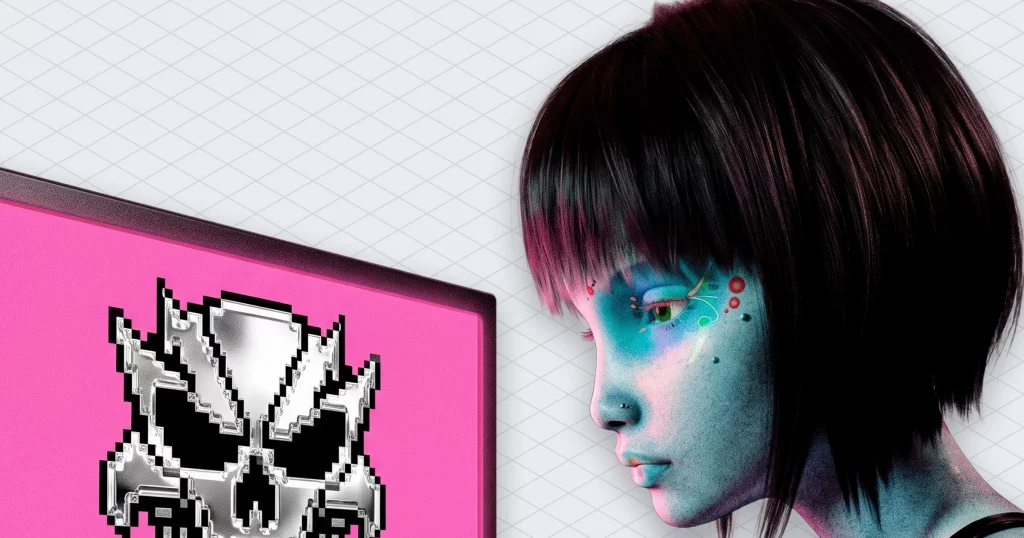
Music for games is the line item nobody budgets for, right up until a playtest goes quiet. If you build games and don’t compose, you usually get two options: spend a year learning harmony, or buy three looping tracks and hear them several hundred times during QA. This post is a third way to make music for games. You drive a generative music API from your game states (menu, exploration, combat, boss), so the score reacts to the player and ships cleared for commercial release under whichever licence plan you pick. Then come the code sketches, the honest trade-offs and the parts we got wrong first.
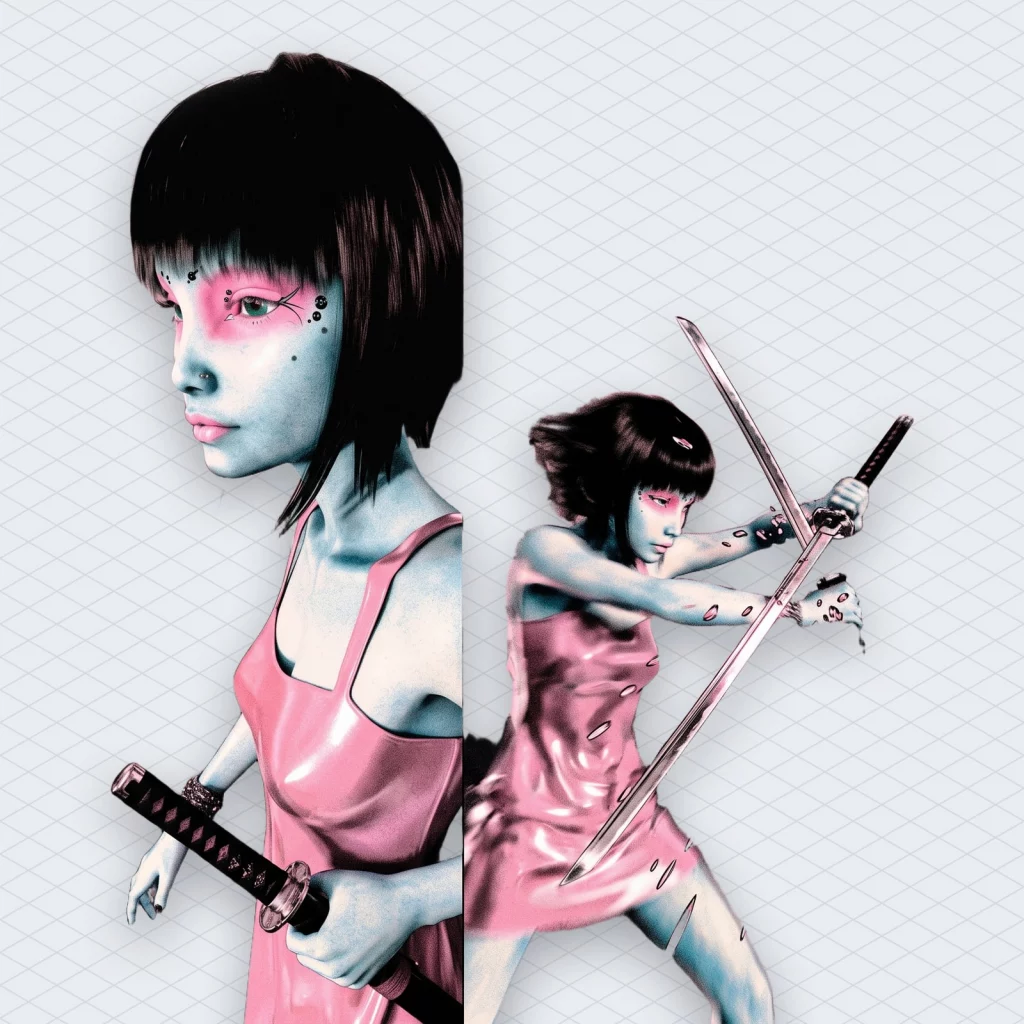
How to make music for games without learning to compose
“Adaptive music” just means the soundtrack changes with what the player is doing. It stays calm while they explore and gets busier when something tries to eat them. Studios make adaptive music for games with a composer, stems (separate recordings of drums, bass, melody and so on) and middleware that fades those layers in and out.
You probably have no composer and no stems. Instead, you have a state machine and a deadline.
So the job changes. Rather than learning how to compose music for video games, you learn how to direct it. You decide which moments need which energy, and something else writes the notes. Every few frames your code says “this is a fight now”, and then the music answers.
A generative API does the writing part. The Mubert API docs describe it as a way to integrate track generation and music streaming into apps, games or services. Because the music comes from samples made by human artists, who get paid when their sounds get used, nobody here is replacing a musician. Actually, you’re hiring a few thousand of them, without the scheduling. So if you need music for games and own zero music theory, this is the part you outsource.
Your game already has a score, and it’s called a state machine
Before any HTTP call, write down your states and what each one should feel like. It takes ten minutes and saves a week.
| Game state | Energy | Delivery | |—|—|—| | Menu | Low, patient | Pre-generated loop | | Exploration | Medium | Live stream, intensity “medium” | | Combat | High | Same stream, intensity “high” | | Boss | High, distinct | Pre-generated track, crossfade | | Victory / death | Short sting | Pre-generated jingle |
Two ways to deliver music for games show up here, and the rest of the post is about choosing between them. Streaming is an endless generated stream you can steer while it plays. Pre-generated means finished files you request once, store and ship.
You can make a whole game with just one of them. Still, most games end up using both, because a menu and a boss fight have very different ideas about the internet.
Streaming music for games: one stream, three intensities
The streaming side starts with a link request. First you pick a channel (a playlist_index, Mubert’s ID for a genre or mood preset), then a bitrate, a starting intensity and a transport:
curl -X GET "https://music-api.mubert.com/api/v3/public/streaming/get-link" \
  -H "customer-id: CUSTOMER_ID" -H "access-token: ACCESS_TOKEN" \
  -H "Content-Type: application/json" \
  -d '{"playlist_index": "1.0.0", "bitrate": 320, "intensity": "medium", "type": "webrtc"}'
The transport is either http or webrtc, and bitrates go from 32 to 320, per the v3 reference. Mubert lists WebRTC with sub-second latency on its API page. Latency matters more in music for games than in a playlist, because a sword swing and a drum hit are supposed to land together. HTTP is simpler, and it’s fine for a menu.
One small trap: this is a GET with a JSON body. Browser fetch refuses to send a body on GET, so make this call from your backend or a native HTTP client. (Nobody enjoys learning this from a TypeError at midnight.)
Changing the intensity mid-stream without a restart
This is the part that makes it adaptive. A set-intensity call changes how busy the arrangement is. According to the reference, the presets use fewer or more instruments at once, and intensities change without breaking the stream. Also, a second call, streaming/restart, makes a different melody start on the same URL. That’s your “new area” button.
const API = "https://music-api.mubert.com/api/v3/public";
const headers = { "customer-id": CUSTOMER_ID, "access-token": ACCESS_TOKEN, "Content-Type": "application/json" };

export const setIntensity = (level: "low" | "medium" | "high") =>
  fetch(`${API}/streaming/set-intensity`, { method: "POST", headers, body: JSON.stringify({ intensity: level }) });

export const newArea = () =>
  fetch(`${API}/streaming/restart`, { method: "POST", headers });
The docs also describe a loop mode (on or off, plus an optional playback-time parameter). It helps when a puzzle room should keep one phrase going instead of wandering off.
The music director stops the score from panicking
We tried the obvious thing first and hooked intensity straight to “enemy within range”. It went badly. One bat circled the player at the edge of aggro range, and the soundtrack switched moods like a smoke alarm with opinions.
So adaptive music for games needs a referee: a tiny layer between gameplay and audio. Call it the music director. It holds back a change until the new state has lasted long enough, and it’s asymmetric. Entering combat should be quick. But leaving it should be slow, because calm that lasts two seconds isn’t calm, it’s a reload.
type GameState = "menu" | "explore" | "combat";
type Level = "low" | "medium" | "high";
const LEVEL: Record<GameState, Level> = { menu: "low", explore: "medium", combat: "high" };
let current: Level = "medium";
const ENTER_MS = 1500, LEAVE_MS = 8000; // enemies must stick around; calm must be real calm
let pendingSince: number | null = null;

export function tick(state: GameState, now: number) {
  const wanted = LEVEL[state];
  if (wanted === current) { pendingSince = null; return; }
  pendingSince ??= now;
  const wait = wanted === "high" ? ENTER_MS : LEAVE_MS;
  if (now - pendingSince >= wait) {
    current = wanted;
    pendingSince = null;
    setIntensity(wanted); // fire and forget, never block the frame
  }
}
Those thresholds are our guesses, not a standard, so tune them in a playtest. Also cap your call rate. If a bug flips states every frame, the director is what keeps you from firing hundreds of requests a minute.
Three intensity levels are a coarse dial
We should admit the limit. Three intensities give you calm, active and loud, not twelve smooth steps. For most indie games, three levels of music are plenty.
If your design really needs fine-grained layering, though, put your own mixer effects on top: a low-pass filter when the player is underwater, ducking under dialogue. Then leave the API to handle the big moves, since that’s what it does well.
Pre-generated music for games that ships offline
Streaming needs a connection, but offline music for games has to live in the build. Consoles, planes and anyone with bad hotel Wi-Fi don’t have a connection. So generate the files at build time and ship them with the game.
The quick start in the docs shows the request, and a loop mode exists for exactly this:
curl -X POST "https://music-api.mubert.com/api/v3/public/tracks" \
  -H "customer-id: CUSTOMER_ID" -H "access-token: ACCESS_TOKEN" \
  -H "Content-Type: application/json" \
  -d '{"playlist_index": "PLAYLIST_INDEX", "duration": 30, "format": "mp3", "mode": "loop", "intensity": "medium"}'
The other modes are track, jingle and mix, and lengths run from 15 seconds up to 25 minutes (that’s on the API page too). Jingles cover victory and death stings, while a full-length track covers the boss, written to the length of the fight instead of faded out of a 3-minute file. Text prompts work too, if “grim castle, slow drums” is easier than browsing channel IDs.
Four details will save you a refactor:
- Generated links expire (each generation carries an
expired_at), so download the file and commit it instead of hotlinking it. - Use the webhook on your licence to hear when generation is done, rather than polling in a loop.
- The edit endpoint takes a new intensity for an existing track, so you get a calmer and a busier version of one piece. Check by ear that they line up before building a crossfade on them.
- Search the curated library first, since the quick start tells you to check it before spending a generation.
Crossfading music for games into a boss fight
Crossfades are the oldest trick in music for games, and the boss handoff is just one more. Fade the live stream out over a second or two, then start the boss track on a second audio source and fade it in. Two players, one crossfade, and your engine’s mixer already does it.
When the fight ends, reverse it. Fade the boss track down and call restart, so the area doesn’t come back with the same melody it had before the door.
(A tangent: we lost an afternoon arguing whether boss music should start on the door opening or on the first hit. The door won, because players need a second of dread to enjoy the fight. Anyway.)
Keep the licence token off the player’s machine
Security is the dull side of music for games, which is exactly why it turns weekend prototypes into tickets. The API has two directories. Service endpoints use your company-id and license-token, and that’s how your company manages licences and customers. Public endpoints use a customer-id and access-token, and that’s what plays music.
So the licence token lives on your server and nowhere else. Your backend registers a customer (one per player or per install, depending on your model) through the service endpoint and hands the client public credentials. If someone decompiles your build, they get one customer’s music access, not your company account.
The same backend is also a good place to make the get-link call, cache channel IDs and enforce the rate limit from the director section. We cover more of these choices in five decisions to make before you write music API code, including when caching beats streaming.
Licensing music for games you sell
A free asset pack can cover a game jam, but commercial music for games needs a licence that actually covers commercial release. The technical part is easy. The licence is the part that ends up in front of a lawyer.
So read your licence through the API before you build anything on top of it. The first step in the docs is a GET on service/licenses, which returns your enabled features (track, text-to-music, image-to-music, streaming), allowed modes, the maximum track duration and remaining quota. If streaming is missing from that list, your adaptive score has become a very confident menu loop.
Volume and rights scale with the plan. Mubert’s use-case page says licences range from 100 to 30,000 generations and streaming minutes per month, with extras like sublicensing on some tiers. The plans page also lists sublicensing and distribution as features. On the API page, the Trial is described as a testing tier, and sublicensing comes in once you move to a real product. We won’t quote prices because they change, so check the live pricing page.
Sublicensing matters if players can export or share the music, for example a level editor that saves tracks with user creations. Our plain-language guide to sublicensing in music covers it. Still, the scope you actually get is whatever your plan says, not what this blog says.
And the three looping tracks from the intro? Keep one. It’s a fine pause menu.
A checklist for your first adaptive game score
- Write a state table for your game: each state, its energy level, stream or file.
- Call the licences endpoint and confirm streaming, modes and quota before writing gameplay hooks.
- Move the licence token to a backend and register players as customers.
- Prototype one stream with
set-intensitywired to exploration and combat. - Add a music director with slow-exit debouncing and a hard cap on calls.
- Pre-generate menu loops, stingers and a boss track, then download and commit the files.
- Build one crossfade between the live stream and the boss track, and playtest it with the door trigger.
- Read your plan’s sublicensing and distribution terms before you add music export.
 Who we are