
Free music for Twitch has to pass two checks: the live stream, and a scan of the VOD (the saved copy of a past broadcast) after you go offline. When that scan launched in 2014, one flagged song muted the whole 30-minute block around it. This post is for streamers who put music under a game, a chat or a craft stream. It covers what gets muted, what gets deleted, what survives the scan and how to set up OBS so the archive keeps its sound.
Free music for Twitch has to pass two checks: the stream and the VOD
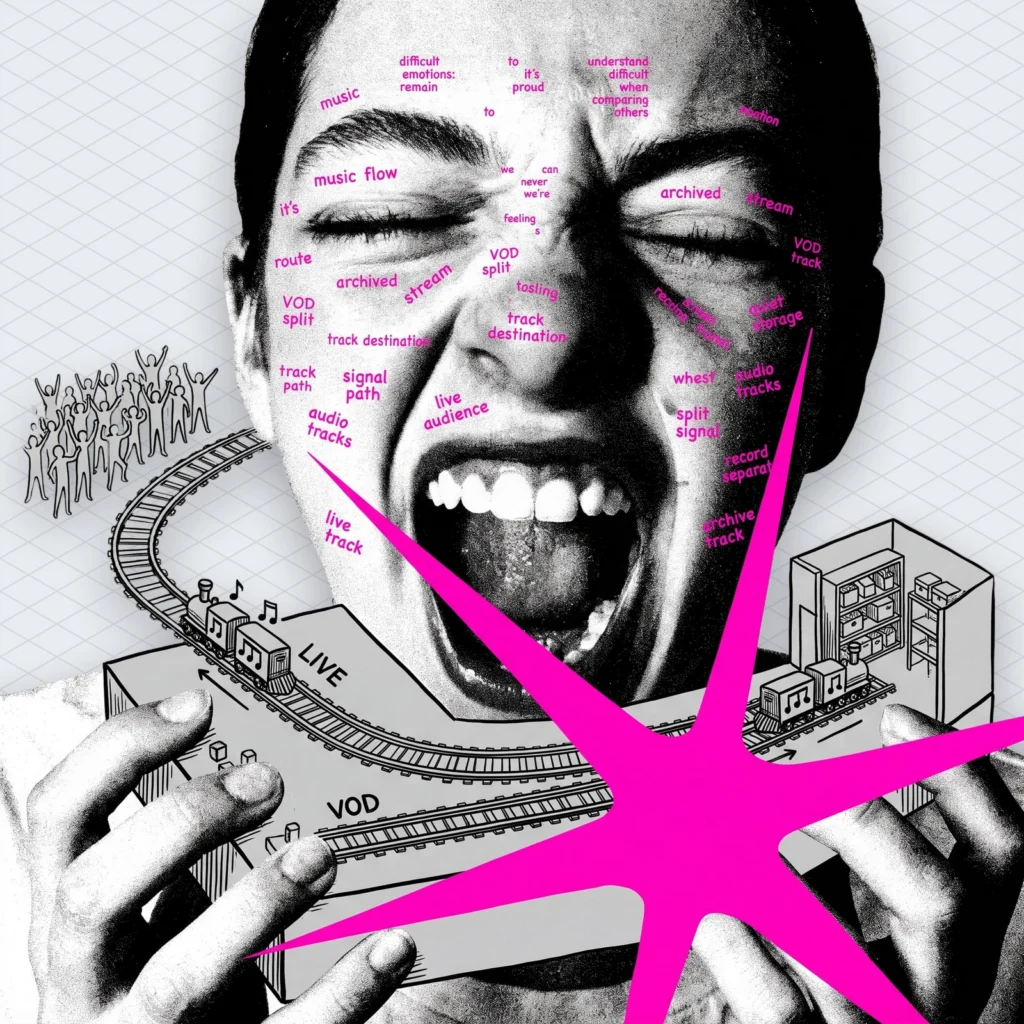
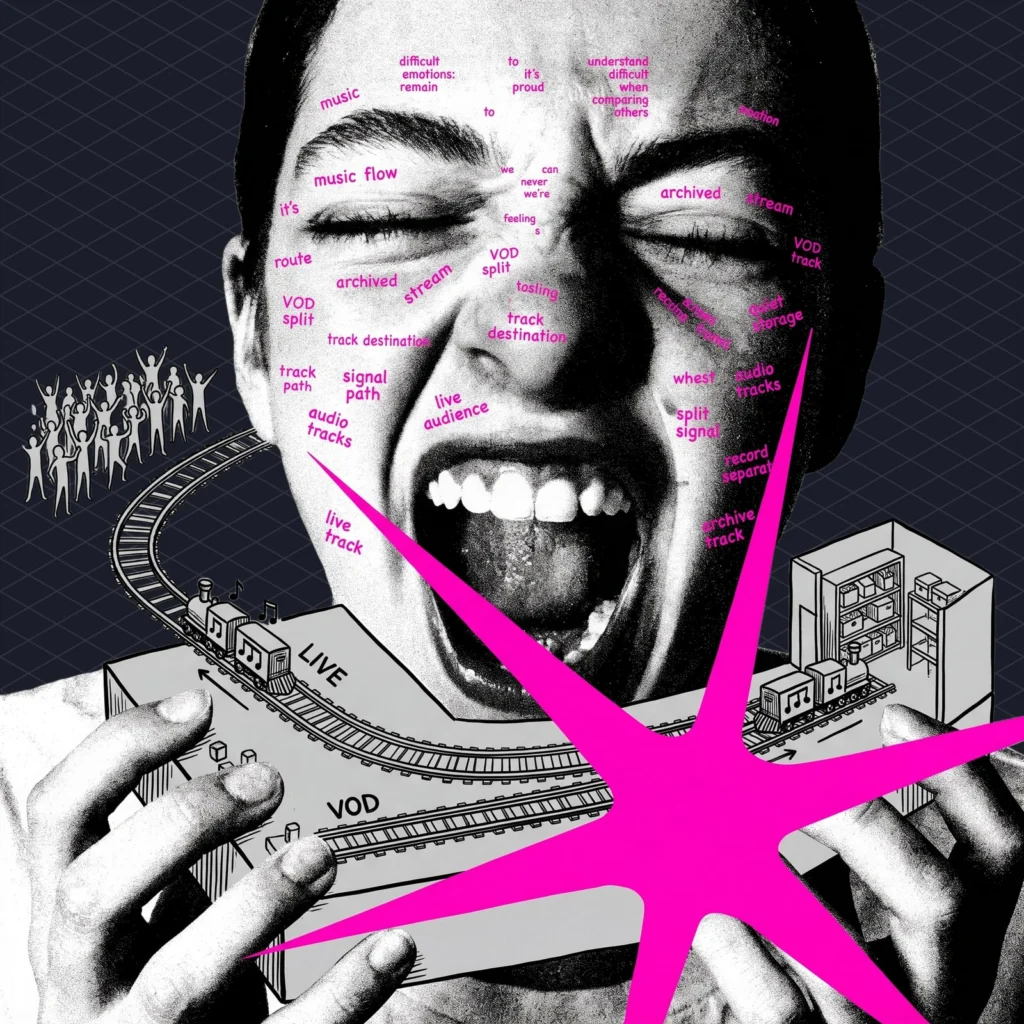
A track on Twitch has to get past two audiences: the people watching live, and the system that reads the recording afterwards. The live audience is the loud one. The VOD keeps the receipts.
When Twitch switched on audio recognition in August 2014, Game Informer reported that the system would scan archived streams only and that “livestreams will not be affected”. So the stream itself goes fine. Chat is happy, the song bangs, nobody complains. Then you go to sleep, and Twitch compares the archive against songs that rights holders registered with Audible Magic, the audio fingerprinting company it uses.
That gap causes most of the confusion around free music on Twitch. A streamer plays a song for three hours with no warning and decides it must be fine. The next day the VOD has a silent stretch right where the best moment was. The song was never fine. Nobody had checked it yet.
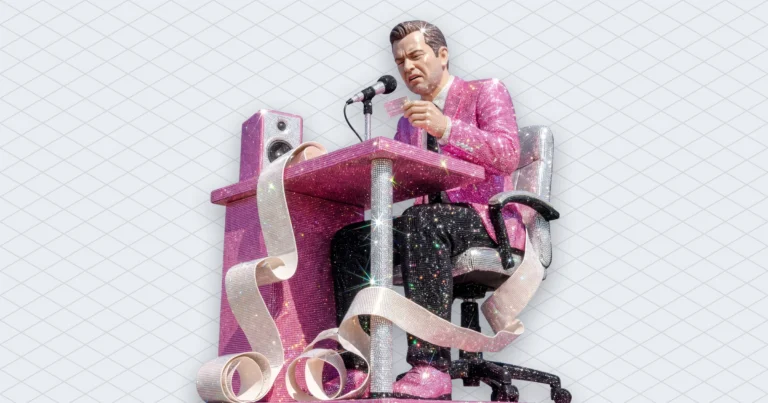
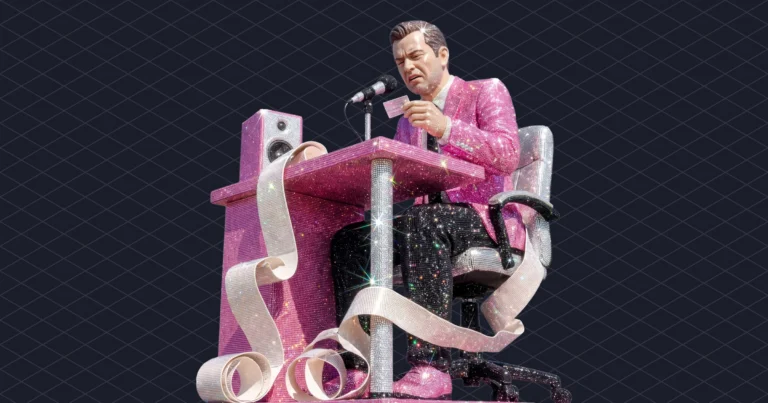
(Live, Twitch is a party. The VOD is the minutes of the party, and a lawyer reads the minutes.)
Rights holders can also complain about content directly, which is a separate and less polite process. We get to that below.
Twitch mutes the VOD in blocks, and everything near the song goes with it
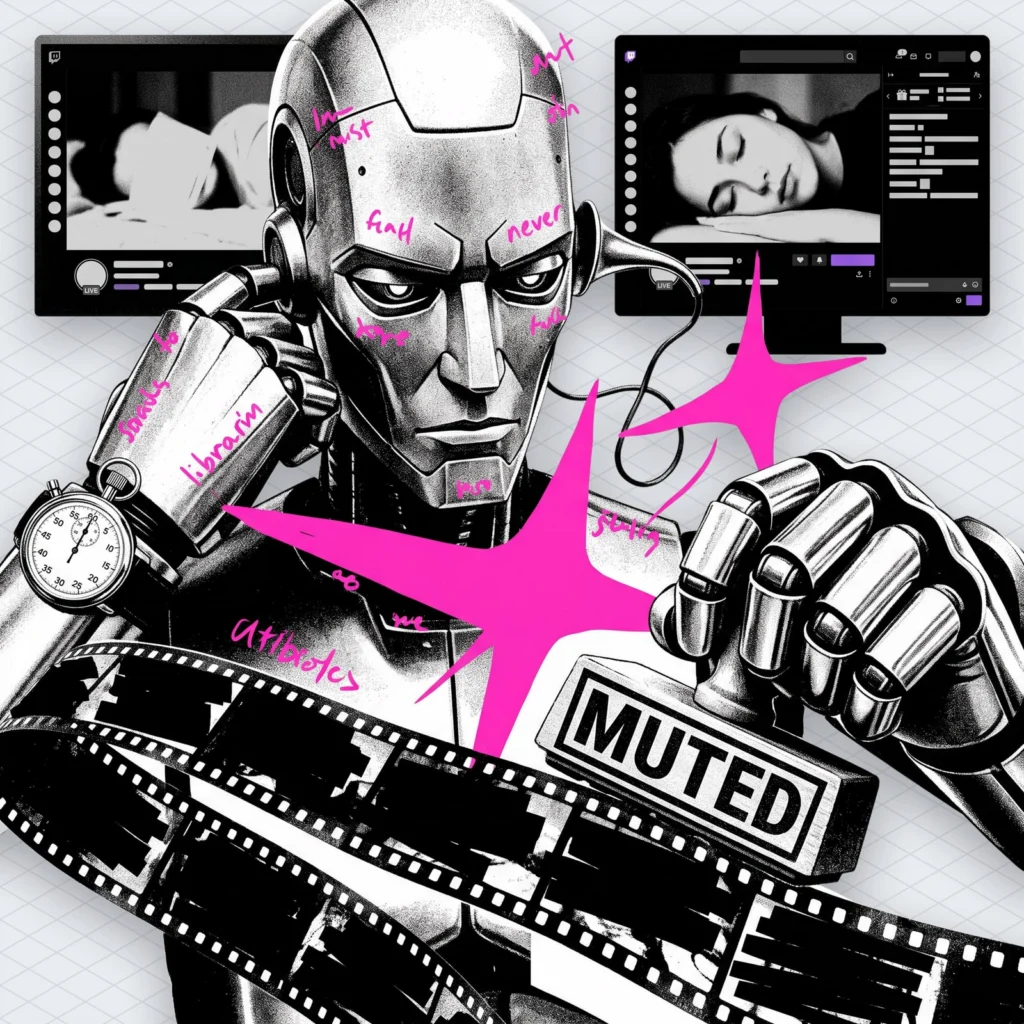
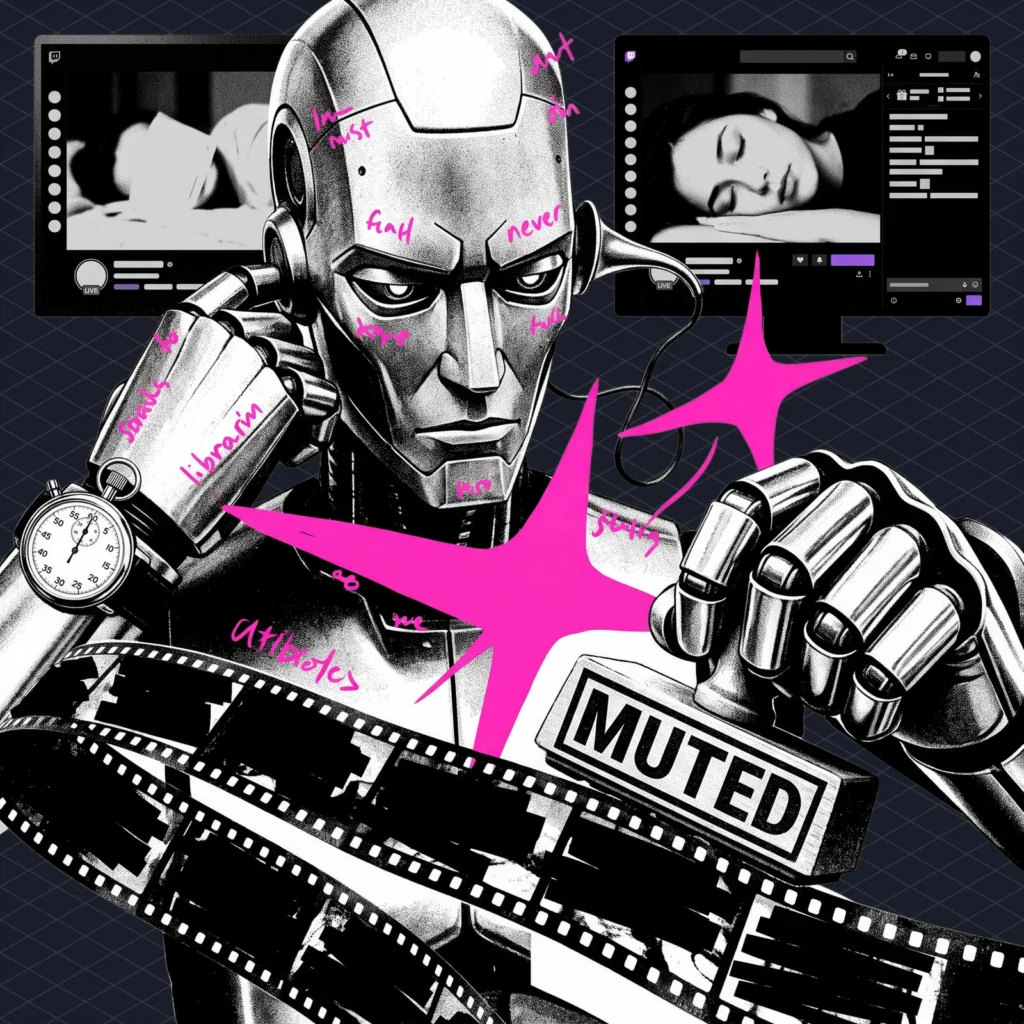
Twitch does not cut out just the four minutes of the song. As Twitch described the system in 2014, third-party audio anywhere in a 30-minute scanned block muted the entire 30 minutes, and the volume controls for that VOD switched off (Game Informer). Your voice goes with the song. So do the clutch play, the raid thank-you and the joke chat was still quoting an hour later.
The scan also catches music you never picked. TechCrunch reported that it muted in-game music. Twitch’s own warning said the system “may return false positives” and can miss songs from rights holders who do not work with Audible Magic. In its first week it muted official VODs of Dota 2’s The International, which Valve, the game’s publisher, had recorded itself.
Picture the meeting at Valve that week. We do, more often than is healthy. Anyway.
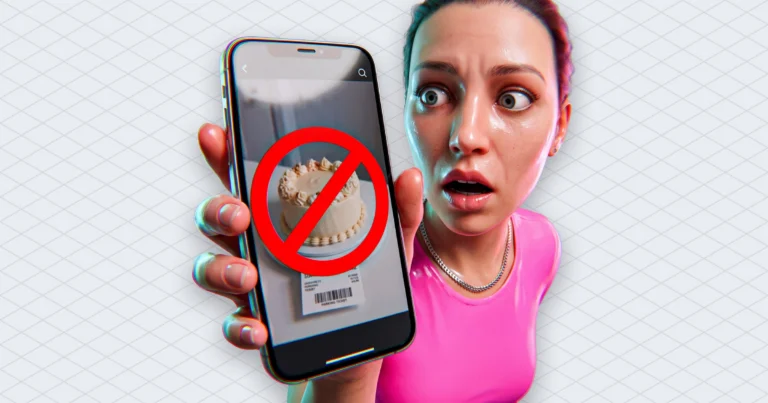
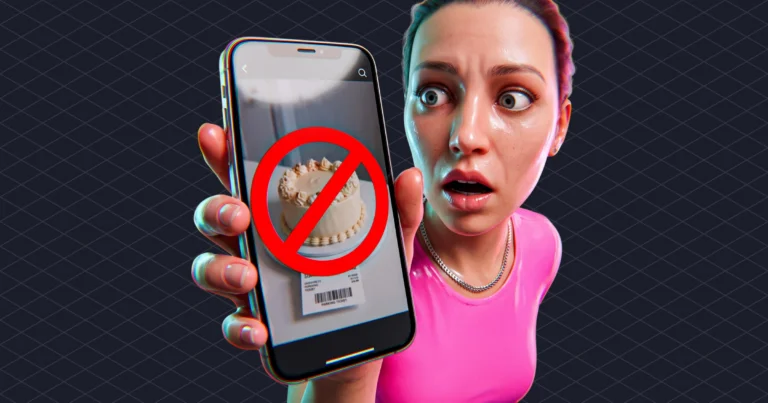
You can appeal a wrong mute. Twitch’s music reporting process page says that if audio recognition flagged your video by mistake, you can use the appeals process in the Video Producer on your dashboard. The mute itself is automatic and quiet. A DMCA notice is different: a rights holder (usually a label, or a company working for one) asks Twitch to take the video down. Those notices are what add up against an account. So free music on Twitch that only dodges the scan is half a solution, because a notice can still arrive.
The 2020 takedown wave hit clips and VODs that were years old
The archive stays a liability long after the stream ends. In its November 2020 post, Twitch said streamers had received fewer than 50 music-related DMCA notifications a year until May 2020. Then label representatives started sending thousands every week. More than 99% of the notifications from late May to mid-October were for tracks streamers played in the background.
Background music. Not DJ sets, not music streams. The song quietly playing under a 2018 match became a takedown in 2020.
Twitch wrote that it had to delete the VODs and Clips named in the notifications. It also said it bans the accounts of people who repeatedly infringe. Many of the flagged clips were years old, Engadget noted. Some streamers also said content they had already deleted still drew claims, apparently because copies stayed on Twitch’s servers. Old free music on Twitch is the riskiest kind, because nobody remembers where it came from.
So the real question about free music for Twitch is how long the licence has to last. The answer: as long as the VOD, the clip and the highlight exist. Twitch keeps past broadcasts for 7 days for most broadcasters, 14 days for Affiliates and 60 days for most Partners, Prime and Turbo users, according to its help page on on-demand content. Highlights and uploads do not run on that clock. Since 2025 they share a 100-hour storage cap instead (TechCrunch). A highlight you cut in 2023 is still out there being a highlight.
Free music for Twitch that keeps its sound in the VOD
Free music for Twitch reliably comes through the scan in three kinds: music you own, music licensed for both the stream and its recordings, and music made for you under a licence that covers broadcast. Everything else is a bet that the database has not heard the song yet. Here are the options that actually work, roughly from cheapest to most effort:
- Your own songs, written and recorded by you. If you release through a label or distributor, check what they registered for fingerprinting before you play your own track over a VOD.
- Tracks from a free music library whose licence names Twitch, live streams and the recordings made from them. Twitch’s 2020 advice was to use “a fully licensed alternative” and to read the licence agreement of any game with music in it.
- Music generated for your stream, where the generator’s licence covers broadcast and its source material comes cleared.
- Game audio from games whose publisher allows streaming, with the licensed soundtrack switched off. Boring, and rarely muted.
None of these needs a lawyer. Each one needs a page you can point at if someone asks where the music came from. If you cannot find that page in two minutes, you will not find it in the week after a takedown either.
No-copyright playlists and Spotify are not free music for Twitch
A video titled “No Copyright Music” with a nice thumbnail is not a licence. That title is a description someone typed in. We went through what those compilations really are in our post on no-copyright background playlists. Most of them come with terms, if you can find the person who owns the terms. Free music for Twitch from a stranger’s upload is only as good as the stranger’s paperwork.
A Spotify or Apple Music subscription does not count either. It covers your own listening, not a broadcast to strangers. Buying the MP3 does not change that. You own a copy, not the right to play it to 400 people and a VOD.
This is where we have a horse in the race, so add salt. Mubert Render writes an original track to the exact length you ask for, built from samples that real artists uploaded and get paid for. The platform licence clears it for commercial use, and the exact scope depends on the plan, so read the licence for yours before you build a stream around it. The original part matters here for a dull technical reason: the scan matches recordings it already has on file, and a track composed for your request was not on anyone’s shelf before.
Free music for Twitch usually comes with a licence line nobody reads
“Free” on a music site usually means there is no fee. It rarely means there are no conditions. Before a free track goes under your Twitch stream, find out which conditions come with the music, because the VOD inherits all of them.
The common ones are dull and specific. Some want a credit line in your channel panel or the video description. Others cover live streaming but not the YouTube upload of the same VOD. A few use a whitelist, where you register your channel name before the music counts as licensed for you. Then there is the free tier whose terms say what happens to old videos when you stop using the service. None of this is sinister. It is paperwork, and the scan ignores it either way.
Confession: we used to read “free” as “done”. It is the start of the checking, not the end.
We see how often “probably fine” turns out not to be fine. About one in four tracks people ran through our copyright checker came back with a rights holder’s claim (24.1%, down slightly from 25.7% in the period before; Mubert’s own data, last 28 days). These are tracks someone was already unsure about, so it says nothing about all music on Twitch. It does say how often a hunch is wrong.
Twitch VODs that go to YouTube need a second licence
A Twitch highlight re-uploaded to YouTube meets a second fingerprint system, so one track can need two clean licences. YouTube runs its own matching on every upload, and it has never heard of your Twitch settings. So free music for Twitch that you also post to YouTube needs a licence that names both platforms, or at least does not exclude one of them.
We compared how six free sources behave on a monetized channel in our guide to free YouTube music. The short version: the same track can be fine as a credit-line download on one site and a claim magnet on another. Read the licence for the place the file ends up, not the place it started.
The OBS VOD track keeps music live and out of the archive
OBS Studio can send Twitch two audio mixes in one stream: one for live viewers and one for the VOD. Elgato’s setup guide walks through it. Set Output Mode to Advanced, turn on Twitch VOD Track, then open Advanced Audio Properties. Tick Track 1 only for your music, and Track 1 and Track 2 for everything else. The music plays live and never reaches the archive.
There are two catches. First, the music has to be its own source, captured from the player app or a virtual audio device. If it sits inside Desktop Audio, you cannot pull it out of the VOD mix. Second, the trick only changes the recording. The live stream still has to follow Twitch’s music rules, because a DMCA notice does not need Audible Magic to exist. For free music on Twitch with a licence that covers live use only, this is the fix: it plays live and stays out of the record.
A VOD with no music under your voice is still better than a 30-minute gap where you were.
Twitch used to build this in. Soundtrack by Twitch put licensed music on its own audio channel “so creators can play the tracks without being worried about muting or receiving strikes” (TechCrunch). It launched in September 2020 and has been unavailable since July 2023 (Streamlabs). Now the VOD track is a setting you manage yourself, and you have to check it again after every OBS update, new audio device or scene rebuild.
Test it once with a short private stream. Play a track, end the stream, open the VOD and listen to that timestamp. If the music is there, the routing is wrong. That takes five minutes, compared with finding out the morning after a ten-hour subathon.
The DJ Program licenses the live set, never the replay
Twitch’s DJ Program, which Twitch announced in June 2024 with licensing deals covering Sony, Universal, Warner and Merlin (Music Business Worldwide), lets enrolled DJs play label music live under a licence. The replay stays out. Per Twitch’s Creator Camp page on music and DJs, DJs in the program “will not be able to save, or let viewers save VODs, Clips, Highlights, or Uploads”.
The reason Twitch gives is one sentence: “VODs, Clips, Highlights, and Uploads involve different rights than livestreams.” That line explains most of this post. Even a deal with every major label covers the live stream only, so a free music playlist from a stranger will not cover the Twitch archive either.
For everyone who is not a DJ, the takeaway is simple. “Allowed live” and “allowed in the VOD” are two different permissions. If a licence only mentions one, assume you only have that one.
Game music and in-game radio get muted like any other song
Game audio catches people out, because it does not feel like music you chose. Twitch’s 2020 advice was to check the game’s end-user licence agreement, turn off music in games that allow it, or mute game audio yourself. If none of that works, it suggested turning off VODs and Clips altogether.
Licensed songs on in-game radio stations are the classic case: the game is fine to stream, the radio is someone’s catalogue. We went through this for one very large upcoming release in our GTA 6 streaming rules post. Most open-world games with car radios have a setting to turn the stations off or play your own files, and some have a streamer mode that removes licensed tracks. None of the free music on your Twitch channel helps if the game is playing a licensed single underneath it.
Rhythm games are worse. The music is the game, so there is nothing to switch off. In 2020 some streamers played rhythm games with no music in protest, which is roughly as fun to watch as it sounds. If a game is built around licensed songs, either keep VODs off for that category or accept that the archive will be mostly silent.
A checklist for free music for Twitch streams this week
- Open your last VOD with music and scrub the timeline for muted stretches.
- Find the licence page for every free music source and check it names Twitch, live streams and recordings.
- Move your music player to its own OBS source and turn on Twitch VOD Track.
- Run a private test stream and confirm the music is missing from that VOD.
- Switch off in-game radio and licensed soundtracks in each game’s audio settings.
- Delete old clips and highlights with music you cannot trace to a licence.
- Save each licence page or receipt in one folder next to your stream assets.
- Appeal any mute that hit music you own or licensed, from the Video Producer.
The lawyer will still read the minutes. Give them something boring to read.
 Who we are